custom icon path

Hi!
I want to use some custom icon related to SAP (I do not find any SAP icon into the default list)
I observed that all the image of RDM are locatel indo the folder: RemoteDesktopManager\Images\Icons
It is correct to insert here the custom image I want to use for SAP Logon Sessions, for example ?
If I share the RDM data source with more than one PC. These custom icon are also shared or have to be present on all PC I use ?
REgards
P.
All Comments (11)
Hi,
There is a better way of doing it:
https://blog.devolutions.net/2015/04/introducing-theme-support-for-remote-desktop-manager.html
Regards
David Hervieux
Hi!
I wake up this old thread because the url you wrote is now dead and I am still wondering how to use custom icons.
I noticed "images" folders in Program Files and in \AppData\Local\ but I do not know how to get those images and also noticed the "Custom" tab when choosing an icon.
Thanks and regards
Hello,
Thank you for contacting us on this matter!
In order to import custom icons in RDM, you will want to enter the properties of one of your entries, click the icon button near the top-right of the window and use "Load from disk". This button will allow you to import icons into RDM to use them with your entries.
Don't hesitate to let us know if you have any additional questions regarding this topic!
Best regards,
Gabriel Degrandpré
Hello,
Thank you very much, I was not applying after choosing a custom file that is why it was not added to the list. I thought it was not working.
So maybe one missing point is to be able to choose the color if it is a svg file like for default icons.
Regards
Has the "Load from Disk" Button been removed? I know i've used it in the past. Now it's not there. Using latest version of RDM (2022.1.13.0). All i see now is the standard/default icons. Looking to add a custom icon by uploading a PNG/ICO file.
Hello,
It's still there for me:
David Hervieux
Not there for me. :( Hence my question. Is there super-secret cool-guy mode i need to enable first? 
2022-03-02_11-07-07.png
FWIW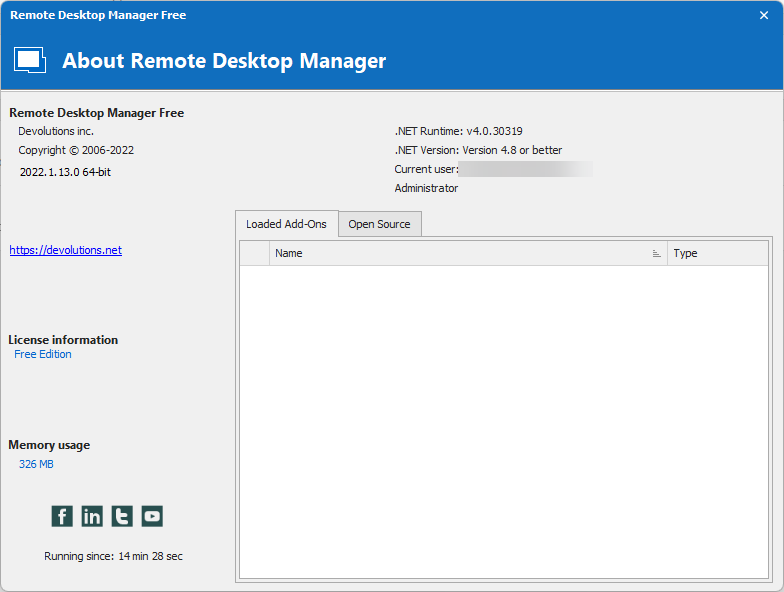
2022-03-02_11-20-27.png
A HA!!!!!!!!!!!!!! I just figured it out. I'm using XML database format and it is not available. I just created a dummy SQLLite DB and it is available.
Not sure why it's available in one but not the other, but now I see it.
Can i convert XML to SQL Lite? Can i move all the objects into a new DB?
Got it all figured out now. I exported to RDM and imported into a new SQL Lite DB.
I can now change the ICON to a custom icon.
Crisis adverted! :)
Thank you!
Hello,
Glad to see that you have found the answers you were looking for! Let us know if we can assist you with anything else.
Best regards,
James Lafleur