Windows 10: Blurry RDP-Window in non-fullscreen mode

Hello all,
one Month ago I upgraded my Windows 7 to Windows 10 OS. Since Windows 10 we observe a strange bug in Remote Desktop Manager Enterprise 11.1.
When we connect to a Server, the whole connection window is pretty blurry and the resizing hadn't worked: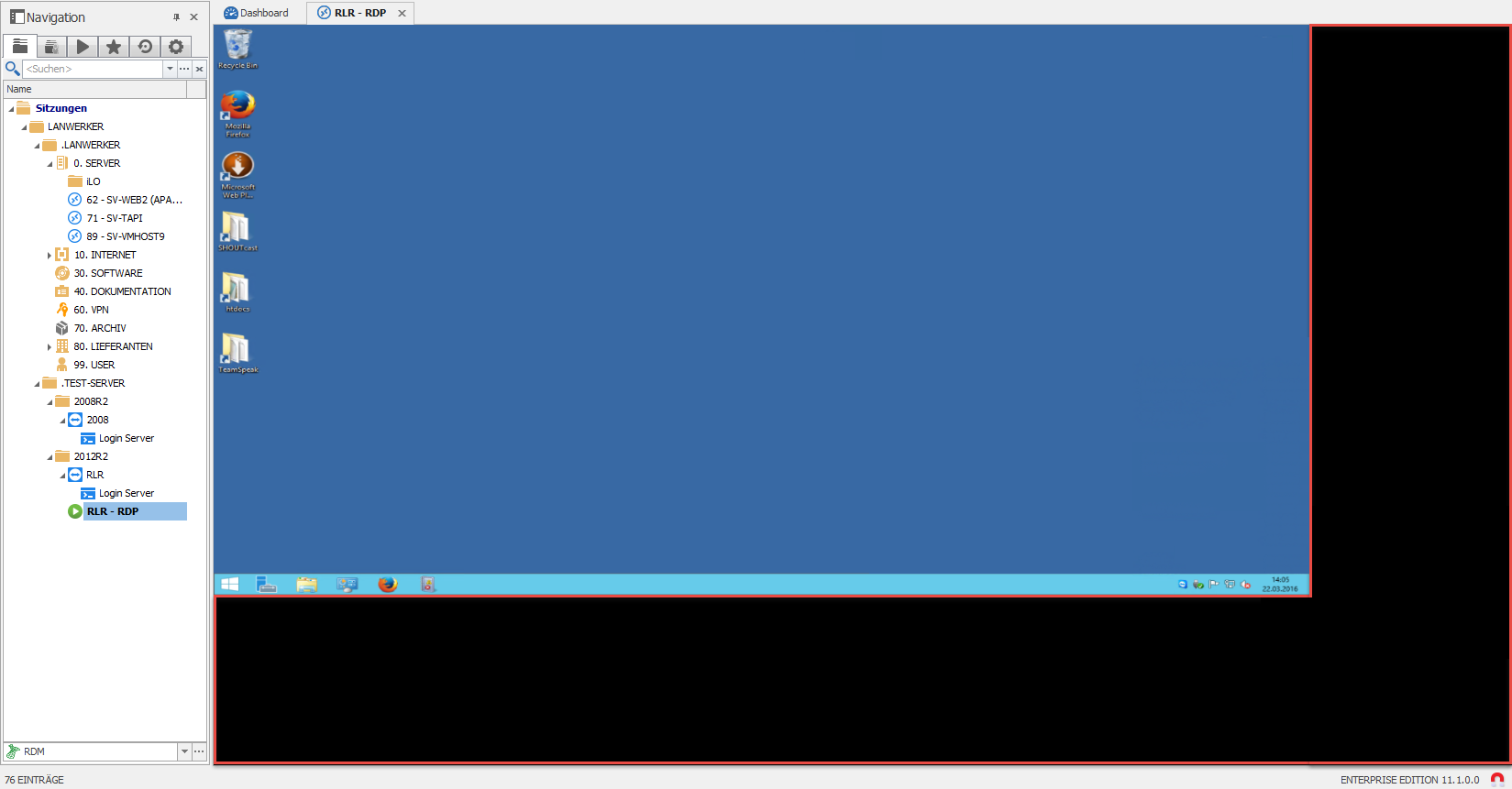
If we go into fullscreen mode after this, everything is "ok":
But as soon as we exit fullscreen mode, the resizing works, but its still a little blurry: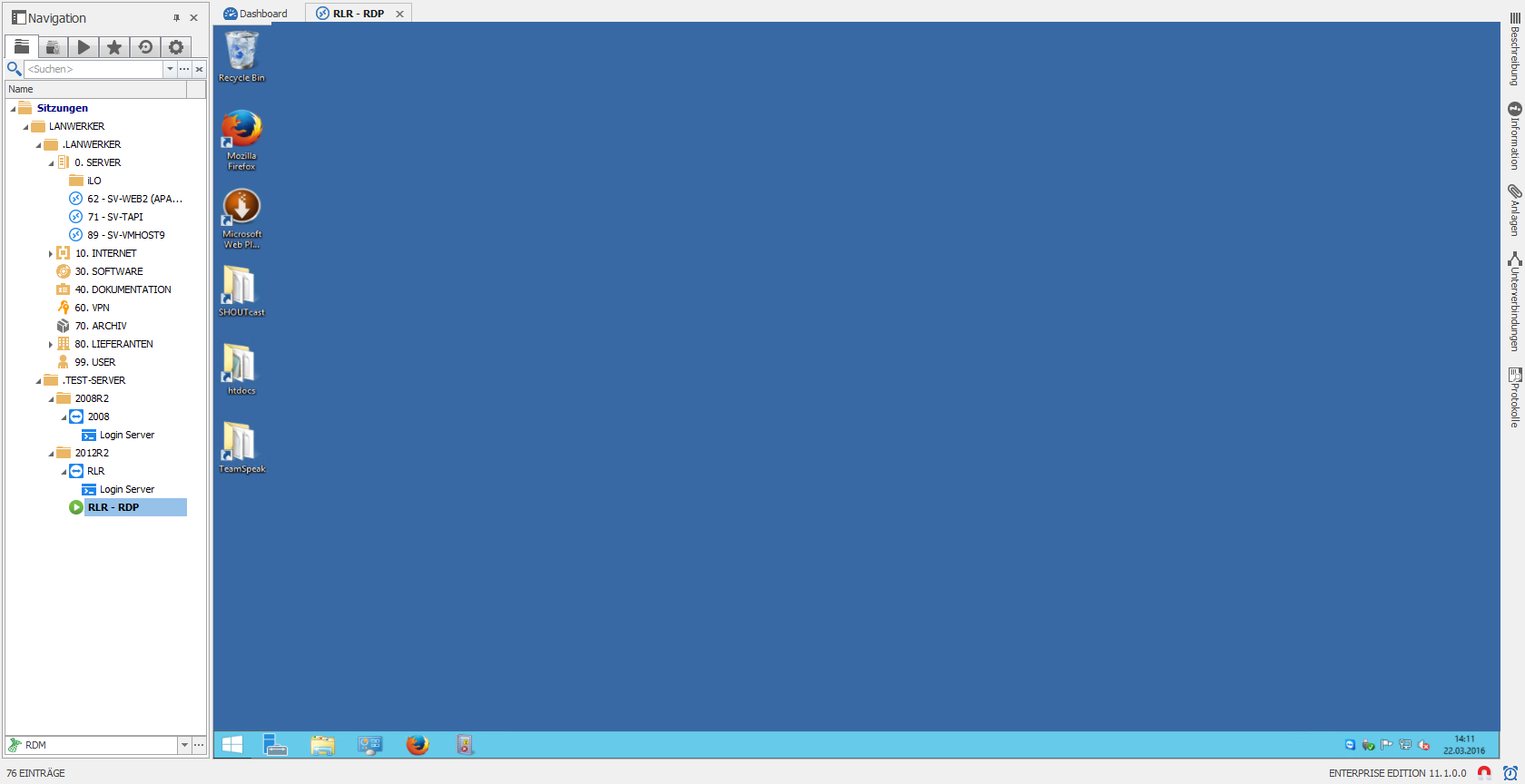
As View-Settings we got "Aktuelle Bildschirmgröße" (current Screensize) and for Screen sizing mode we got "RDP Fenster (intelligente Sortierung)" (RDP Window (intelligent sorting)).
Is there any way to fix this issue? It looks like its OS related, since we don't have this kind of problem on our Windows 7 or Windows 8.1 based systems.
Best wishes
Alex
All Comments (11)
Could you try to set the resolution to Default instead of current screen size?
David Hervieux
If I do, he won't resize Fullscreen to Fullscreen.
It keeps the same size: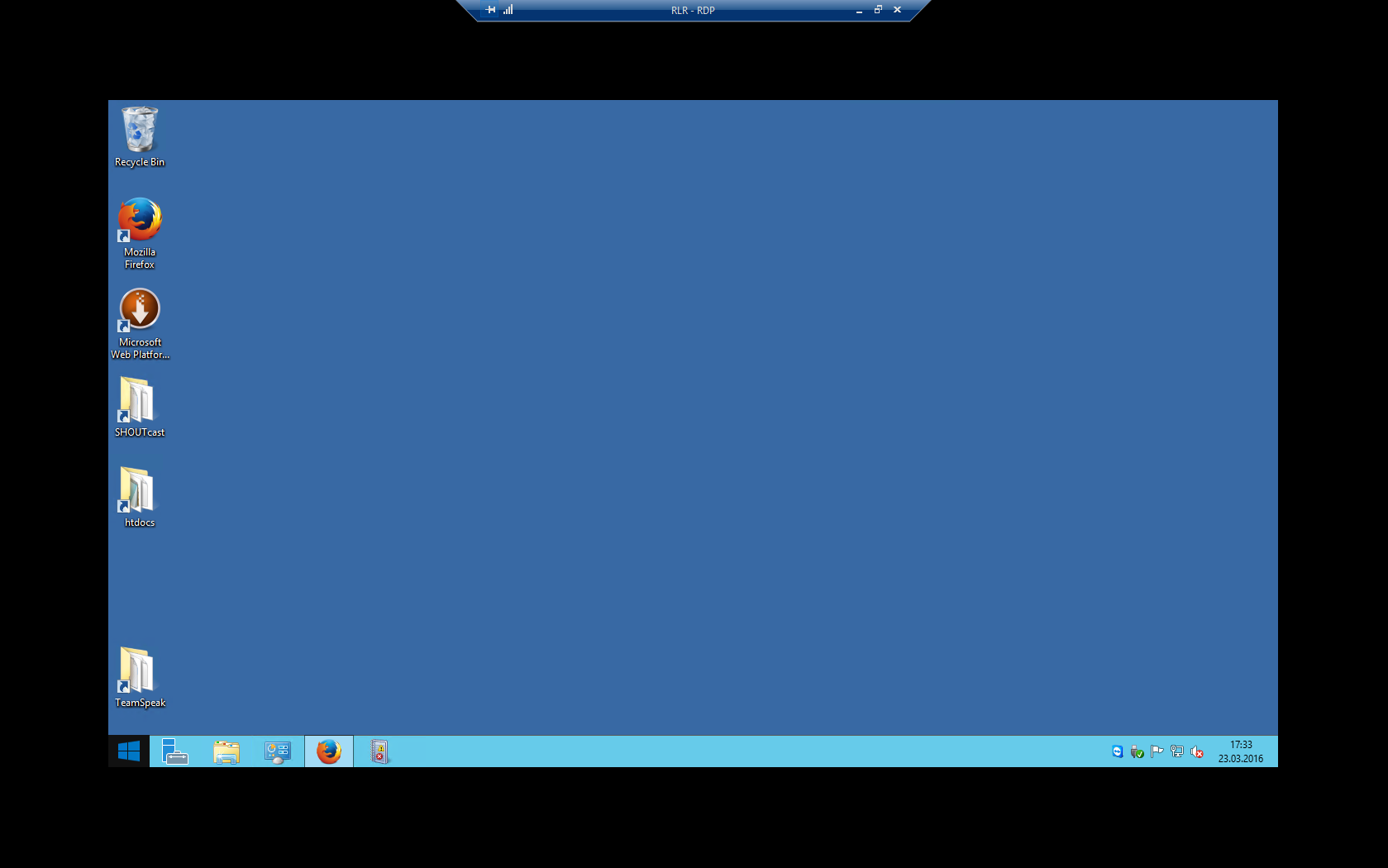
Unfortunately the application will need to scale the resolution at one point. This means that if you use the full screen resolution it's scaled when you go in embedded mode or you could uncheck the Smart sizing to have the scrollbar.
Regards
David Hervieux
It should scale - but in "Default"-Resolution it doesn't scale, and in "current Screensize"-Resolution it scale, but is just extreme blurry whenever outside of Fullscreen-Mode.
This would mean we could only use Fullscreen-Mode or embedded only, when we use the application on Windows 10 computers? Or is there a way to fix that problem with the view-settings?
Hello,
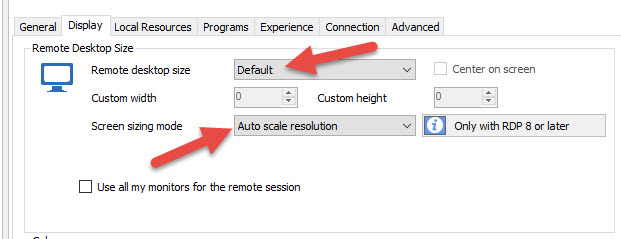
Have you tried to configure the Remote desktop size to Default and the Screen Sizing mode to Auto Scale Resolution?
Best regards,
Jeff Dagenais
2016-03-24_08-17-20.jpg
I just did so:
It is scaling everything right, and nothing is blurry, but whenever the size of the window changes (like switching to Fullscreen or back) it disconnects for 1 to 5 seconds every time which is pretty annoying...
Hello,
This feature has been implemented in RDM 10, you can read the following blog on the subject
http://blog.devolutions.net/2014/10/embedded-sessions-reconnecting-its-a-new-feature-of-the-rdp-activex.html
Best regards,
Jeff Dagenais
Hello,
so we have to use this resizing mode on all Windows 10 computers even with the long delay of up to 5 seconds to reconnect on size-change, while using the other method RDP Window (intelligent sorting) at our Windows 7 and Windows 8.1 computers?
We need to do the auto reconnect to change the resolution. I'm not sure to understand why it works with Windows 7 perhaps something has changed in the RDP implementation which is done by Microsoft. We just use the ActiveX. Perhaps you could try RDCMan to verify if you get the same thing.
Regards
David Hervieux
Hey David,
yes - same thing on RDCMan. So it look like it is OS / RDP - related...
Thanks for advice
Thank you for the information. I will add this to my todo and verify if we could find a workaround but I'm not sure we can do anything.
Regards
David Hervieux