Problem in RDP connection using gateway

Good morning guys,
I have a problem with the RDP connection using Gateway, using the embedded connection option (tabbed).
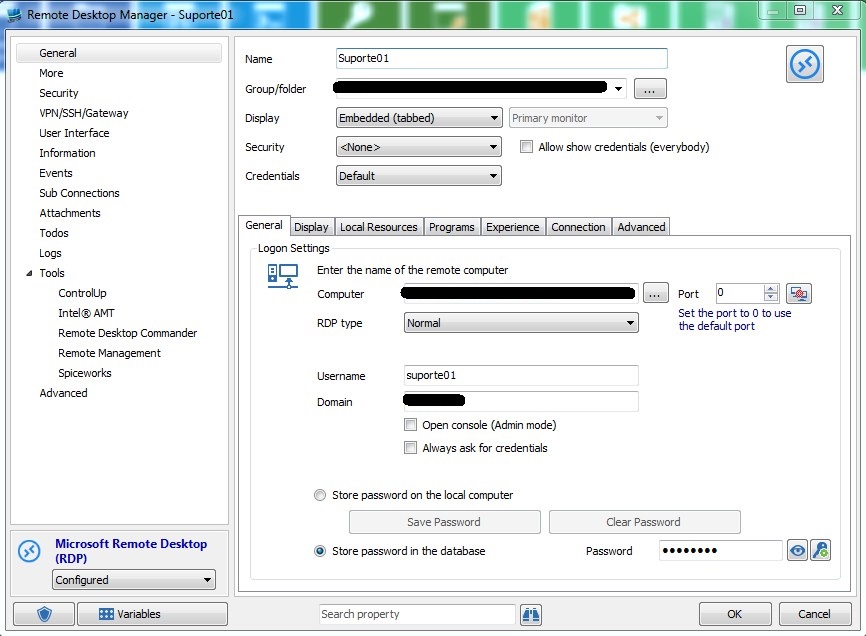
Join all connection correctly, using the RDP connection with embedded display:
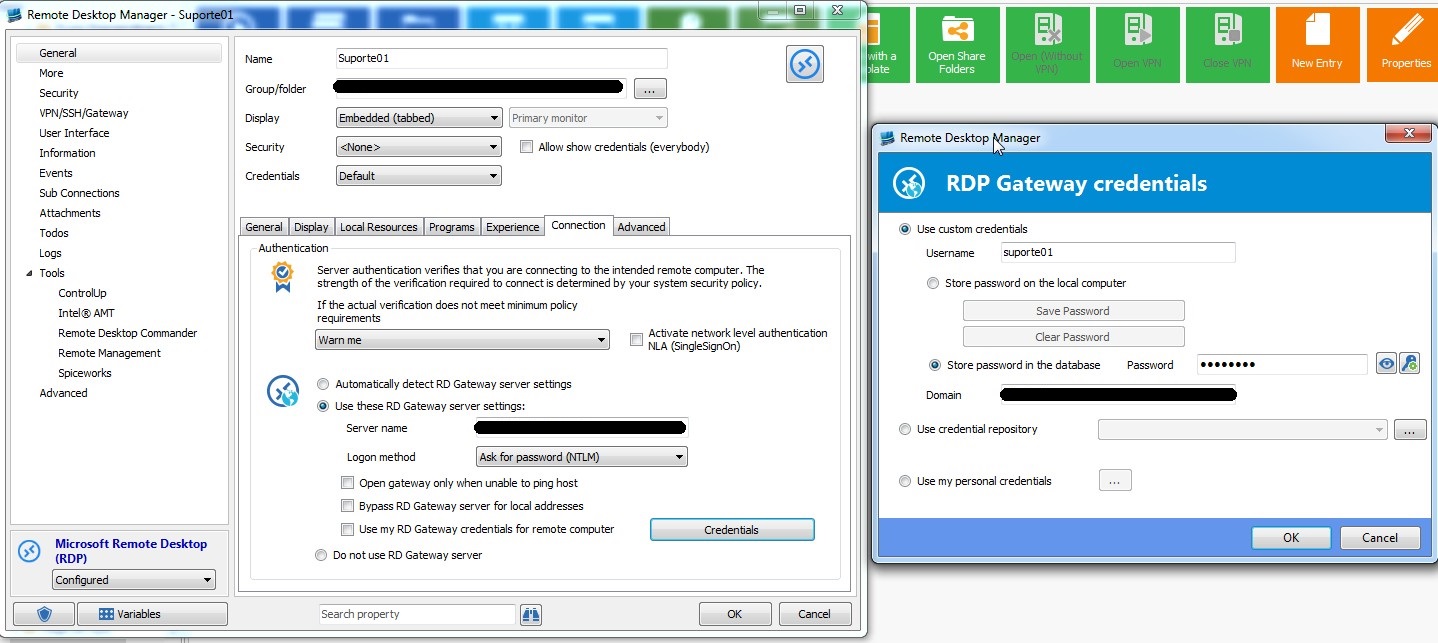
Set the "Connection" tab, the gateway settings:
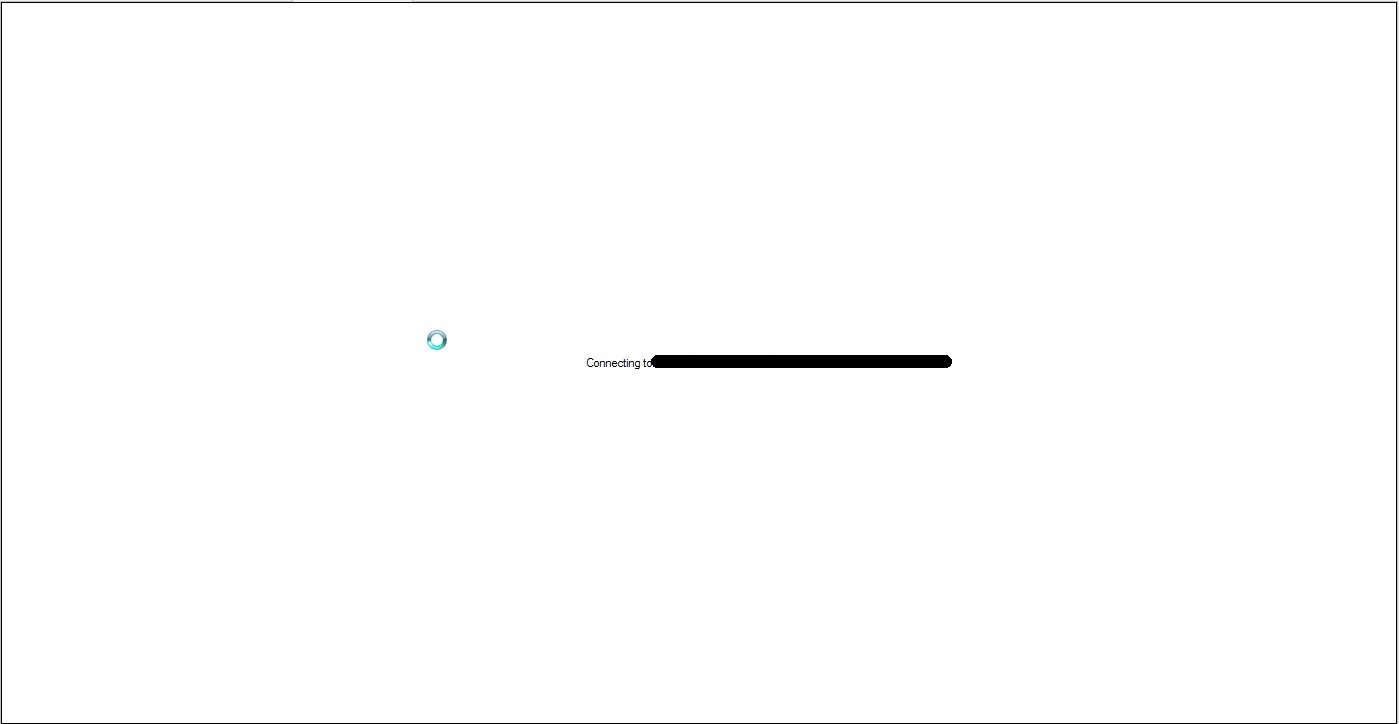
Start the embedded connection:
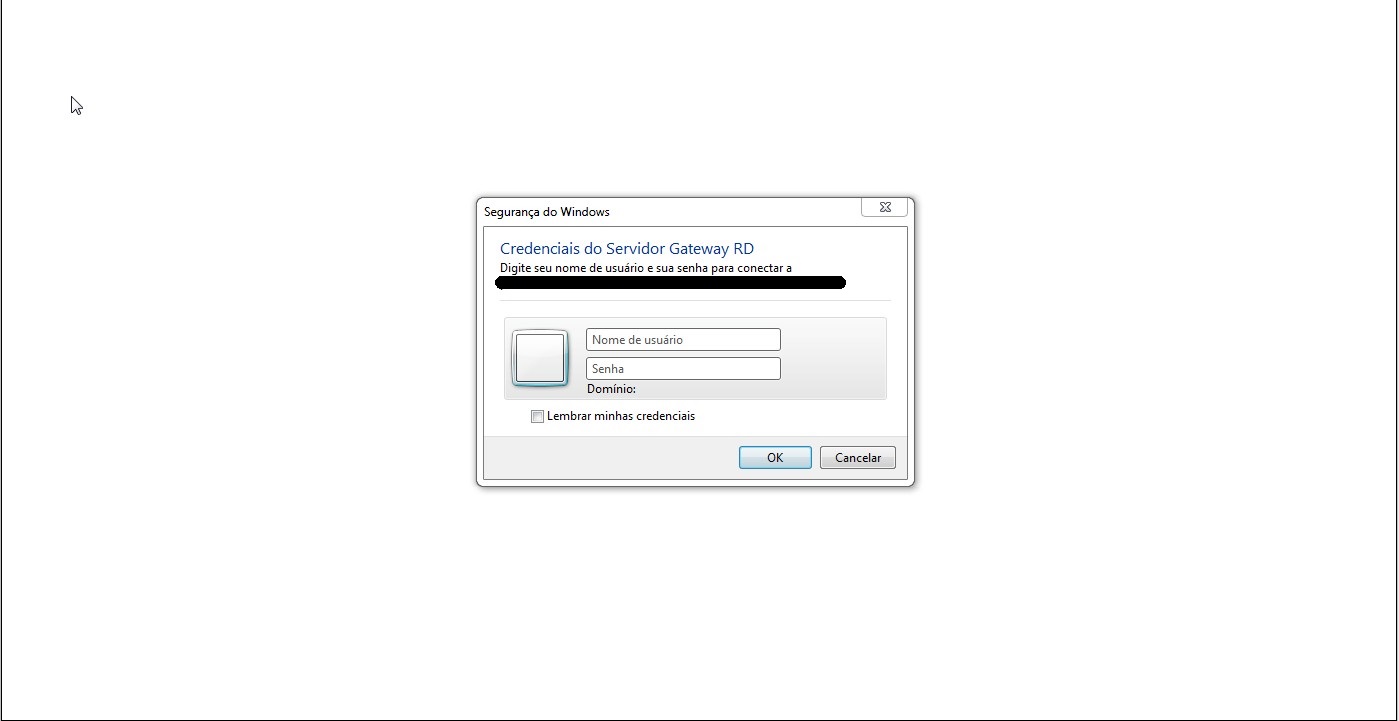
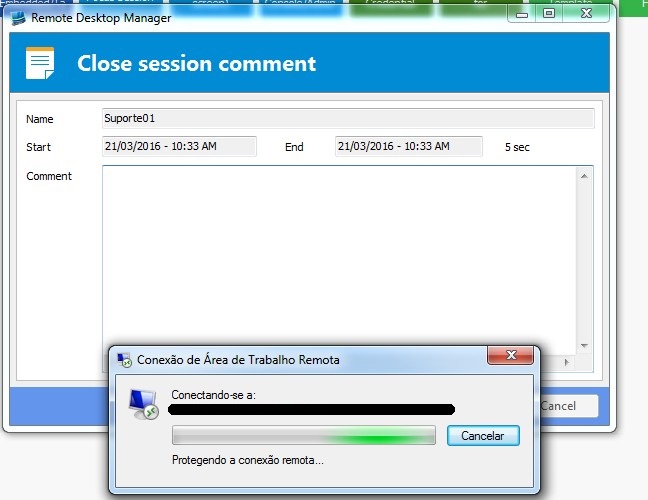
Even with the problem below:
Since the credentials are correct.
---------
If I open in external display mode, I can not connect the server, however I do not have the connection log, because even when connected, the RDM asks me the comment closing the connection.
I remember that in an older version, I managed to connect to the server using this option. Was there any change?
aaa.jpg
4 (2).jpg
3 (2).jpg
2 (2).jpg
1 (2).jpg
All Comments (17)
Hello,
What version of RDM are you running?
Could you try to enable the NLA option above your RD Gateway configuration in your second print screen.
Best regards,
Jeff Dagenais
Hello,
I am using the latest version available for download.
V 11.1.0.0
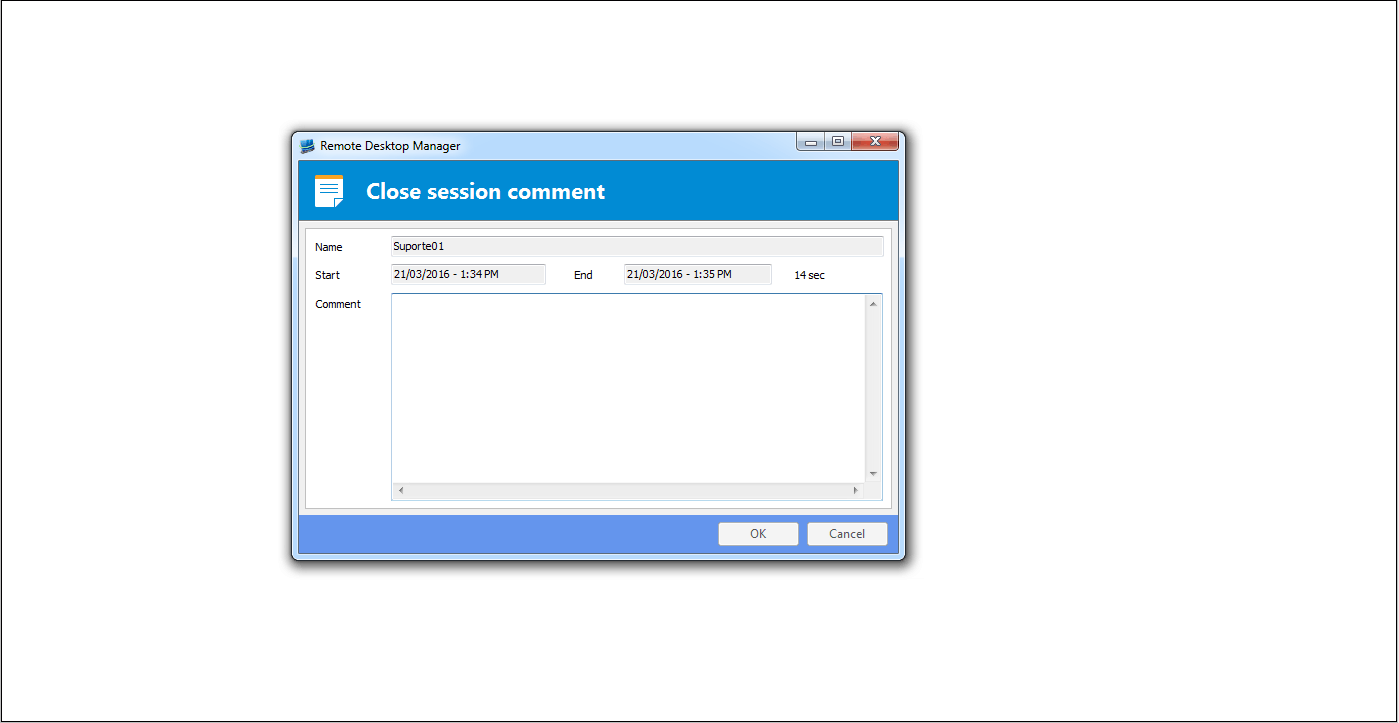
I activated the NLA option in the settings screen and the connection time is all white and displays only the final connection comment screen;
If an RDP without using gateway, can not open embedded

6.gif
5.gif
Hello,
Could you try RDM 11.1.8.0
http://remotedesktopmanager.com/Home/Download#beta
Best regards,
Jeff Dagenais
Upgraded to 11.1.8.0 Beta.
the same problem with the connection continues, does not connect and displays the comment screen at the end of connection
Hello,
Is it working using mstsc.exe ?
Best regards,
Jeff Dagenais
Hello Jean,
Yes, using the mstsc , works correctly.
Tks
Hello,
Could you try to uncheck the Use RDP Gateway generic credentials option in File -> Options -> Types -> RDP.
Best regards,
Jeff Dagenais
Hello Jean,
I tried to uncheck option, the same problem still continues.
To better show, recorded two videos of a connection;
External connection (see connecting_external video):
Start the connection, fill in the comment beginning;
The mstsc is open externally and connects to the server successfully;
Once connected, if I minimize the RDP and return to the RDM, the field of "close session comment" is open, regardless of the time to stay connected; and even after commenting something and close the screen, the RDP is still active;
Embedded connection (see connecting_embedded video):
Start the embedded connection, fill in the comment field;
After pressing the OK, he tries to conection, but fails and the "close session comment" is opened, and every connection is finalized.
For my use, the better the embedded connection;
* If you have trouble viewing the video, copy all the files to a folder and open the .htm file in a browser;
tks
connecting_external.swf.svp
connecting_external.swf
connecting_external.htm
connecting_embedded.swf.svp
connecting_embedded.swf
connecting_embedded.htm
Hi Alexandre,
Could you try to store your Gateway Username/Password locally to see if it connect?
David Hervieux
Hi David,
I think the problem is not the credentials, because even saving on local at RDM, can not connect.
It is the same to show the video in the post above.
tks
We use the Microsoft ActiveX like RDCMan. Could you verify if you get the same problem?
David Hervieux
I've struggled with the exact same problem.
For me running the Remote Desktop Manager (64-bit) version fixed this issue.
Cheers!
Updated to version 11.7.2.0, and runs on 32 and 64.
But it did not solve the problem. Have you made any other setting?
Hi Alexandre,
I also uninstalled the newest version and installed an older version, 10.7 (downloadable from devolutions web site under previous versions). Not sure if that was part of my fix though.
@alexandre.rocha
Could you try RDC Manager - https://www.microsoft.com/en-ca/download/details.aspx?id=44989
As per David mentioned, RDM is using the same ActiveX when RDP sessions are launched in embedded mode.
Best regards,
Jeff Dagenais
I had the exact same issue. When I tried the option "Open External" it did function however. So I knew the settings were correct.
Thanks to the hint from @Izak van den Nieuwendijk I got it working by using the x64 version of RDM.
Good to hear my hint helped you out, Thomas. Thanks for sharing! :-)
I am now on the newest version and Remote Desktop Manager works seamlessly in x64 mode. Great job Devolutions, in my opinion this piece of software is one of the greatest tools ever made!