Data Source Master Key

Hi,
My installation always asks me to enter my Data Source Master Key twice. I have tried entering it twice and cancelling one input window and entering it only once. Both work. Is this a bug?
All Comments (7)
Hello,
Could you post a print screen of the window that appear twice?
What type of data source are you using?
Best regards,
Jeff Dagenais
Hi,
Thanks for your response, I have attached a screenshot of both data source master key entry windows when I open RDM. I am using an online database.
Regards,
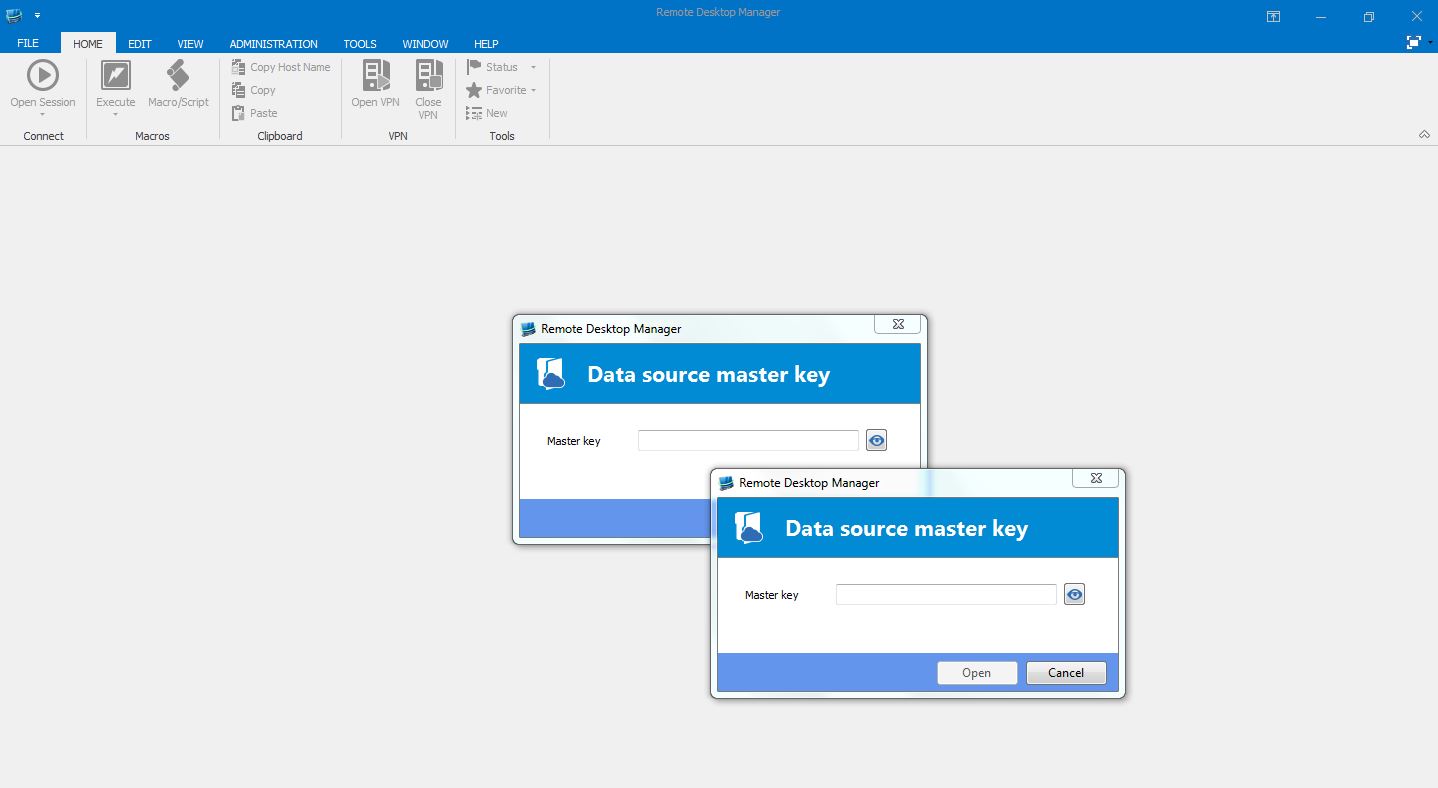
RDM.JPG
Hello,
I am not able to reproduce your issue with RDM 11.1.0.0 or 11.1.7.0
Could you try to recreate your masterkey.
Please follow the steps below:
1- Go in File -> Change Master Key
2- Click on No Master Key at the bottom left to remove the master key
3- Close and restart RDM
4- Go back in File -> Change Master Key
5- Enter a new master key
6- Close and restart RDM
Are you now prompted once or twice for the master key?
Best regards,
Jeff Dagenais
Thanks Jean,
I tried removing and adding the master key again, but the issue remains. The only thing left to try I guess is a re installation.
Regards,
Dominic
Hello,
When you enable/disable the master key, this modify your RemoteDesktopManager.cfg file. By default, this file is located in %localappdata%\Devolutions\RemoteDesktopManager
Uninstalling and reinstalling the application will not affect this file, so I don't think doing this will resolve your issue.
Could you try to delete your data source configuration in File -> Data Sources, restart RDM, reconfigure your data source and see if it's prompt you twice for the masterkey password.
Best regards,
Jeff Dagenais
Hello, I have my backups saved in the Devolutions cloud, but I don't remember my master key, how do I recover my credentials?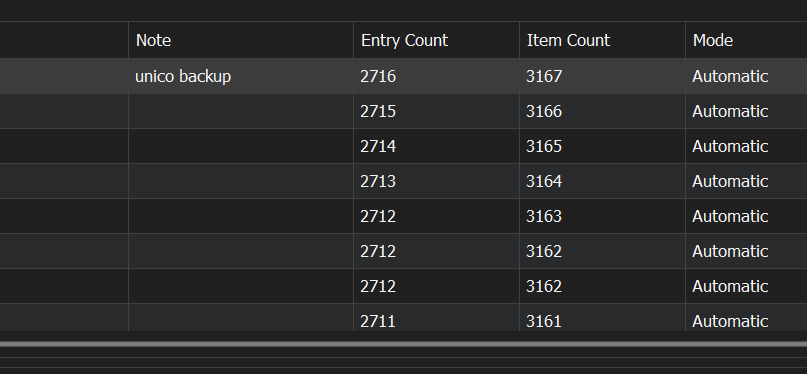
4e766bf9-a796-4d70-8497-d9b232d72923.png
Hello,
Unfortunately, if you don’t remember the master key, there is nothing we can do to recover it.
Best regards,
Carl Marien