Strange resolution in the application

Hi,
The resolution in the application suddenly appears as below. I've looked in settings but can't find how to restore.
Using Win 10 and external monitor, but the same look if I run it without external monitor. Have a high resolution screen with zoom.
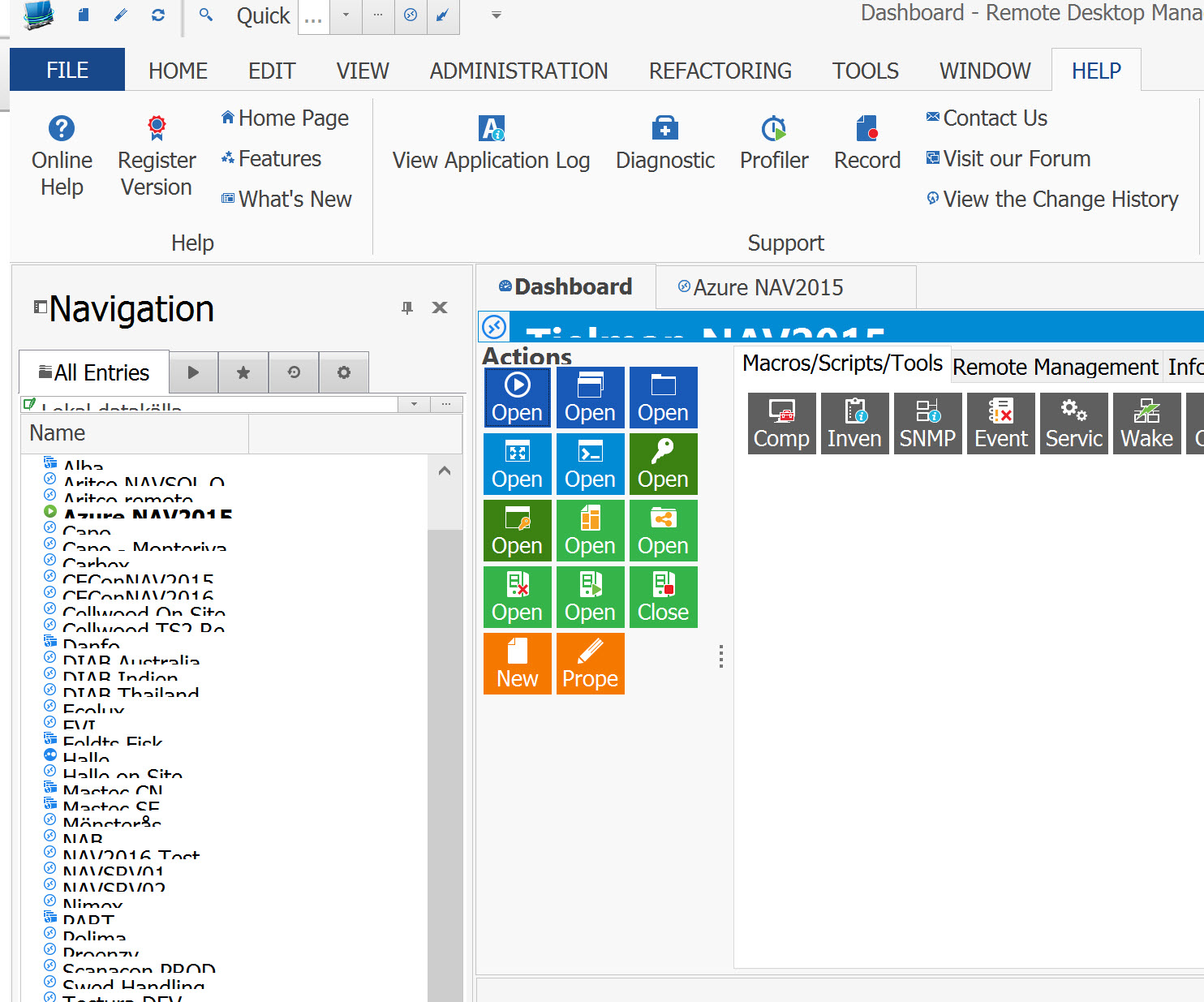
Strange.jpg
All Comments (3)
Hello,
Could you try to do a Window -> Reset Layout
Best regards,
Jeff Dagenais
Hello,
You can also try to disable the scaling in RDM
1- Right-click on the shortcut to RDM
2- Select Properties
3- Go to the "Compatibility" tab
4- Check "Disable display scaling on high DPI settings"
Best regards,
Jeff Dagenais
Hi,
Thanks for swift reply.
It was solved after a PC restart. But I tried to restart a couple of times before without success.
I'll try your solutions if it happens again.
Best regards
