Windows 10 Installer Freezes at 100%

Hello,
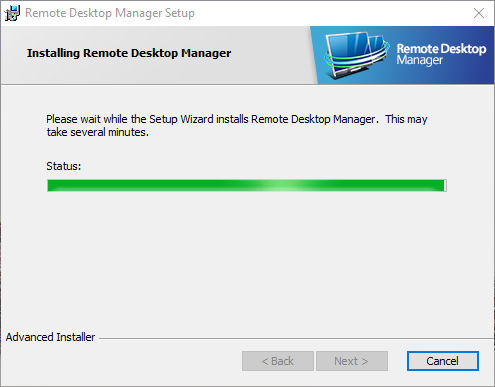
I have this issues on 2 computers running Windows 10. 1 is a physical laptop, the other is a Windows 10 VM that I run. When I try to update the software, it freezes right at 100%. My guess is when it's trying to create shortcuts or something as it's trying to finish the last part of the install. I can't seem to get past and unable to install/update.
Any idea why? Been happening for a few months and finally bothered me enough to post this.
2015-12-11 21_09_19-Remote Desktop Manager Setup.png
All Comments (9)
Hello,
I suspect that this fails when the installer tries to optimize the .NET assemblies. How long do you wait?
David Hervieux
I've waited all night on multiple occasions. So 10+ hours. If I look at the task manager, the CPU for the installer sits at 0%
Hello,
I agree with you the installer is really stuck. Could you try to use the zip to install it and execute with the Run As Administrator OptimizeRDM.bat?
David Hervieux
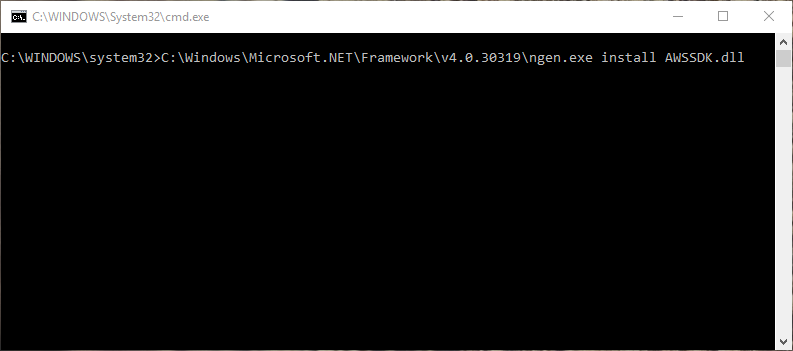
Okay, downloaded the .zip package on the download page. Extracted and ran "OptimizeRDM.bat" as administrator and doens't seem to be doing anything. Going on 30 minutes now.
2015-12-13 21_16_30-C__WINDOWS_System32_cmd.exe.png
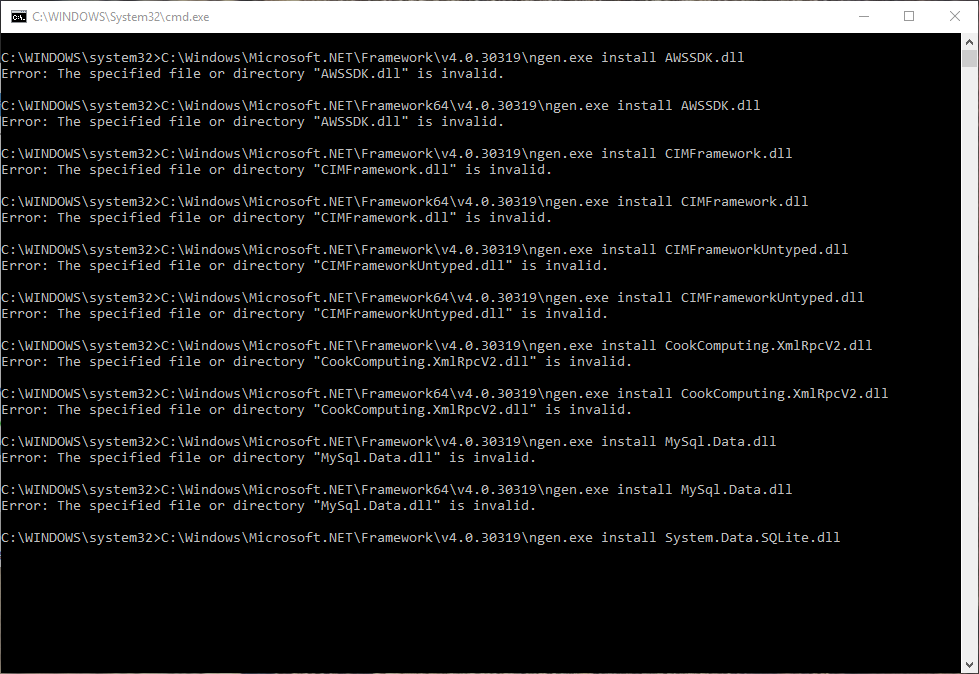
Rebooted and tried again. Seemed to give more output...
2015-12-13 21_20_12-C__WINDOWS_System32_cmd.exe.png
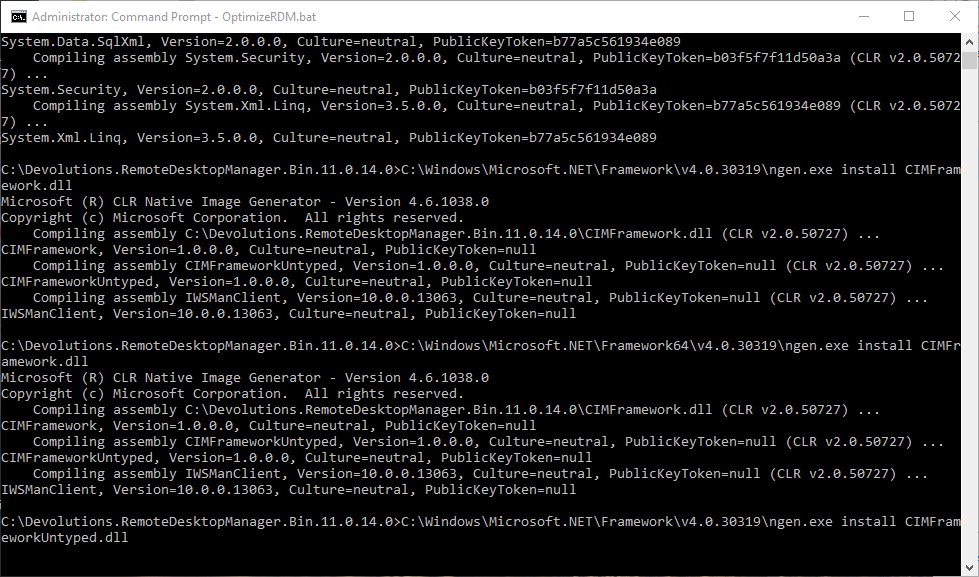
Okay found part of the problem, I was running it from a network share, not local drive, but now seems to be paused on this part.
2015-12-13 21_33_34-Administrator_ Command Prompt - OptimizeRDM.bat.png
2015-12-13 21_29_12-Administrator_ Command Prompt - OptimizeRDM.bat.png
Update: Ran it on my other PC and rebuilding the .net assemblies went through with no problem and seemed to fix the issue! Installer went though perfectly. Not sure why this PC keeps getting stuck partway through the OptimizeRDM.bat script.
Is there a fix for this?
The workaround is to install the application from the zip file instead. We are not able to reproduce the problem here in our office. It still an opened bug.
David Hervieux