Sonicwall Global VPN - Credential Pop Up

RDM 11.0.9.0
RDM Server 3
Sonicwall Global VPN Client 4.9.0
I have a client who does not allow credentials to be stored within the Sonicwall VPN Profile. When I configure the AddOn in RDM, it will launch the Sonicwall client and initiate the correct connection, but then I get the pop-up for the username and password.
I can't seem to configure RDM to pass that info in...
Anyone else get this working?
All Comments (5)
Hello
That's exactly what we are using ourselves, we do not allow credentials stored in the profile either.
Could you send us a screenshot of your VPN entry?
Best regards,
Maurice
Sure can... we have it configured on the GroupFolder that contains the sessions and have the VPN setting inherited on each session.
This is the credential pop-up that we get whenever RDM launches the Sonicwall Profile...
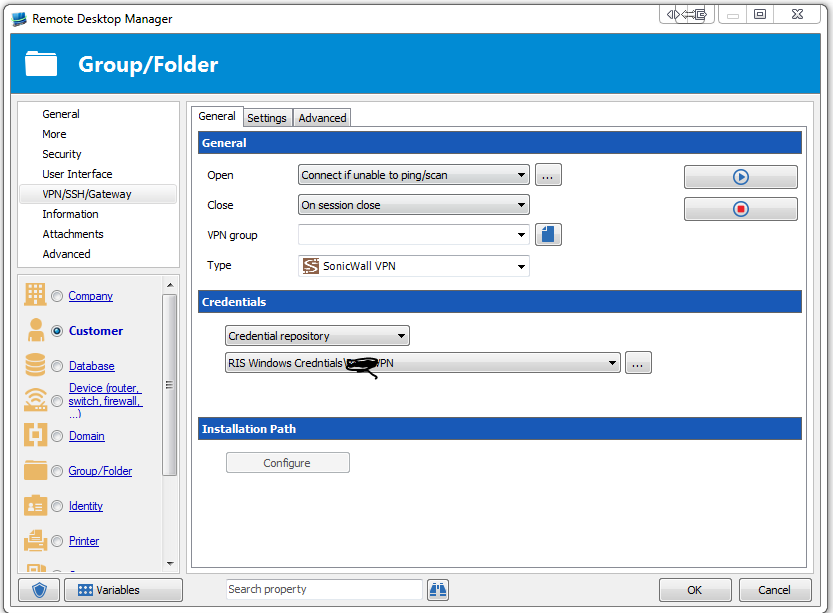
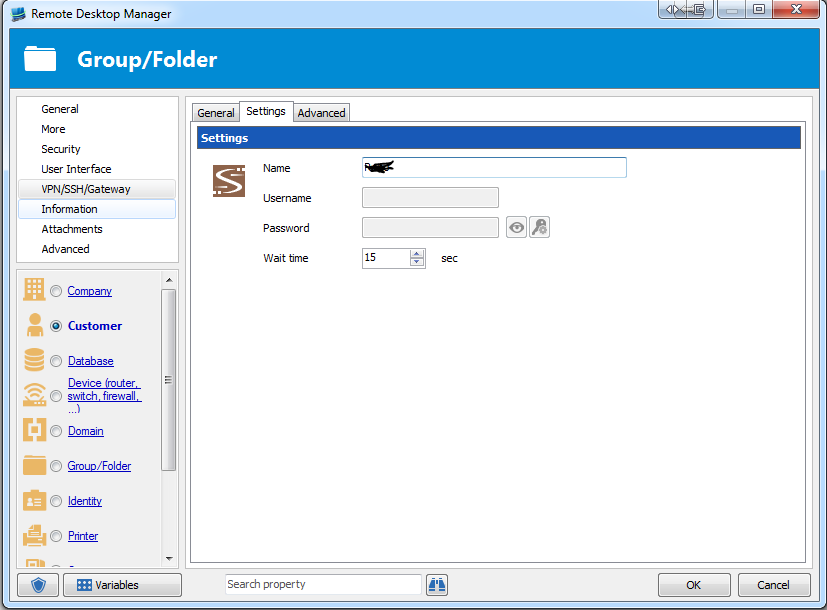
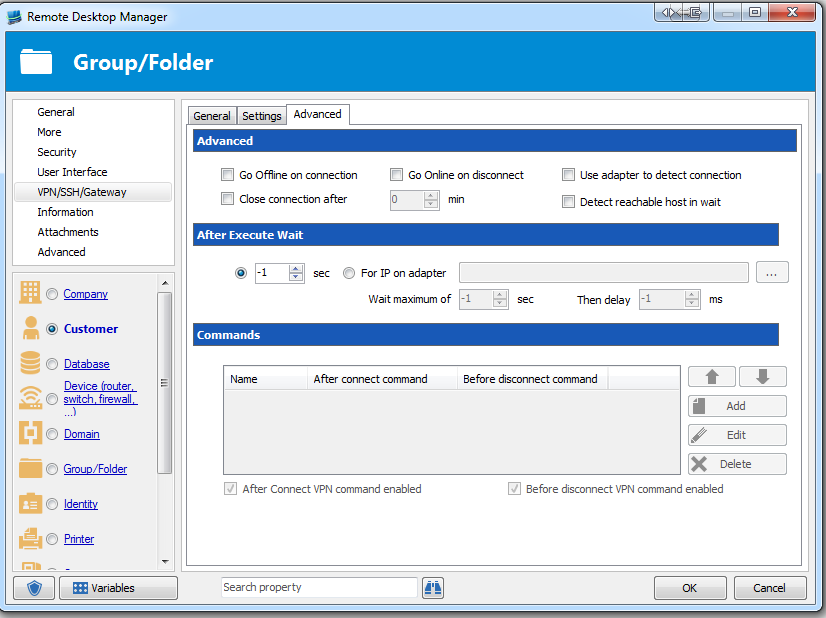
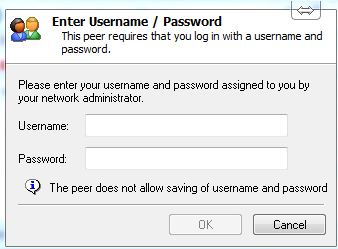
Prompt.PNG
GroupFolder3.PNG
GroupFolder2.PNG
GroupFolder.PNG
It works with the exact same config
The only thing I can think of is that the credentials are not correct.
Do you have access to the Sonicwall itself? You should see the authentication attempt in the logs.
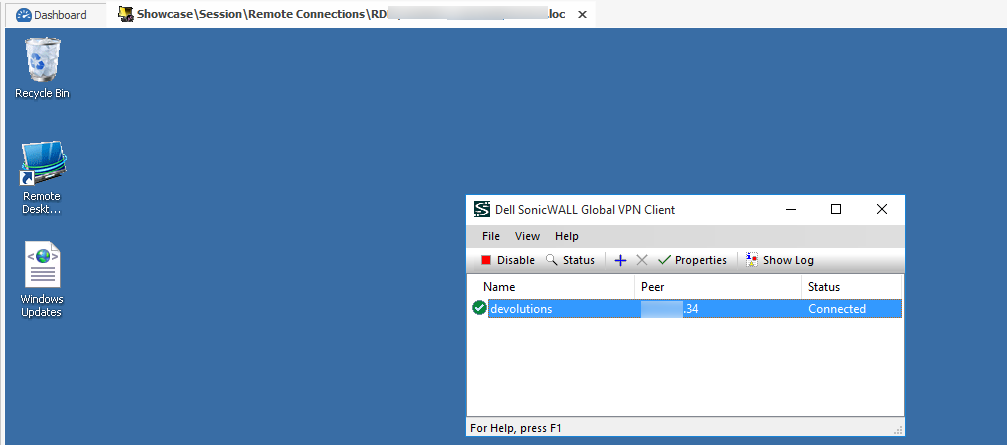
Maurice
vpn.png
I do not have access to the device. I would think if the credentials were not correct, that I would at least see it try to enter them and get a failed login attempt. But RDM calls the Sonicwall Client and then the credentials box pops up and then nothing. It just sits there and RDM goes through it's 15 second wait period, says the VPN is not available and do I wish to procedure.
I'm sorry but in this case we simply call the command line interface (CLI), we cannot intervene passed our initial call.
You can even try to launch it from a command line to test it outSWGVC.exe /E connection_name /U username /P password
Please let us know if the above connects
Maurice