RDM Mac 3.0.3.0 crashes on ARD; hangs on VNC to OS X 10.11.1
RDM Mac 3.0.3.0 crashes on ARD; hangs on VNC to OS X 10.11.1

The entire problem is stated in the subject line.
Wish I had more info for you...there was nothing in the application log.
OS X can connect to the destination using Screen Share with no problem.
All Comments (9)
Was it working before the update?
David Hervieux
Yes.
Just to be sure before the RDM update or the OSX update?
David Hervieux
After 10.11.1 OS X update and BEFORE RMD 3.0.3.0, ARD and VNC connections worked. After, 3.0.3.0, ARD crashes the app and VNC hangs.
Hi yobyot,
Did you check the Console.app to see if there was any crash report?
We made a few tests and we are not able to reproduce your issue.
May I ask you what type of computer your are trying to connect to?
Have you selected a preferred encoding?
Are using the host name or IP address in your configuration?
Thank you
Benoît Sansregret
Here's a link to a clip showing what happens: https://youtu.be/aHDK6cSUFEg
The destination is a MacBook Pro running on my local LAN. The source is an iMac running on the local LAN. Whatever encoding is the default is what I am probably using.
Attached is a screenshot of the console output.
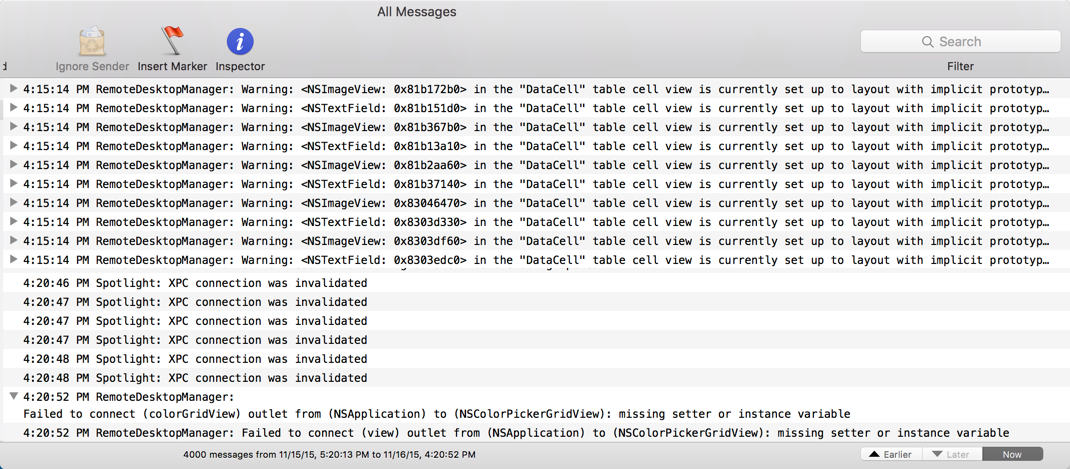
2015-11-16_16-21-50.jpg
HI,
We think we were able to reproduce your issue but before fixing it we need to make sure we have.
We builded a debug version for you that does two things:
- The VNC session will always open up in your primary display (we think this might be the source of the issue)
- It add logging about the VNC session to the application log
You can download it here https://www.dropbox.com/s/7h6ffolp17xcagd/Remote%20Desktop%20Manager.app.zip?dl=0
Can you try it and tell us if you still have your issue?
Benoît Sansregret
Sorry, no joy.
See below.
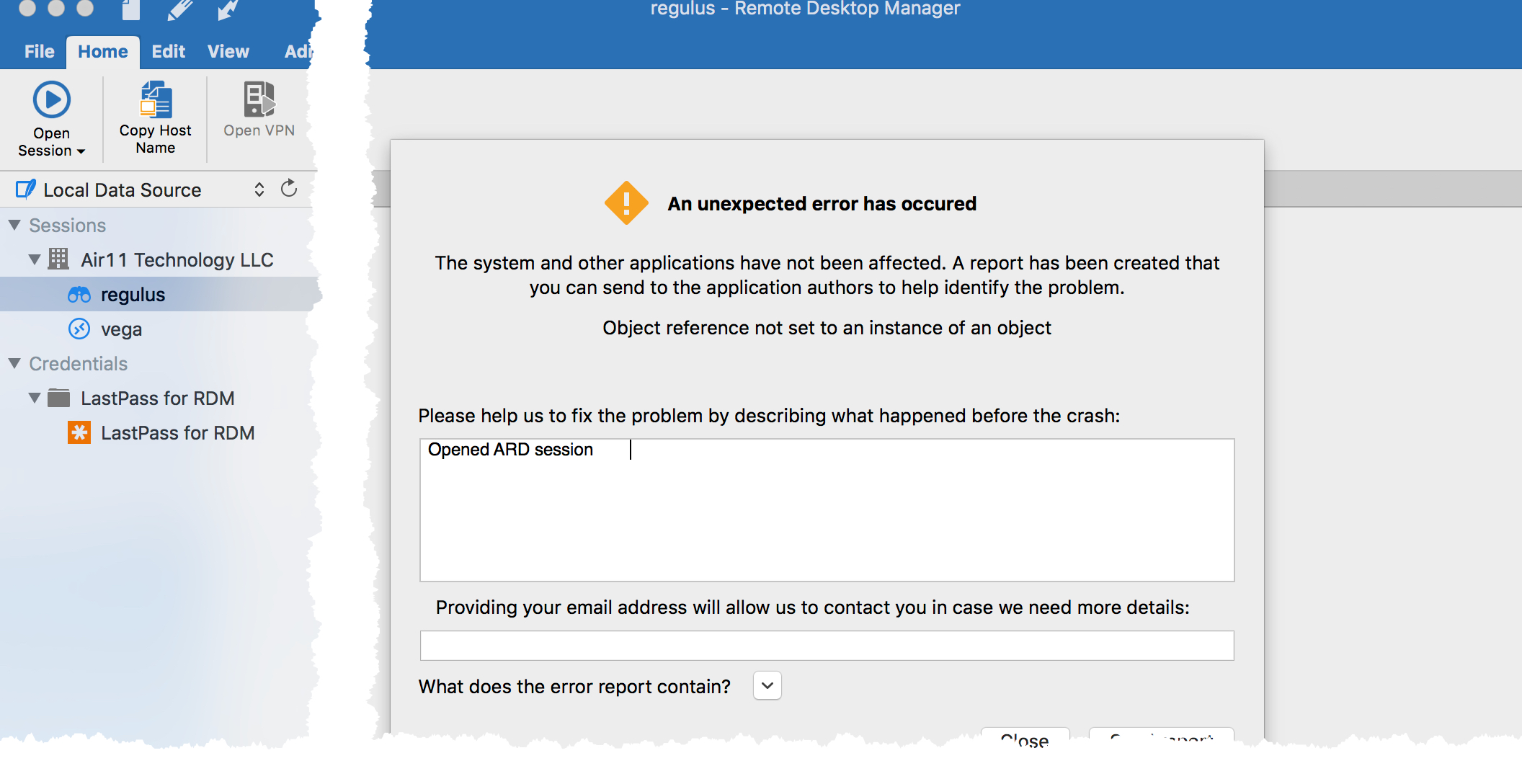
2015-11-18_17-35-19_01.jpg
Hi,
That's a bad news. I didn't receive your error report either.
May I ask you to reproduce the issue, click down arrow beside "What does the error report contain?" in the error report window and send me the complete content of the window?
Thank you
Benoît Sansregret