Identify Process-ID after disconnect when using Teradici PCoIP software client with Amazon Workspace
Identify Process-ID after disconnect when using Teradici PCoIP software client with Amazon Workspace

All:
If you know of a better way for me to accomplish the below, please offer any opinions or if this program can be added to the list of supported options, even better!
I have a third party program that I have running in Remote Desktop Manager called the Teradici PCoIP Software Client (http://www.teradici.com/product-finder/client-downloads)
I had to use the command line feature of RDM to get the program to work. My command line is as follows:
"C:\Program Files (x86)\Teradici\PCoIP Client\bin\pcoip_client.exe" --desktop "Amazon WorkSpace" -m --headless -s 0 -b "$HOST$" -u "$USERNAME$" -p "$PASSWORD$" -d "$DOMAIN$"
The only change I had to make in RDM was under the security tab to allow passwords in variables.
Once I connect, my program appears in a window outside of RDM (I don't think there's any way to actually keep it tabbed) and it works fine while I am using it. There's a blank tabbed window in RDM showing the program is running.
My problem with the scenario is that once I disconnect, the blank tabbed window switches to showing a pop-up from the program in the tabbed interface until I physically close it by clicking the X. There does not appear to be a way for me to kill the process once the program disconnects.
If RDM could identify the launched process ID and kill it after the session is over then all problems would be solved. I noticed that if I open two sessions, they both have the same process name of pcoip_client.exe
Is this possible?
NOTE: The Close Session button does a better job of disconnecting me without the pop-up inside the tabbed window. Instead it appears outside above the actual session window.
Screenshot of PCoIP program running:
Screenshot of PCoIP program still running in RDM after shutting it down or disconnecting from within the program:
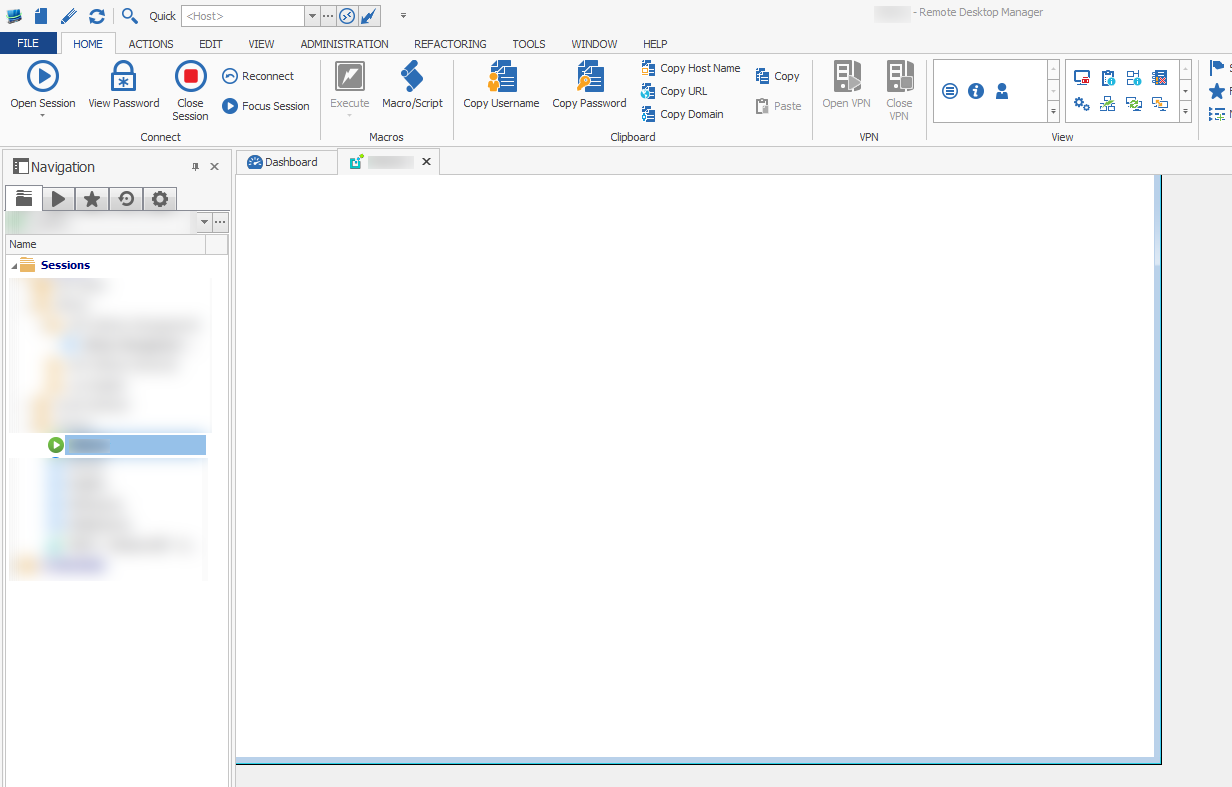
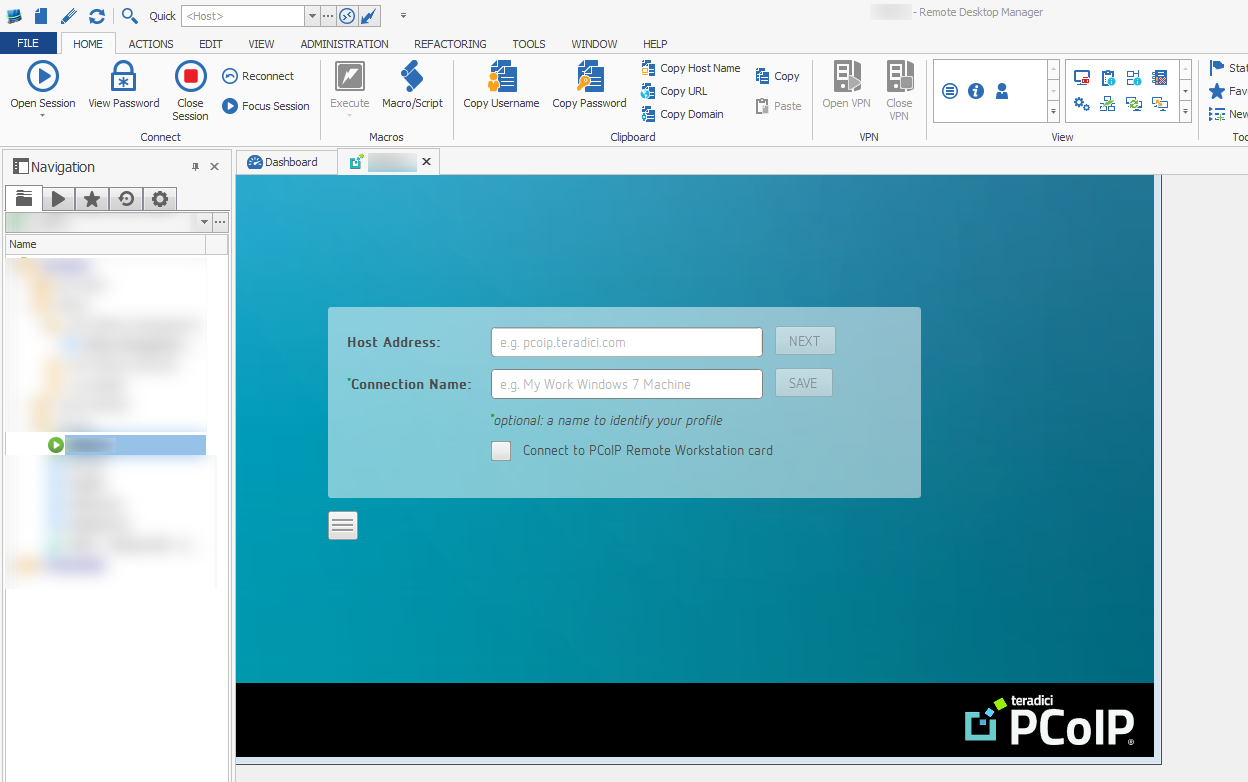
DISCONNECTED_2015-10-19_8-10-57.png
RUNNING_2015-10-19_8-07-38.png
All Comments (11)
Hello,
Could you try to configure it as External mode instead of embedded?
David Hervieux
This topic should help you
http://help.remotedesktopmanager.com/settings_general_displaymode.htm?zoom_highlightsub=external%2Bmode
David Hervieux
Hello,
We decided to develop an add-on for this. I attached a prototype version to this post, could you try it out and see if it works as expected? You can install it by dropping the DLL in %LocalAppData%\Devolutions\RemoteDesktopManager
Regards,
Hubert Mireault
We posted the add-on to our website. You can download it here instead. http://remotedesktopmanager.com/Home/AddOn
Regards,
Hubert Mireault
Sorry for the tardy reply to your post about the prototype add-on. I can tell you that the released version does an excellent job of connecting me to the Teradici gateway. Thank you as this add-on does exactly what I need without having to create the custom command line launcher.
Thank you for testing it out! If you have any enhancements you'd like to see, be sure to tell us and we'll do our best to integrate it.
Regards,
Hubert Mireault
Would it be possible to kill the launched pcoip_client.exe process id (PID) upon disconnect?
Something similar to this idea with a checkbox to kill the process upon disconnect: http://help.remotedesktopmanager.com/index.html?file_options_sessiontype_sc.htm
I cannot figure out how to issue a kill command via the built-in variables for a (PID) on the "After Disconnect" event.
Hello,
This should be simple to add, I'll give you an update when this is available.
Regards,
Hubert Mireault
Any updates to this? Beta/Alpha version I could test?
Hi,
Sorry for the delay. I will be pushing a new version of the add-on soon, I'll link you when it's done. You will have to use the latest version of RDM for this feature to work, though, as we couldn't add the feature without modifying RDM itself.
Regards,
Hubert Mireault
http://remotedesktopmanager.com/Home/AddOn Version 1.1.0.0 of the Teradici PCOIP add-on is available for download here. There is nothing to modify in the entries for the change to work, you just need the latest version of RDM (11.0.14.0). Could you try it and give us some feedback? Thank you.
Regards,
Hubert Mireault