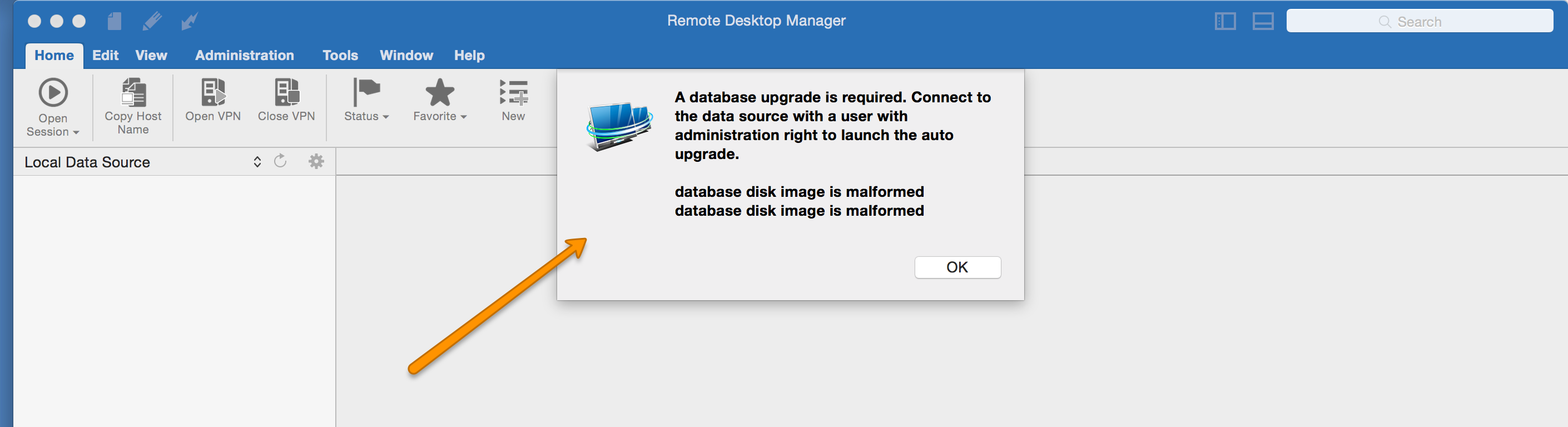
On Mac pro OS X yosomite - saying database disk image is malformed
On Mac pro OS X yosomite - saying database disk image is malformed

Hi,
It was working fine.not sure what happen suddenly I am not able to Lunch Remote desktop Manager. I have attached the error for refrence.
Even if I have deleted the offline.db and restart..Still no luck.

Remote_desktop_log.rtf
remote_desktop_error.png
All Comments (2)
Are you running SQL Server data source or SQLite data source?
Stéfane Lavergne
Hi Bijay,
From what I see you seem to be using a SQLite datasource.
Unfortunately, your file seems to be corrupted. It's a problem we are trying to solve with the offline database right now but it seems you got the same issue on your local datasource.
You got 3 options right now:
1- You can send us your datasource file and we will try to repair it for you (send it to bsansregret@devolutions.net)
2- We are a working on a Auto-repair feature that might work we can try to send you a version of the app containing the feature and you can try it out. The downside is that we need some time to make it workable and send it to you so you will need to wait.
3- You can start from scratch if it's not to much work
We are really sorry for the inconvenience
Benoît Sansregret