Notification - dosn't spring to the entry

Hallo,
if I have ha Notification, I see the entry but I can't spring directly to the entry from this point :(
greetings
All Comments (13)
Hi,
I've just verified and if you double click on it, it selected it in the navigation pane.
David Hervieux
For us, it doesn't work :(
We use a MS SQL 2008 Server as source.
If I double click on it, it do nothing. The only way is to click right on the notification an chose edit, view doesn't work also
Do you have the navigation pane hidden?
David Hervieux
By the way I should change the label View for Select instead
David Hervieux
no, I had also reset the layout
yes, but if I select view nothing happens
What version do you use exactly?
David Hervieux
The latest 9.2.10 on Win8.1
Could you give a try to this internal build?
http://download.devolutions.net/Devolutions.RemoteDesktopManager.Bin.9.2.11.0.zip
You will be prompted with message and it might contains a fix.
David Hervieux
Hey,
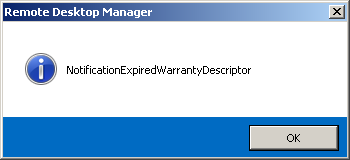
I had try the build, and now I get two windows. (on win7 same effect)
greetings
Martin
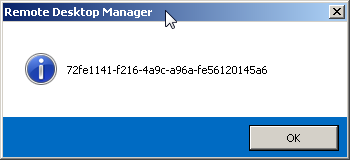
2014-05-30 09_42_37-Remote Desktop Manager.png
2014-05-30 09_42_12-Remote Desktop Manager.png
This is a debug build. It seems that RDM can find the entry but after that it unable to select the entry in the navigation bar. Do you use the Classic UI or have the navigation pane auto hide?
David Hervieux
No I use the modern UI and the navigation panel is fixed on the left side. With new entry it works fine. We work with RDM since 01/2012
If you edit and just change anything in a session that does not work, does it help? Maybe there is a field that is missing for the older entries.
David Hervieux