Usercredentials Form in foreground ?
0 vote

Hello,
i use the Chrome browser with the RDM-Pluggin and i habe a probleme with the user credentials form. Is there a parameters oder option, the window with the credentials (user / password) to display in the foreground?
Greatings
Dietmar
All Comments (5)
Do you mean that the credentials are entered in the wrong fields because the order is different?
Maurice
No, i mean this form (see attach file).
edited by dimmenhau on 4/11/2014
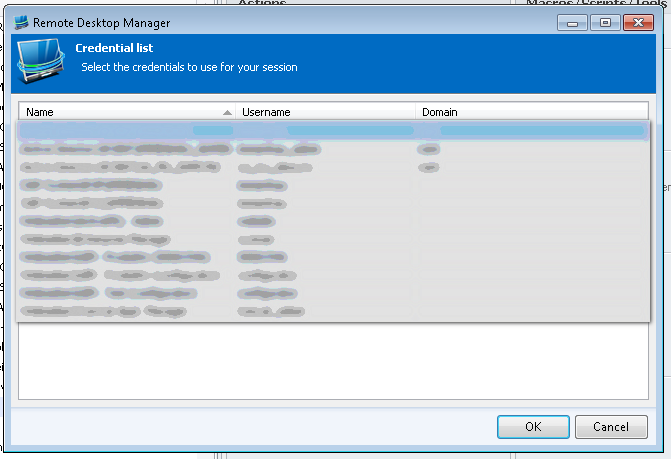
2014-04-11_162127.png
In the advanced tab of the entries, there is a "sort priority" field that contains 0 by default.
Entries will appear in descending order, meaning highest sort priority first.
Edit : sadly, this works everywhere but in the dialog that you must use to choose credentials
I will ask the team if we can use the sort priority
Sorry about that
edited by mcote on 4/11/2014
Maurice
No, I think that's not my problem. If Chrome is running in full screen mode and I come to a page where the RDM has a configuration with the parameter,
then this window will not appear in the foreground (ie before Chrome).
edited by dimmenhau on 4/11/2014
edited by dimmenhau on 4/11/2014
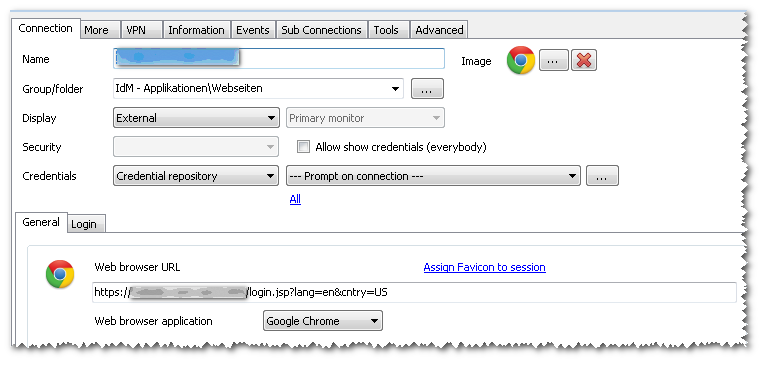
2014-04-11_170251.png
Yes, I can confirm that when you do use "---prompt on connection---", the dialog appears in the foreground of RDM, but not of chrome
I will see what we can do about that.
Maurice