MSSQL Server DataSource not saving the DB Password

When using MSSQL Server as a data-source, Remote Desktop Manager will not save the database password. It allows you to add a password, but then when you save the information, it doesn't save the password.
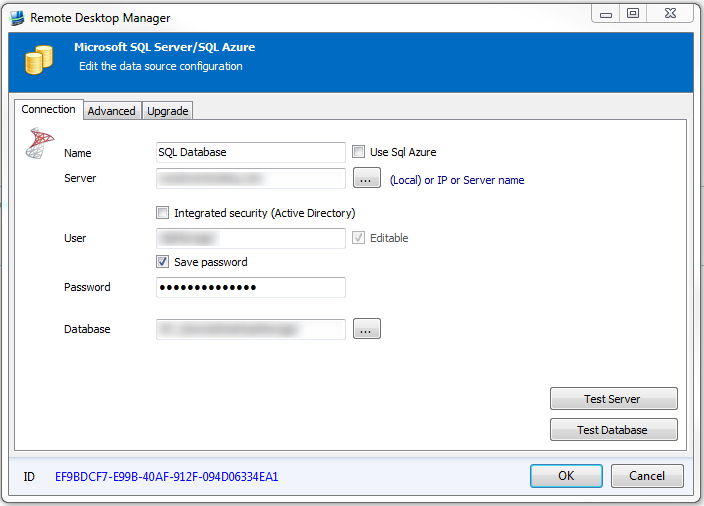
1. Setting the password for the MSSQL database
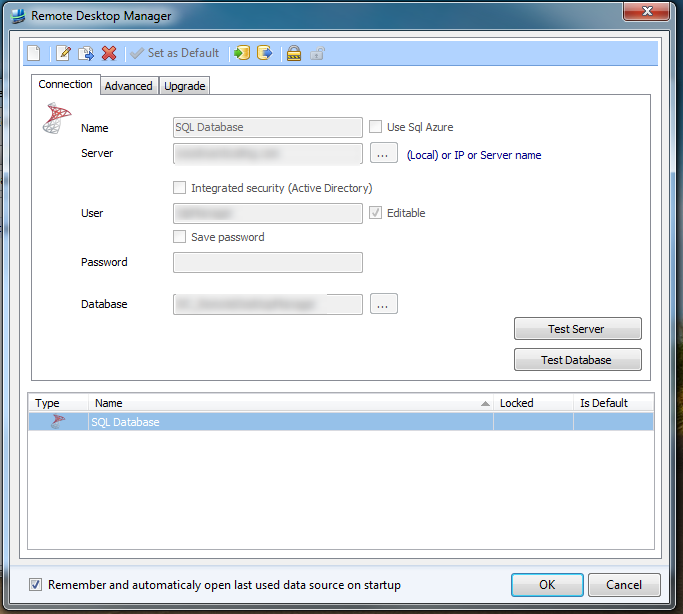
2. After saving the information the database password is not saved.
About screen for Version verification
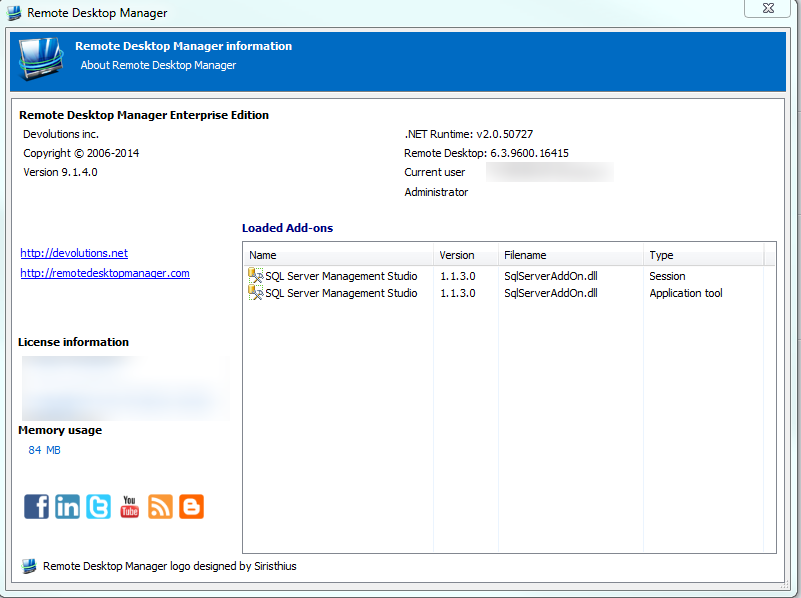
About Screen.PNG
Database password not being saved.PNG
Setting Database Password.PNG
All Comments (2)
Have a look here (or skip below at the summary)
http://forum.devolutions.net/topic2750-sql-datasource-still-prompting-for-password.aspx
We will change it in the next version (we will no longer take this registry key into account)
Regards,
-- summary --
You need to change the registry key to 0 on HKEY_LOCAL_MACHINE
"Software\Policies\Microsoft\Windows NT\Terminal Services", "DisablePasswordSaving"
Stéfane Lavergne
Thanks that has solved my problem!