Error message in offline mode

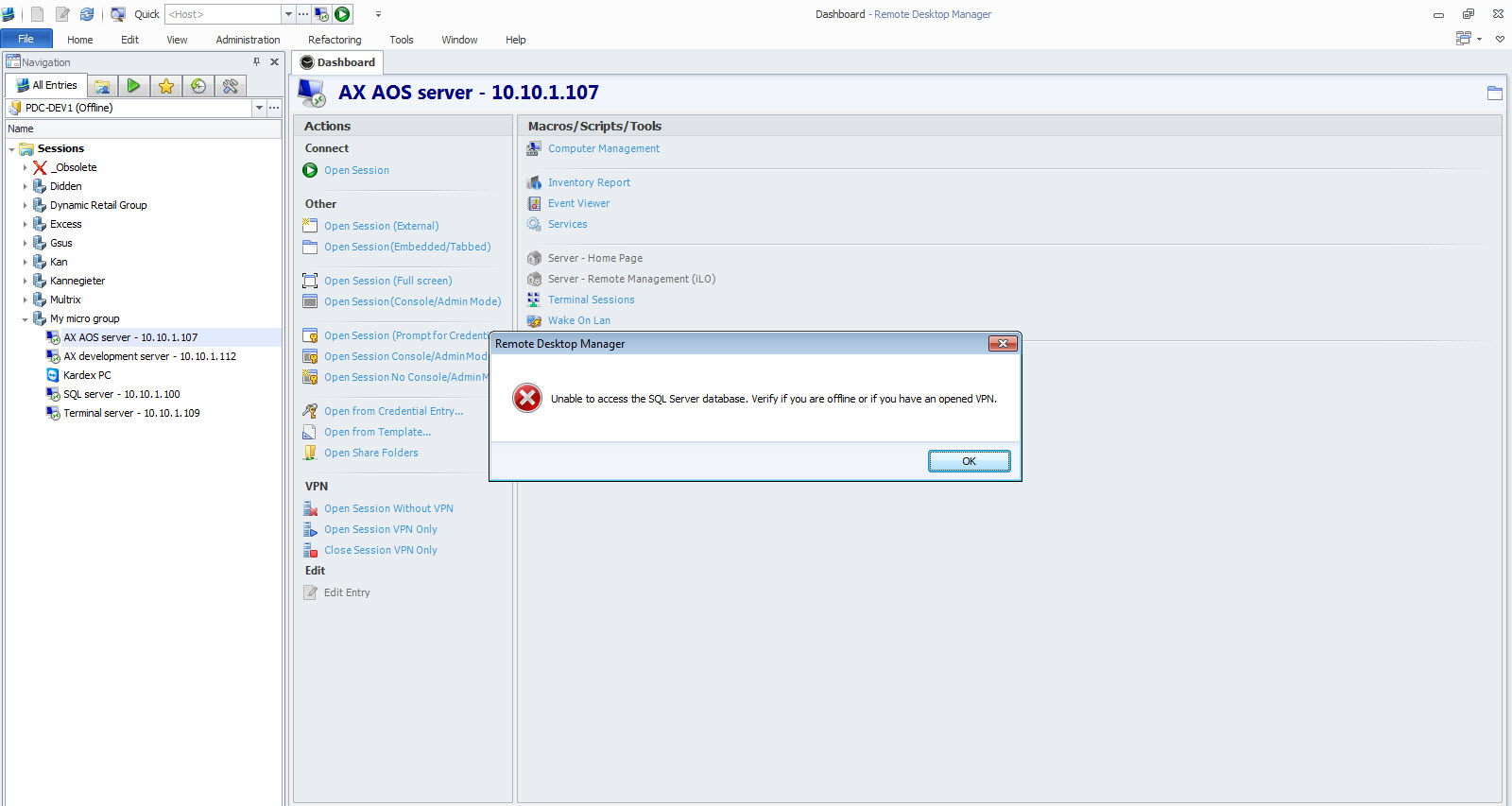
When use remote desktop manager enterprise in offline mode the following error is shown: Unable to access the SQL server database. Verify if you are offline or if you have an open vpn.
The following steps are taken when the error occurs.
1. Start remote desktop manager
2. Choose Yes when asked to connect in offline mode.
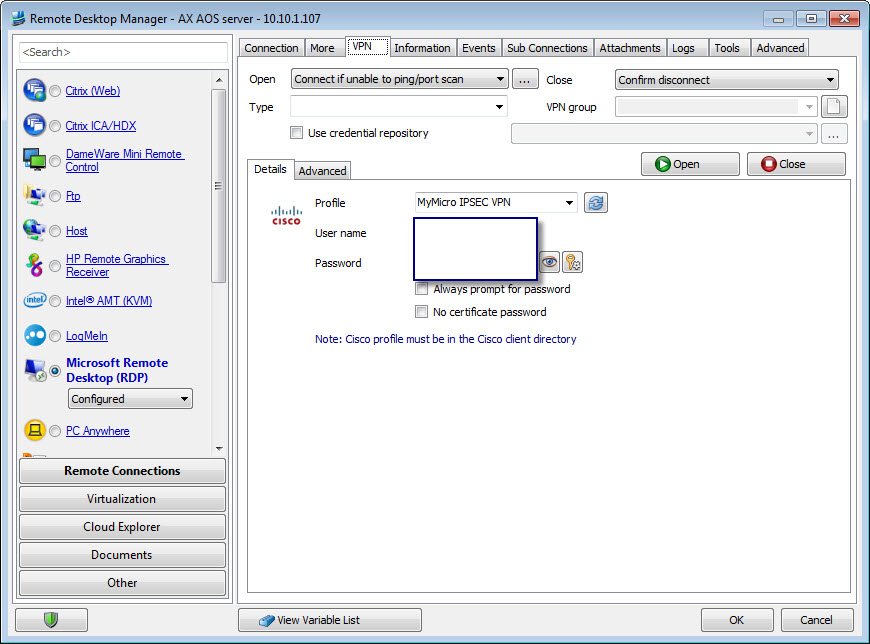
3. Open een RDP connection with a vpn connection setup (rdp settings.jpg).
4. The error is shown (error.jpg).
The error only occurs once, after the error is shown and closed with ok it doesn't occurs anymore until you restart Remote Desktop Manager.
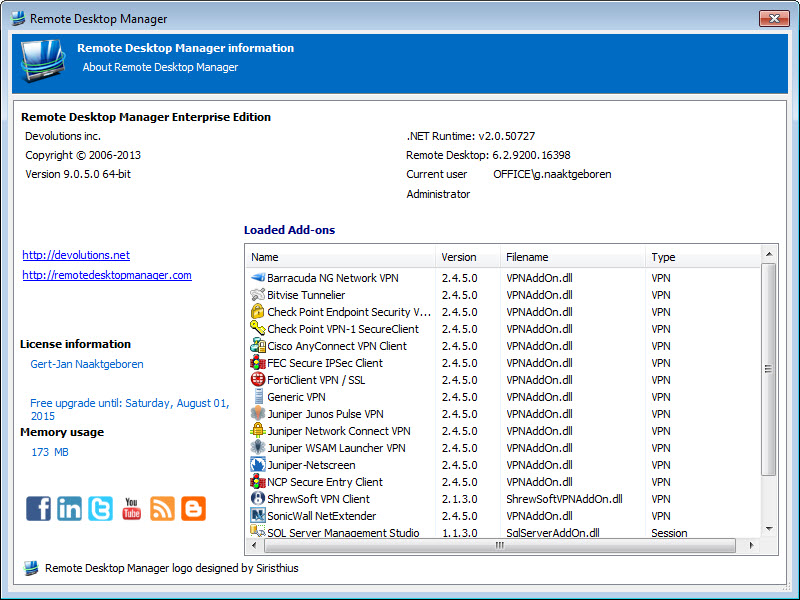
The version is 9.0.5.0 64bit (version.jpg).
Please take a look at this issue.
Greetings,
Gert-Jan
rdp settings.jpg
version.jpg
error.jpg
All Comments (3)
The error is resolved in v9.0.12.0 available here: http://remotedesktopmanager.com/Home/Download
Regards,
Stéfane Lavergne
Hello Stéfane,
Thanks for the quick response.
I've installed v9.0.12.0 and the problem is solved.
I did a version check from remote desktop manager v9.0.5.0 and it did say your version is update to date.
So I didn't check the website.
Greetings,
Gert-Jan
Great, thank you for the update.
It's normal that you didn't get notified of the new version, the notification has not been enabled yet.
Regards,
Stéfane Lavergne