
christophjander
RDM on Debian Trixie with Backport Kernel 6.16
Hi Carl,
after starting the app, the window of credendials is empty.
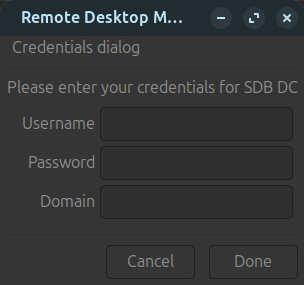
.. and this is the output on the terminal, when i try to start the session

Kind regards
Christoph
RDM on Debian Trixie with Backport Kernel 6.16
Hi Simon, hi David,
nowadays i am using Zorin 18 (based on Ubuntu 24.04 LTS) with Kernel 6.17. RDM works so far, if i am using iit only with local datasources. When i am using it with the MS SQL Datasource i can connect to any RDP-Connection. I have to export the complete entries and import them to a local data source. Then i have to tweak every entry (as described in the post, that Gabriel already mentioned).
I 've installed RDM via Flatpak.
Kind regards
Christoph
RDM on Debian Trixie with Backport Kernel 6.16
Hello Gabriel,
first yes. Then i tested it with Xorg - same error. Next tests: i did/do was installing ZorinOS 18 (based on Ubuntu 24.04 LTS) - more or less the same.
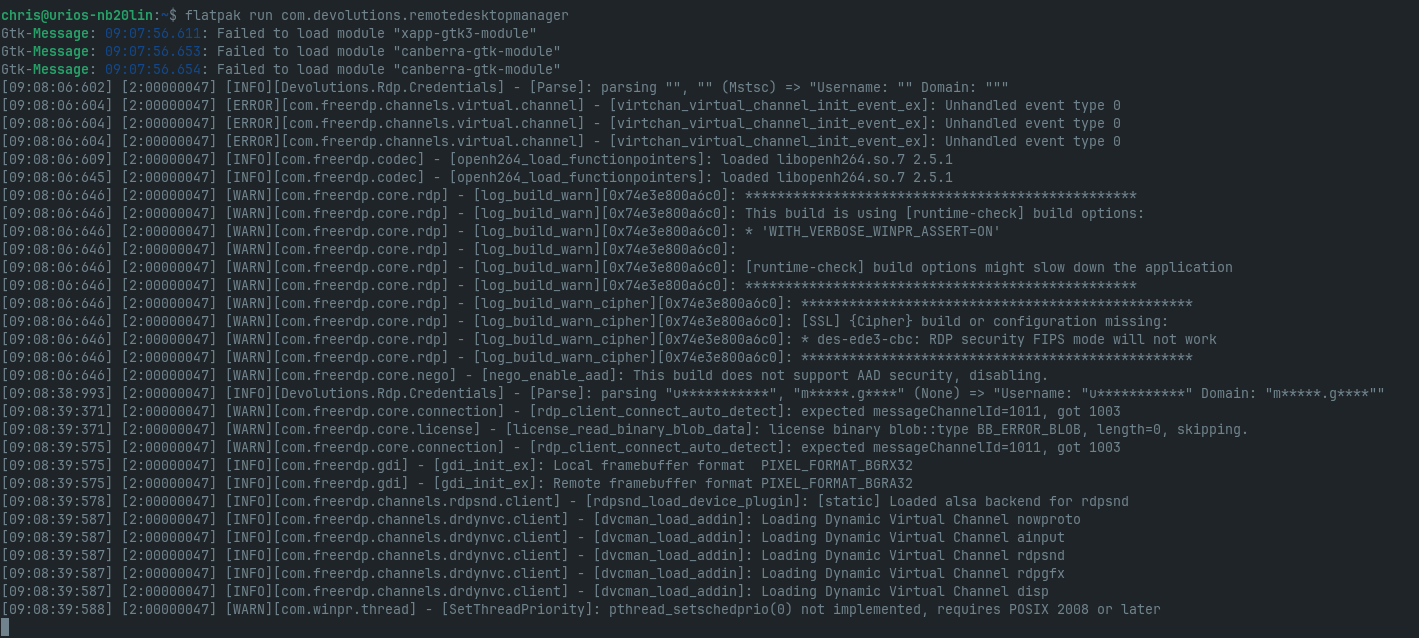
Btw i tested it with kernel 6.14 (default-kernel) and the newest kernel (available from mainline) 6.17. Always the same error (Wayland and X11).
Any guess?
Kind regards
Christoph
RDM on Debian Trixie with Backport Kernel 6.16
Hi Gabriel,
more or less the same behavior.
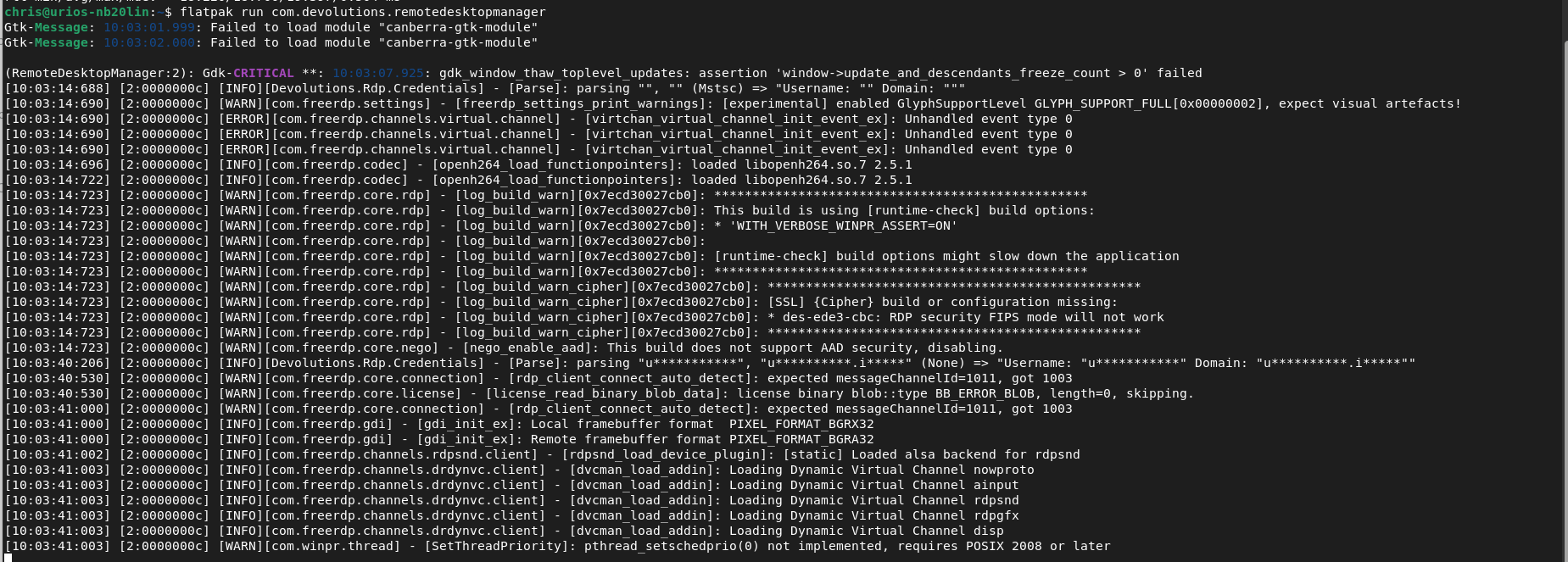
Regards
Christoph
RDM on Debian Trixie with Backport Kernel 6.16
Hi Carl, hi Gabriel,
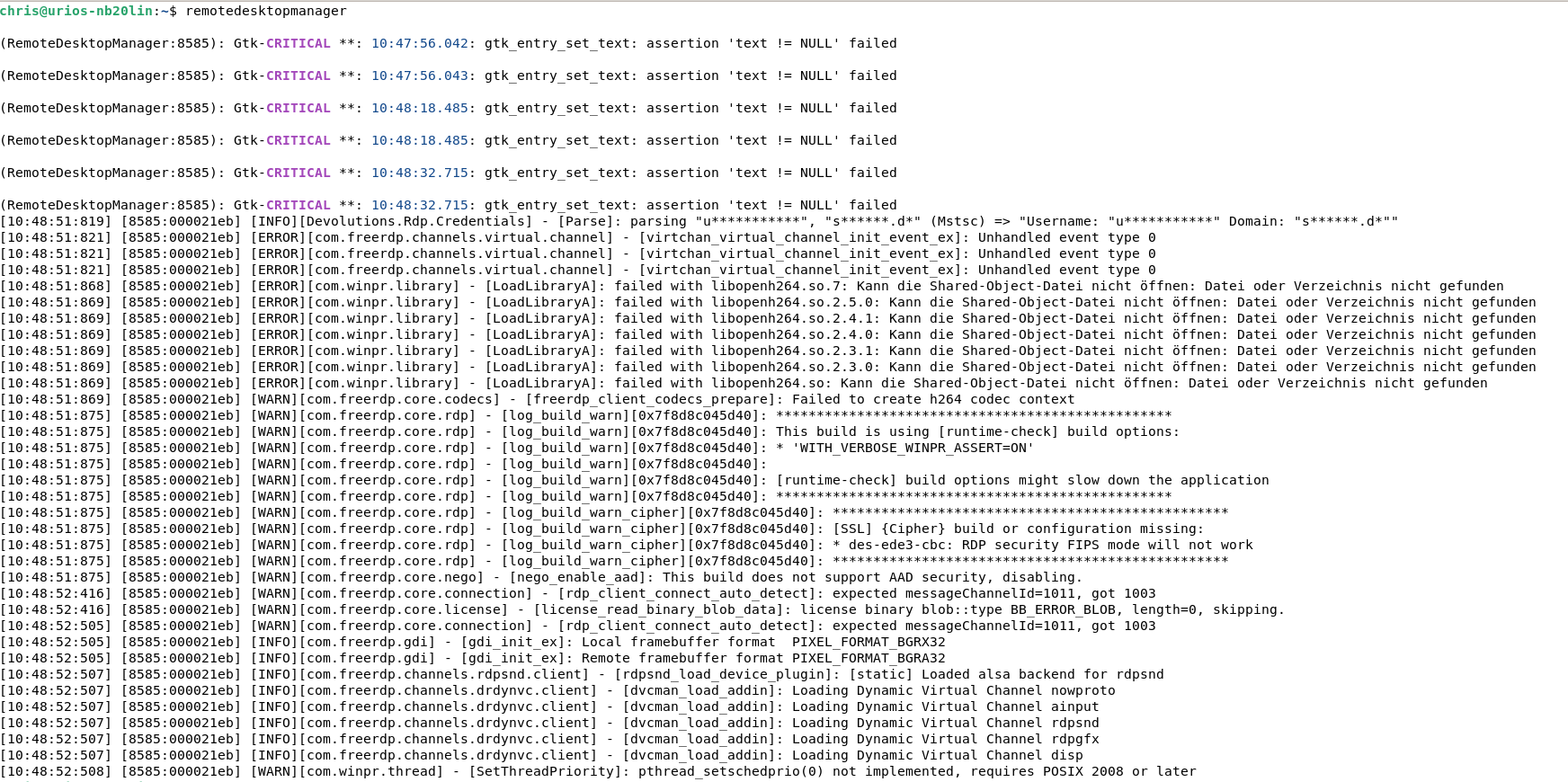
@Gabriel Dubois i did the upgrade but nevertheless the error remains the same.
@Carl Marien Attached is a screenshot that may provide a clue as to the errors that are causing the RDM to not function as intended.
Regards Christoph
RDM on Debian Trixie with Backport Kernel 6.16
Hello Everybody,
I am trying to get RDM running on Debian Trixie with the backport kernel 6.16 and am experiencing the following strange behavior:
- When I start RDM and then try to start an RDP session, I am always asked for my username, password, and domain, even though I have already stored the username and domain in the saved entry. When I try to enter the data, the form is locked and I can only click on Cancel. After restarting the RDP session once or twice, I can enter the data, but the process is canceled without a message and the RDP session is not started.
- If I want to adjust the properties of the saved session, I have to cancel the properties several times and call them up again until I can change something in the entries.
Is there a way to enable debugging to get better log files?
The RDM is a team version with 5 users and has its data source on an MS SQL server. The version under Linux is 2025.2.1.5.
Thanks, Christoph