Master-of-Disaster
Devolutions Password Manager Extension - Session Timeout
Hi,
ok i will install a certifikat on our DVLS Server. It take a lot of time, i will answer you after install a certifikat that not self-signed.
Br
Devolutions Password Manager Extension - Session Timeout
Hi,
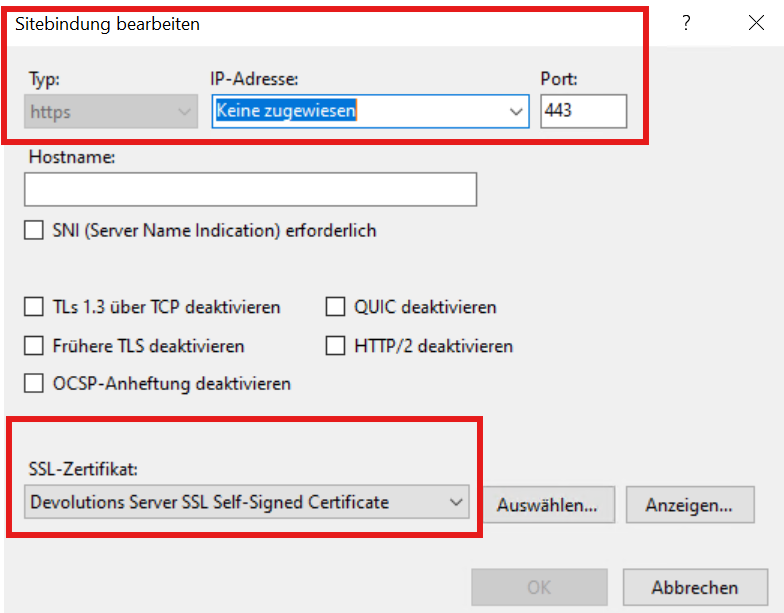
i have the same problem locally in the company without VPN. At home with VPN exactly the same. So after closing the browser I have to log in to the DVLS server again or verify it. After closing the browser, the session should still be preserved. I don't want to log in every time I start the browser. Yes, currently a self-signed certificate
Devolutions Password Manager Extension - Session Timeout
Hello,
the settings are set up via policy and arrive at the computer. You can see the extension in the browser. It is marked with a red dot at the beginning. After you have logged in, this red dot disappears again. But as soon as I close the browser, it turns red again and I have to log in again. Have I overlooked a setting?
{"settings":{"dvlsActivated":true,"dvlsUrl":"https://testdvls.company.local/dvls"},"adminSettings":{"disableSettingsPage":true,"setGPOSettings":"AlwaysOverride"}}

Devolutions Password Manager - Offline mode - iOS and Windows - Issue: Offline Data has expired
Hello Dany,
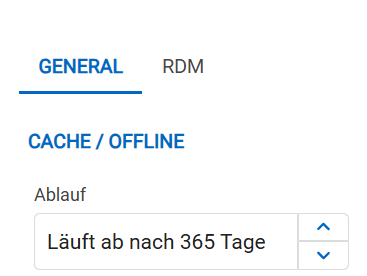
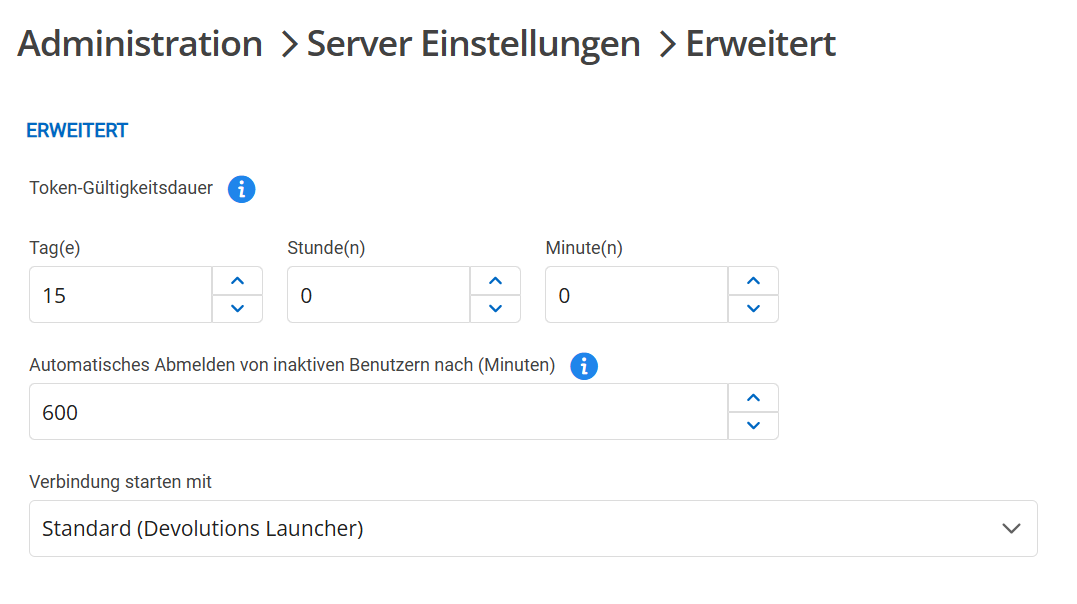
it works with 180 Days. Thank you.
Devolutions Password Manager - Offline mode - iOS and Windows - Issue: Offline Data has expired
Hello,
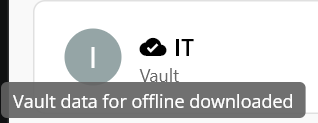
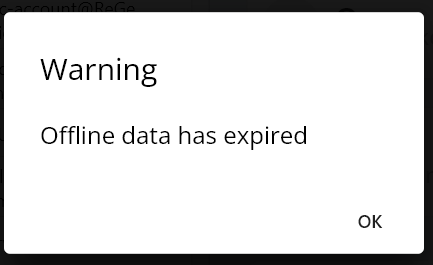
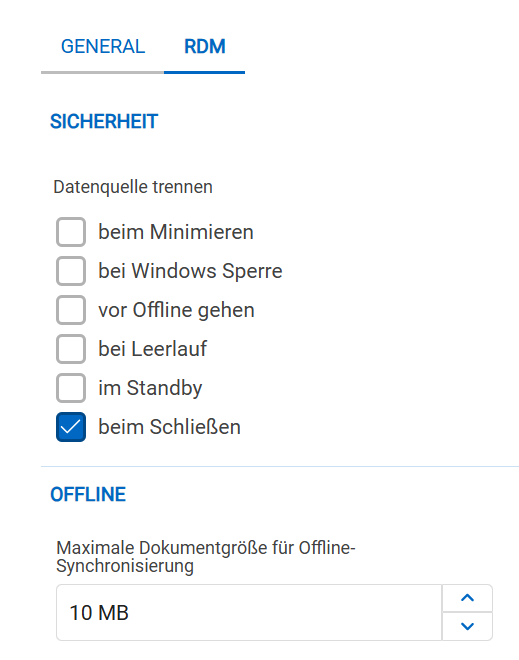
I would be very grateful if you could help me understand why I keep getting the message shown in the attached screenshots when I go into offline mode: