What to do when login has more than U/N and P/W

Good morning.
I am curious to know, since I have to add the website manually into password manager, what fields all do I need to do for the obivious extra required field?
Thanks!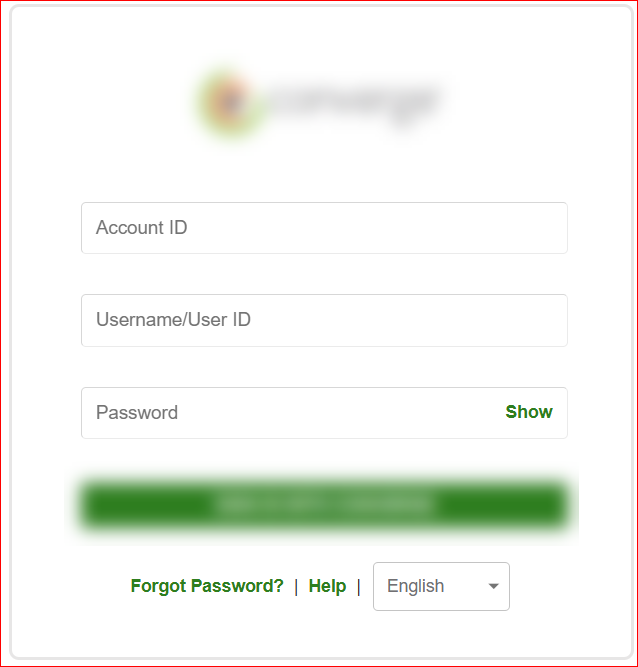
--- Chuck
Overgaard, AZ (-7 MST / Zulu Year-Round)
RDM Version: 2026.3.2.0 64-Bit - Free
82f1c04f-7cbe-4f00-9aaa-aee02f2ffb9c.png
All Comments (1)
Hello,
If you want to auto fill the "Account ID" field that is not supported by default, you can add a custom control to your website entry to fill that field.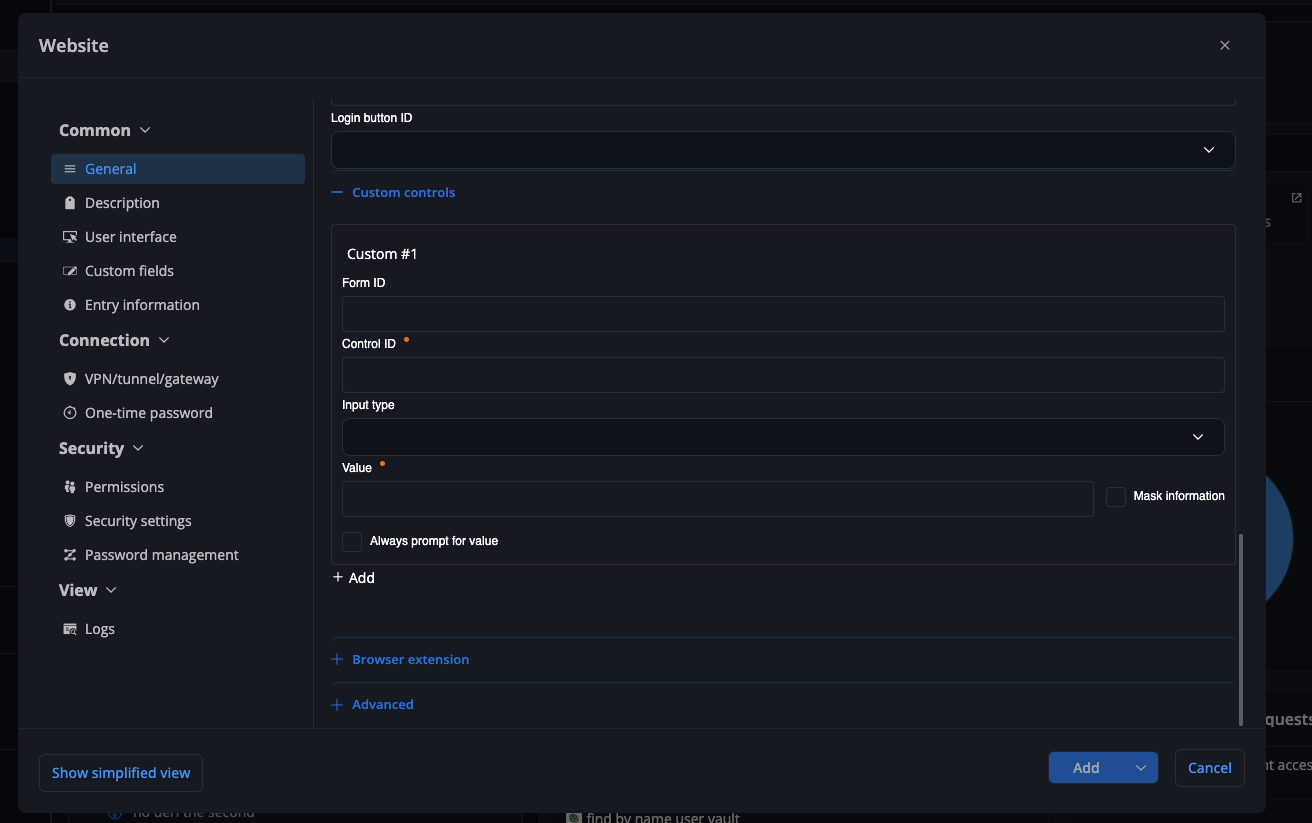
You can then set the control id and value, the extension will auto fill that field along the other fields. The location of the custom control tab might differ between clients but should be present in the website edit view in all clients.
Autofill on load might work without html ids if you set your custom control, but if it does not work you need to add html ids for the login and password fields.
Hope this helps!
Best regards,
Samuel
23122e7d-55a8-48ad-b83a-0a11d84fab9e.png