Specific Branding Settings Not Applying

Get-PSUInformation

Version  BuildVersion
-------  ------------
2026.2.2 28618653519
Certain Branding settings do not seem to be applying correctly, even after restarting the PSU service. All Branding configs are at the bottom for reference. I have these same settings on my 4.5.5. PSU which work without issue.
'Not Authorized'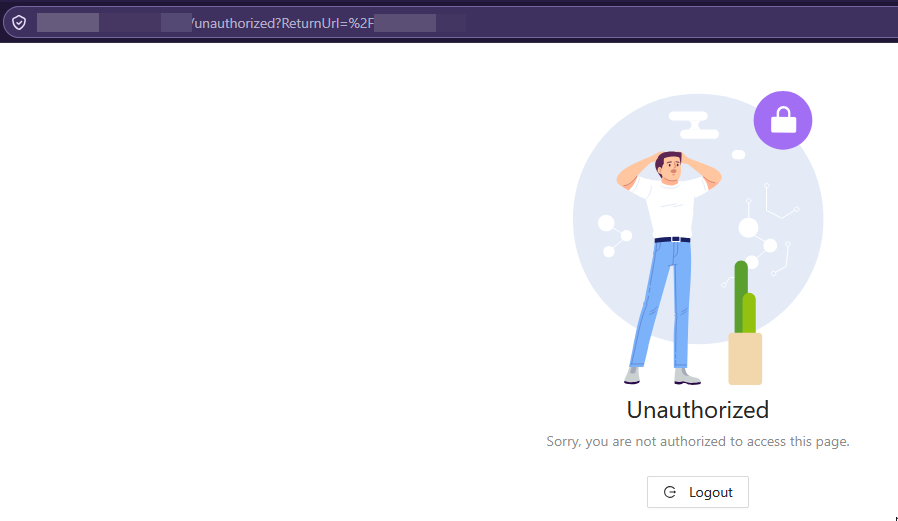
'Not Running'

'Not Found'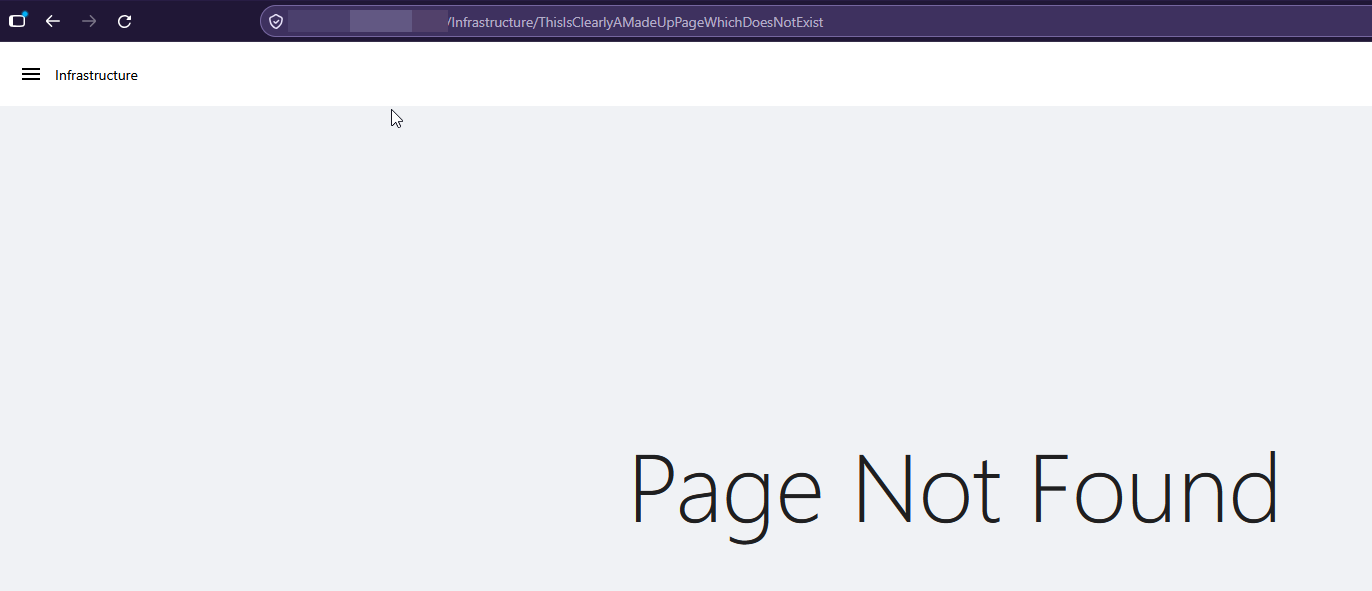
Branding.ps1 Settings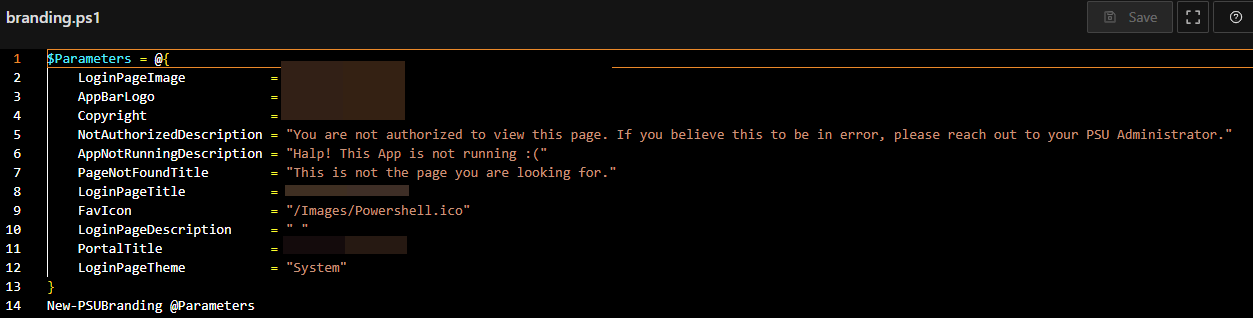 Branding UI Settings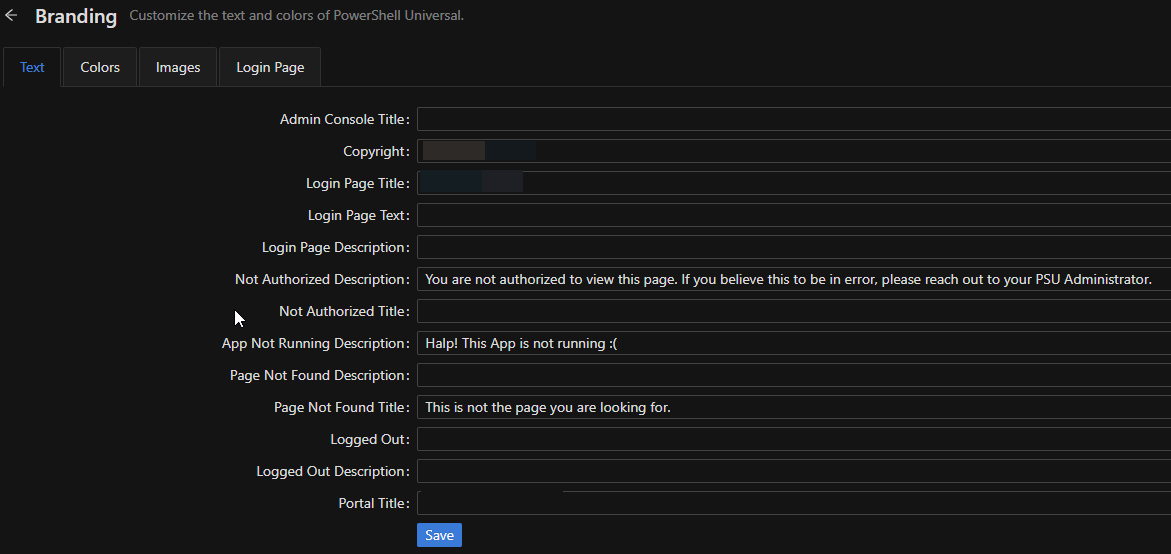
e53c6396-fa8b-4ddc-9ef9-68037e38c7e7.png
750c0e7e-6043-483d-979e-52312310641d.png
3a74900d-3321-4512-b367-13b7ae87b809.png
89da548c-8258-4e17-b063-bd4ae76eeb6d.png
9571bbca-7cd1-4b52-9710-1acde499c6ac.png
b1f1ec05-fcf5-4dd2-856c-867df59640f6.png
All Comments (4)
I tested the 'Not Authorized Title' after submitting this and that also does not work. Currently, the 'Copyright', 'Login Page Title', and 'Portal Title' are working. 'Admin Console Title' was working before, but I recently reset that back to the default setting.
@btull Thanks for reporting this. I've opened an issue to track this and will let you know if we need any additional information.
Adam Driscoll
PowerShell Expert and Software Architect at Devolutions
@Adam Driscoll in 2026.3.2 the favicon settings don't work. I think that's because there are now two settings for it. One in branding.ps1 and one in settings.ps1. My branding is filled, my settings is not. And the problem is I can't put settings in a header (for different favicons for dev/test/prod for example), because I want to be able to configure them manually. In a header, a dublicate block would be generated with default settings if I manually edit a setting. So I really like the branding.ps1.
@schubfre We have a fix coming for the favicons. I was able to reproduce this. It will be in 2026.3.4.
Adam Driscoll
PowerShell Expert and Software Architect at Devolutions