Does anyone know what "-PaperStyle" can be used for in Show-UDModal?
Does anyone know what "-PaperStyle" can be used for in Show-UDModal?

I'm working on redesigning one of our wizard driven experiences and had a crazy thought of putting a "translucent wallpaper" behind the modal so it could dynamically display the Hypervisor they're working in/on.
Show-UDModal | Devolutions PowerShell Universal | Product guides & reference
Here is a rough thing I put together in a screenshot tool.
Obviously, the images would be more transparent as to not interfere with the form.
But, I think you get the idea.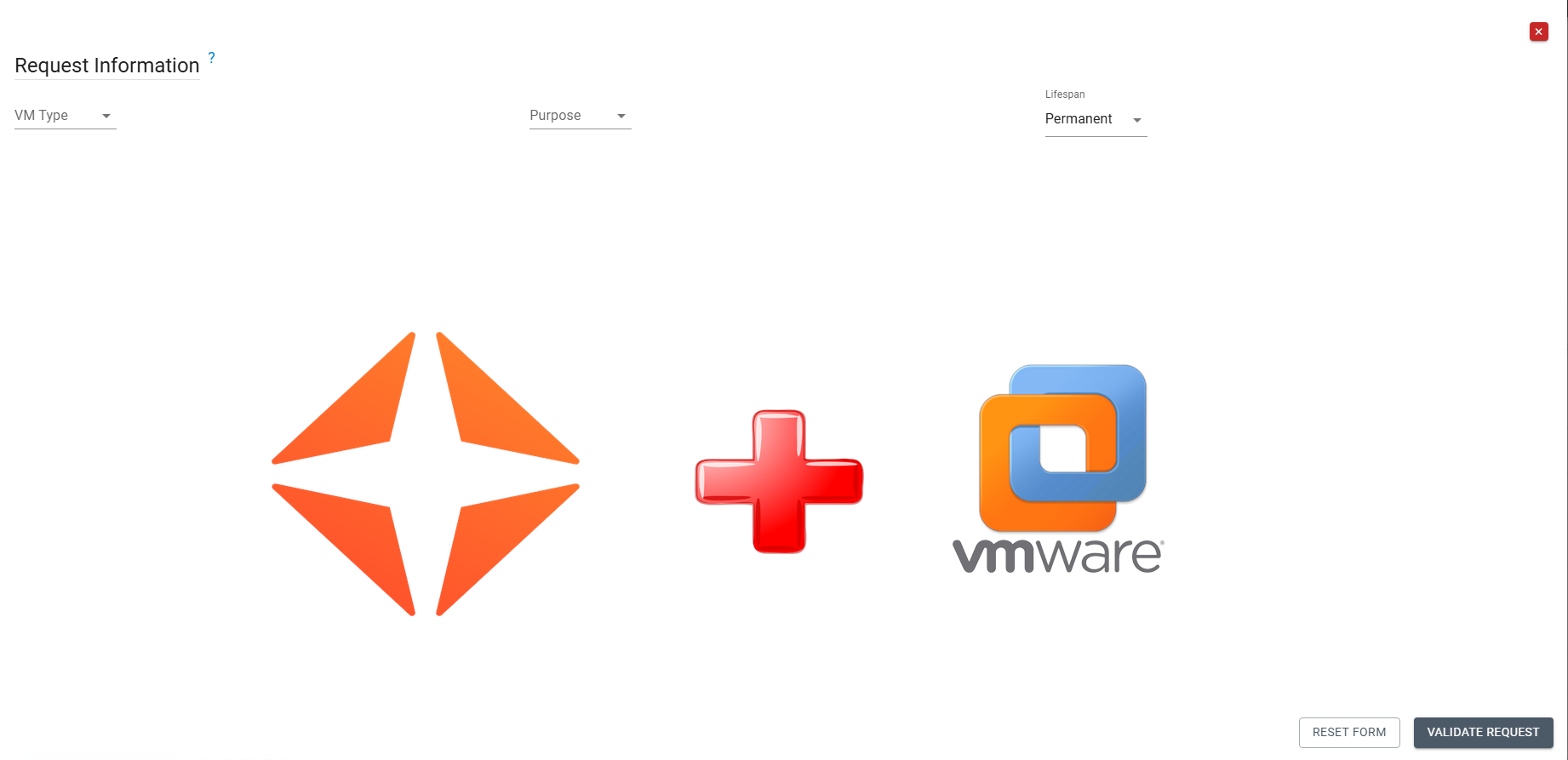
6f5cf194-fd8f-4224-863e-49eae323672e.png
dab1a149-d503-4263-a8f1-f70e1a0ad0ec.png
All Comments (2)
is a style applied to whole modal:
Show-UDModal -Content {
  New-UDTypography "test"
} -PaperStyle @{'height' = '420px'} -ContentStyle @{'color' = 'blue'}is a style applied to whole modal:
Show-UDModal -Content {
New-UDTypography "test"
} -PaperStyle @{'height' = '420px'} -ContentStyle @{'color' = 'blue'}
Thanks, @krisr!