Devolutions Cloud browser plugin not working for some entries

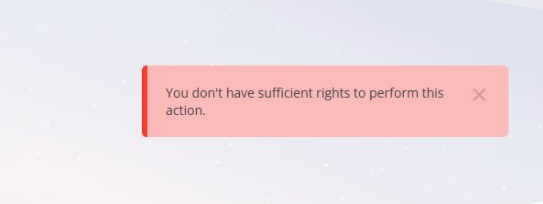
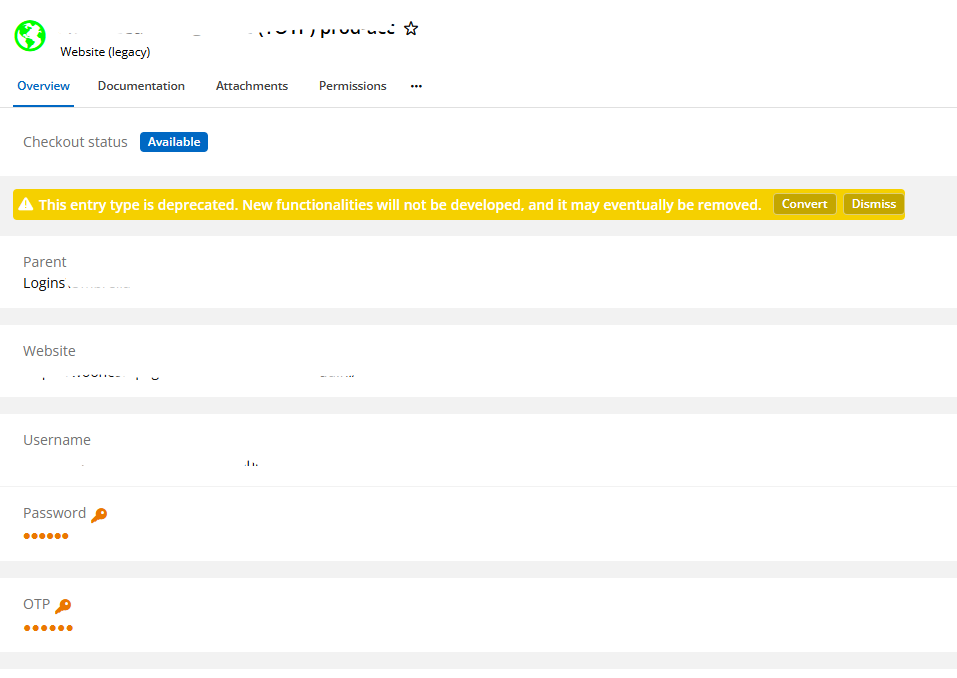
Hi! We have (since a couple of weeks) problems with the browser plugin for logins. For some entries, we get an error "You don't have sufficient rights to perform this action". Other entries work fine. When I switch the source of the plugin to RDM, all entries work. The source for RDM (and Dev Cloud) is Devolutions Hub Business. The problem seem to have arisen after some entries were suddenly deprecated. I have converted these entries. I'm not sure if the problems are now with the converted entries or not. In Devolutions Cloud I cannot see any differences in the items. I am vault manager, so I have all the rights on all the entries. What can be the problem here?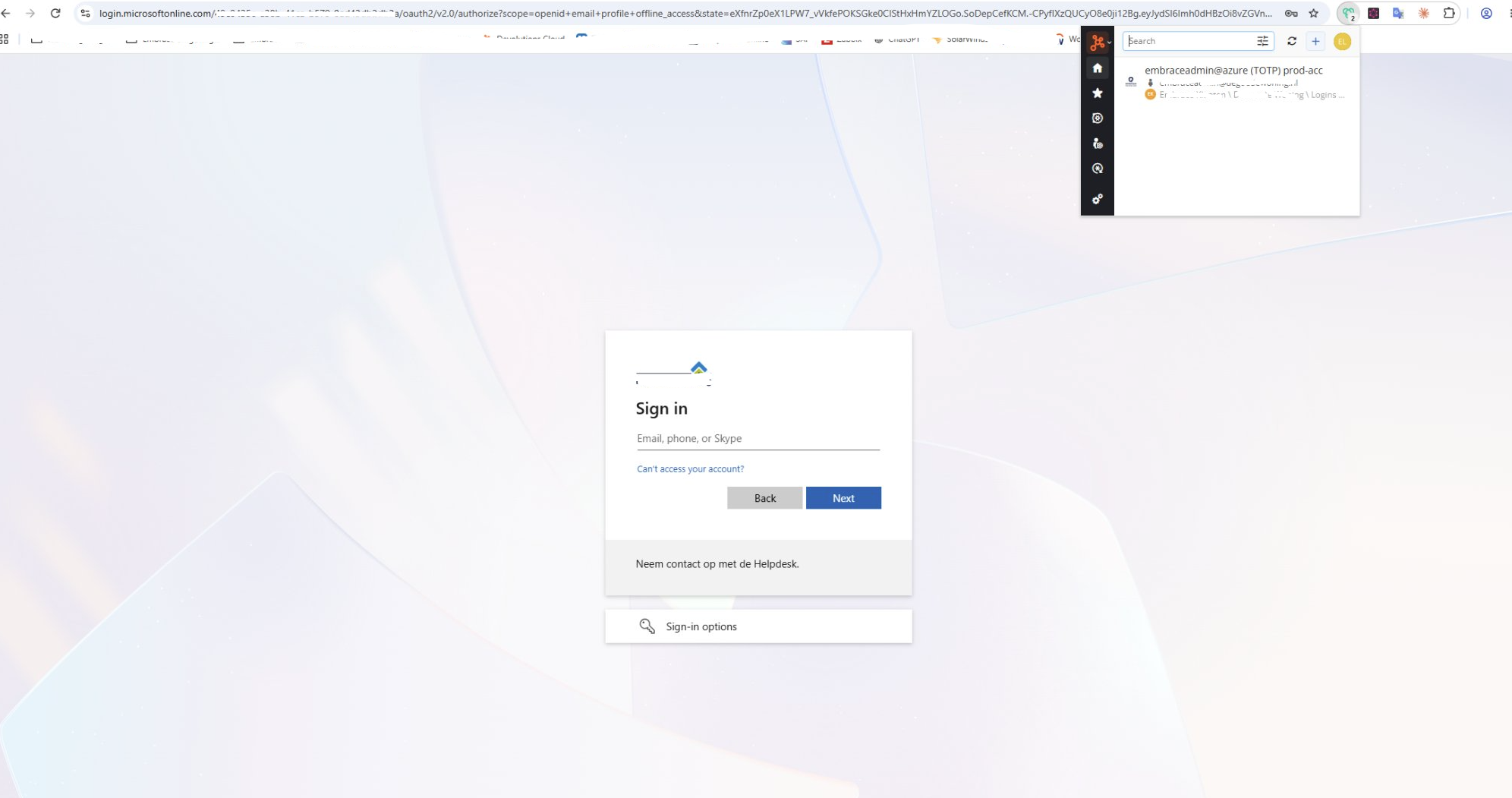
0b4ead1f-6d8f-454e-bc2d-9b76378954ea.png
8b436e6d-7269-4490-8752-cdd562c77203.png
71108e2a-4459-47a5-b090-ec0d1bb87edc.png
All Comments (9)
Hello,
This message generally means that you do not have the execute permission that is required for filling credentials.
Could you please send us a screenshot of the permissions tab of your entry please? The permission you are looking for is Connect (execute).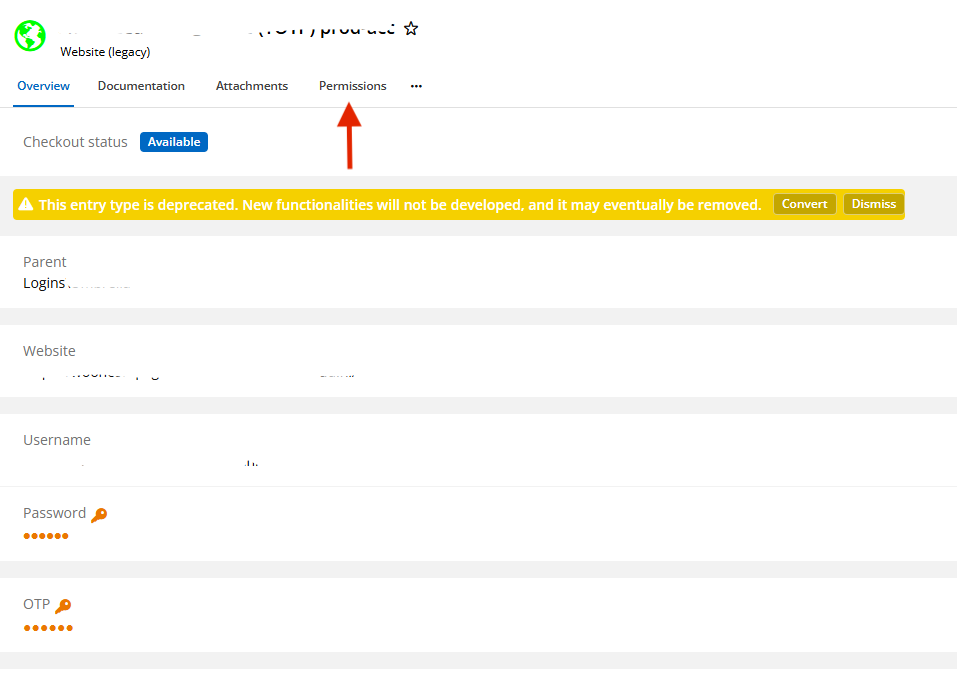
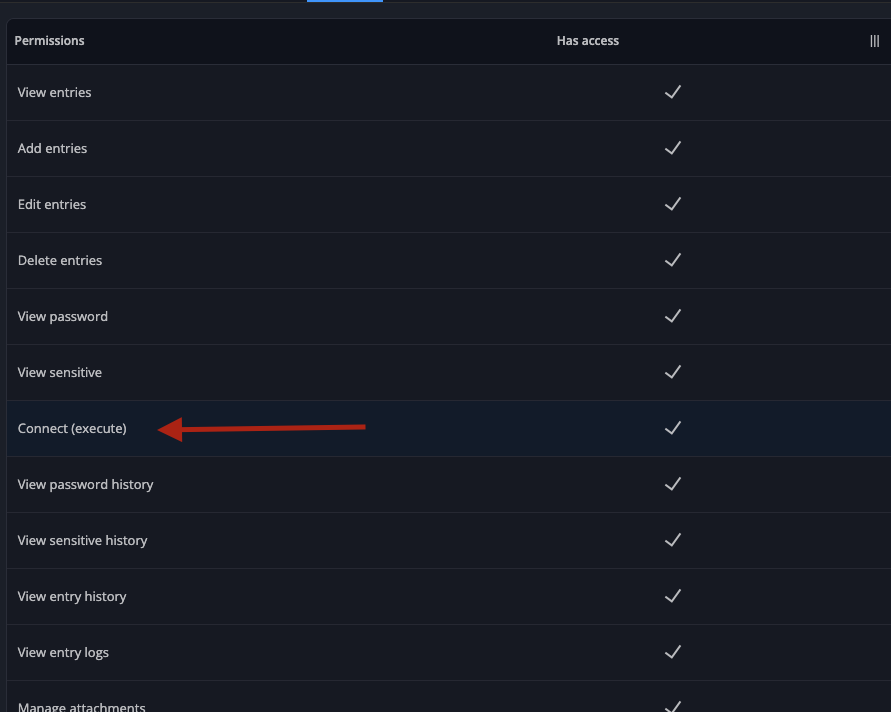
Best regards.
6af22f8a-5092-4e81-9e64-2fb722d140bb.png
adc4e0b3-1734-45ee-815c-e4c6a7873aa5.png
That cannot be the case, since I am vault owner. These are my permissions (Connect = on)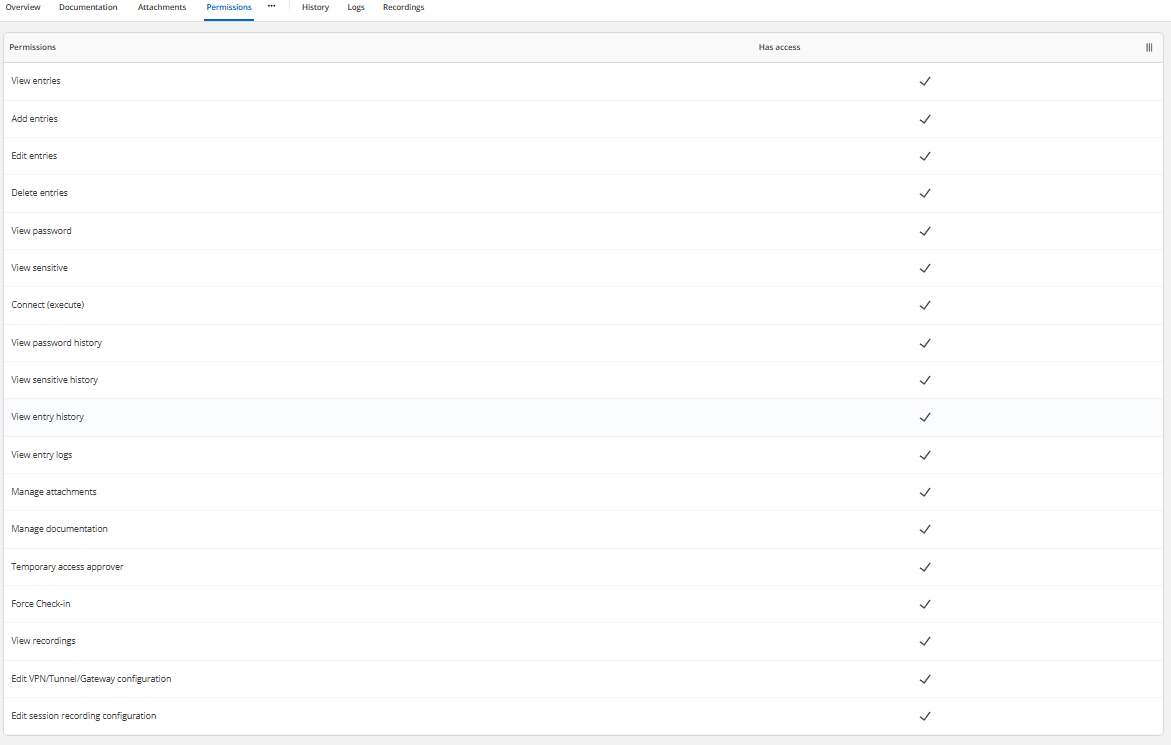
227b8510-4d12-4887-926c-ca75ac5c1ba9.png
Hello,
Thank you for the screenshot — you are right, your permissions are not the problem.
The key detail is that the same entries work when you switch the extension's source
to Remote Desktop Manager and only fail through Devolutions Cloud. That tells us the
rights stored on your entries are fine, and that the issue is in how the extension
evaluates those rights on the Devolutions Cloud source. We have reproduced this and
a correction is already in progress. The timing also fits, as it started right after
the Website (legacy) entries were converted.
If you could tell us your browser and the extension version (extension menu >
About), and whether the failing entries all have an OTP configured while the working
ones do not, that would help a lot.
In the meantime, recreating an affected entry manually (a new Website entry, not a
copy or import) reliably restores the autofill. Not practical for many entries, we
know, which is why we would like to confirm the above first.
Best regards,
Stephan
Thanks for your reply, Stephan. I use Chrome Version 153.0.8010.37 (Official Build) (64-bit). Extension Version: 2026.3.1.7. Do you have any idea when the fix becomes available?
Hello,
Unfortunately, I do not have an estimated release date for the fix at this time.
We will make sure to update you as soon as we have any new information regarding its availability.
Thank you for your patience and understanding.
Best regards,
Stephan
Hello,
The fix version should be out in the coming days, at worse it will out at the start of next week, we will update you if this eta changes.
Best regards.
Thanks that is very helpful! We can hold out a few days ;-)
Hello, i forgot to mention this:
There is a temporary fix you can do for now that will probably work, if you duplicate your entry or edit the entry and save the edit with no changes (you can do this by adding and removing a space in the entry name) it should fix your entry, this is not realistic if you have a lot of entries to fix however, for that you would have to wait for the real fix in the extension.
Best regards.
That seems to work, thanks!!