404 - Page Not Found with any browser extension

Hello.
The last couple weeks, every time I go to edit an existing entry, I get the following: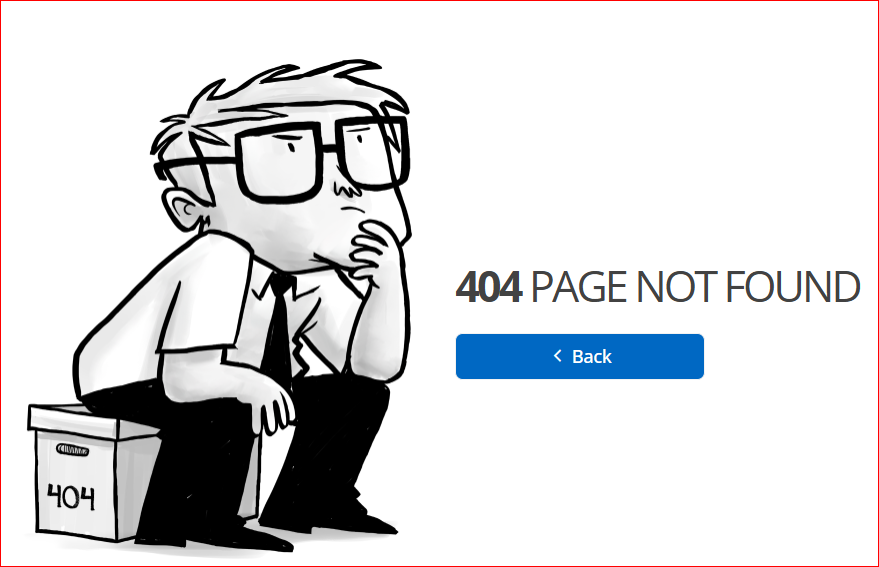
Workspace itself works, but none of the browsers dow.
Also, whenever I get a push notification sent to me, and I go to approve it, it comes back and gives me access denied in to my own database. This has been going on since the transition a couple months ago.
Please fix ASAP!
--- Chuck
Overgaard, AZ (-7 MST / Zulu Year-Round)
RDM Version: 2026.3.2.0 64-Bit - Free
13e9074c-064e-49b5-9f01-57a16de0ed7a.png
All Comments (5)
Hi,
Are you using a custom name/subdomain for your Devolutions Cloud URL, the default URL, or the legacy hub.devolutions.com URL (for example, if you previously used Hub Personal)?
You can find more information about Devolutions Cloud URLs here:
https://docs.devolutions.net/cloud/knowledge-base/how-to-articles/customize-your-devolutions-coud-url
When accessing your database through the web interface, do you also receive the “Access denied” error?
Also, could you confirm whether you are using the same URL in both the web interface and the browser extension?
Best regards,
Olivier Désalliers
Hi,
Are you using a custom name/subdomain for your Devolutions Cloud URL, the default URL, or the legacy hub.devolutions.com URL (for example, if you previously used Hub Personal)?
You can find more information about Devolutions Cloud URLs here:
https://docs.devolutions.net/cloud/knowledge-base/how-to-articles/customize-your-devolutions-coud-url
When accessing your database through the web interface, do you also receive the “Access denied” error?
Also, could you confirm whether you are using the same URL in both the web interface and the browser extension?
Best regards,
@Olivier Desalliers
I have been using Devolutions PAM since it came out. So, when you folks did the forced conversion, that is when I started getting the access denied **in the app** when I get a push notification.
As for the web based, I will go in and double check later today.
--- Chuck
Overgaard, AZ (-7 MST / Zulu Year-Round)
RDM Version: 2026.3.2.0 64-Bit - Free
Hi,
Are you using a custom name/subdomain for your Devolutions Cloud URL, the default URL, or the legacy hub.devolutions.com URL (for example, if you previously used Hub Personal)?
You can find more information about Devolutions Cloud URLs here:
https://docs.devolutions.net/cloud/knowledge-base/how-to-articles/customize-your-devolutions-coud-url
When accessing your database through the web interface, do you also receive the “Access denied” error?
Also, could you confirm whether you are using the same URL in both the web interface and the browser extension?
Best regards,
@Olivier Desalliers
As far as this error... Devolutions IS the Administrator - lol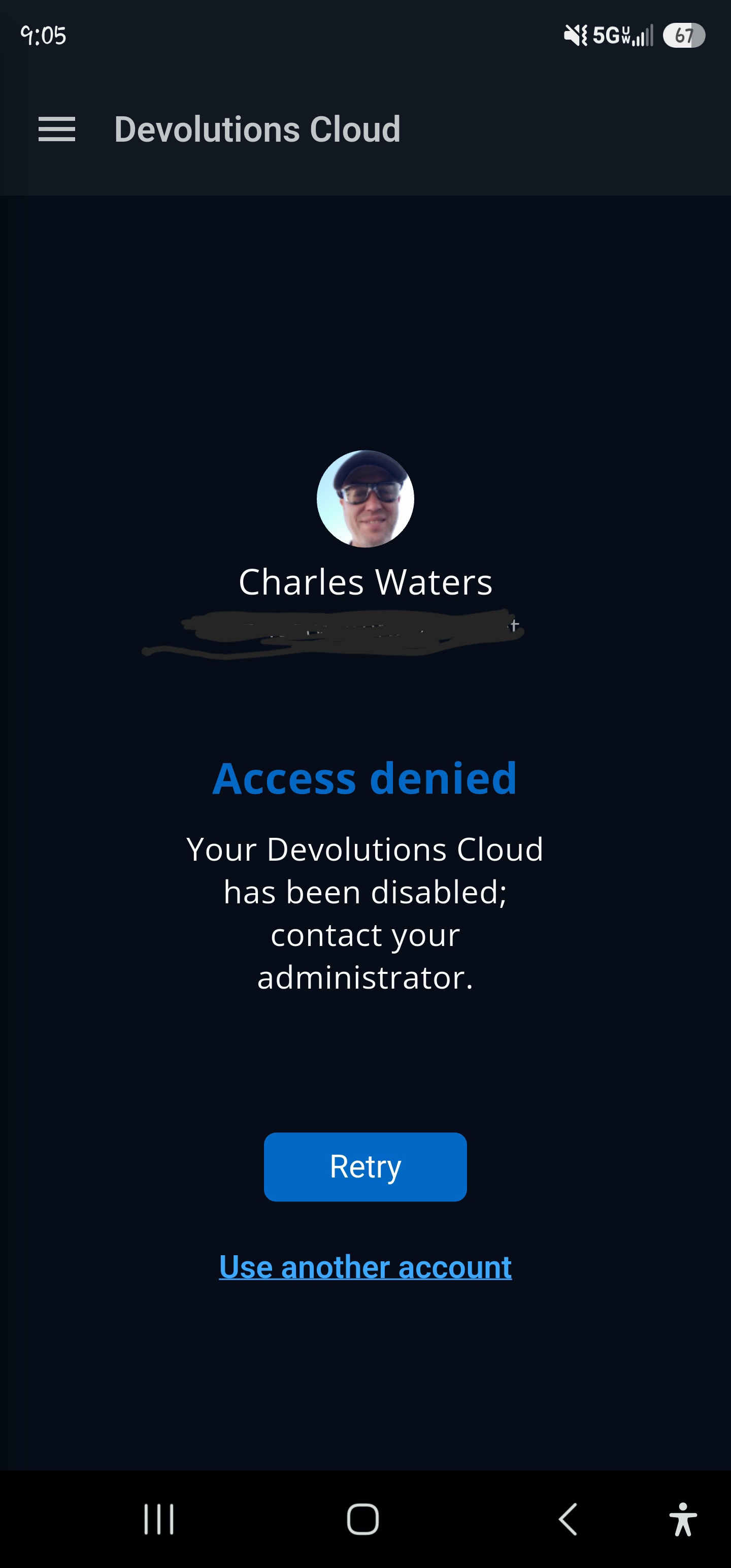
--- Chuck
Overgaard, AZ (-7 MST / Zulu Year-Round)
RDM Version: 2026.3.2.0 64-Bit - Free
Screenshot_20260819_091037_Gallery.jpg
Hi!
Could you please update the application to the latest version that just got released (2026.2.3)?
Once updated, please try the following steps:
- Open the Menu.
- Press and hold your workspace.
- Select Log out.
- Then, add the workspace again.
Please let me know if the issue is still happening afterward. Thanks!
Best regards,
Dany Galarneau
Hi!
Could you please update the application to the latest version that just got released (2026.2.3)?
Once updated, please try the following steps:
- Open the Menu.
- Press and hold your workspace.
- Select Log out.
- Then, add the workspace again.
Please let me know if the issue is still happening afterward. Thanks!
Best regards,
@Dany Galarneau
My apologies for the delay.
I had to completely remove any instances of the workspace I had, and re-add.
So, it seems the migration from the old cloud to the new cloud y'all did wasn't quite perfect. ;-)
--- Chuck
Overgaard, AZ (-7 MST / Zulu Year-Round)
RDM Version: 2026.3.2.0 64-Bit - Free