URL conflict bug

Product: PowerShell Universal
Version: 5.3.2
It took me a long long time to figure out why I couldn’t get a dashboard to load, but it turns out it’s because of a URL clash bug. And not because the URLs are identical.
I have a Published Folder with the URL /Anonymisation
I created a dashboard with the URL /AnonymisationEditor
The dashboard would not load while ever its URL contained and began with the URL of a published folder.
I tried a few other combinations and I’m fairly sure this is the cause.
Published Folder /Anonymisation
Dashboard /AnonymisationEditor
Dashboard not found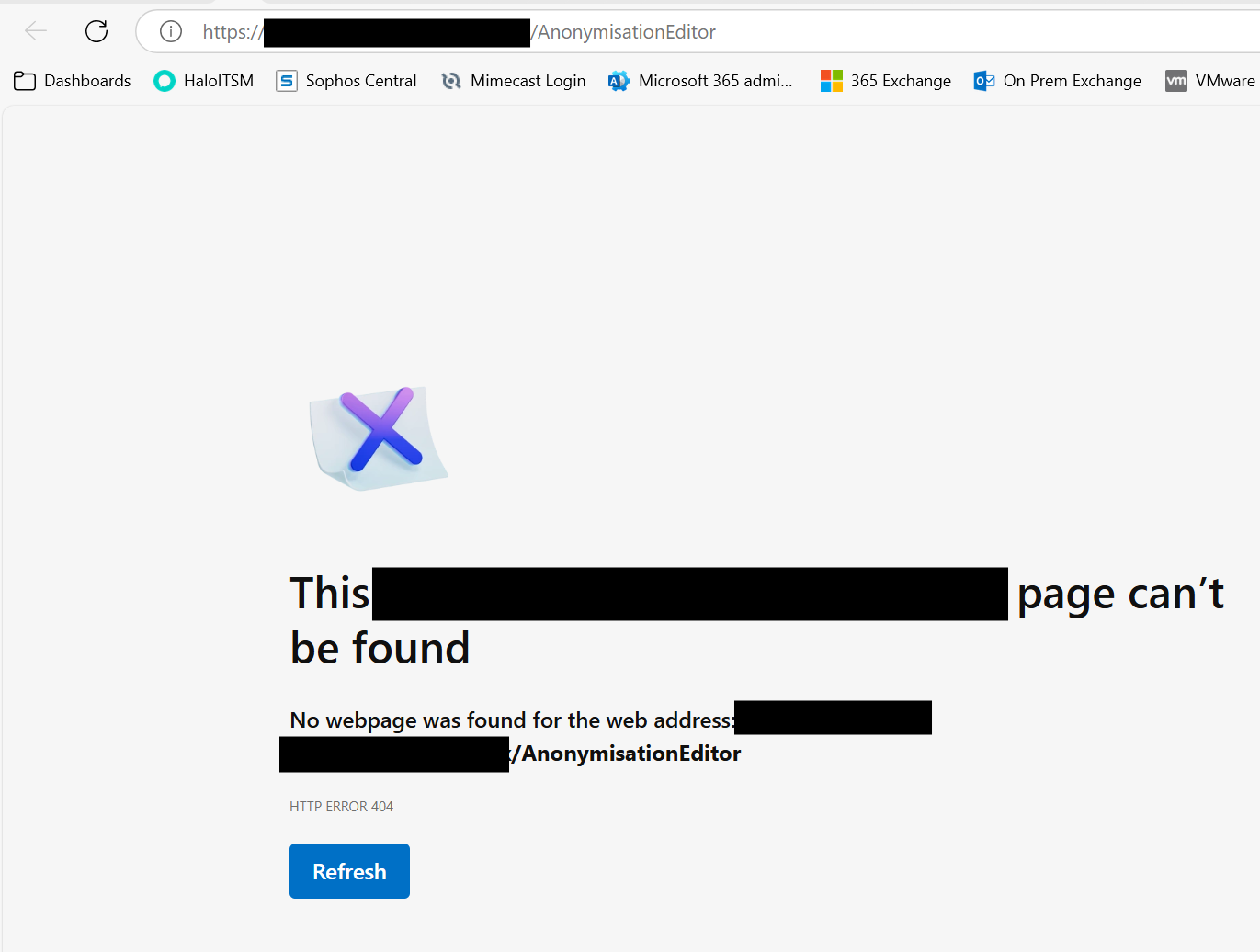
6ac282472944341754052d5a262791584e9d3f06.png
8c324c9cf3040a2da6fba0895a9232211254aba2.png
ae9254a72fffbe91667055857e0945591a11188d.png
All Comments (4)
I think you are correct. I created a test app with the url of /test and it worked. As soon as I named it similar to my published folder it failed.
Published folder: /images
Test App: /imagestest
I suggest you raise an issue here: GitHub · Where software is built
My theory is it may be related to a recent patched CVE around the published folder.
Agreed. This is a bug/enhancement that could use an issue.
Long story:
We kinda have a fundamental issue with URL validation across features. It’s pretty manual right now and I have actually run into this very problem recently. We implemented some checks but they’re not extensive and pretty error prone. Hence the CVE.
We do too much manual route checking and should really fall back on ASP.NET endpoint APIs to handle all this. We implemented that for apps in v5 but haven’t rolled it out across the platform. It would solve a lot of these types of issues but is a big churn.
There are issues for general URL fixes but haven’t bubbled up in a release yet.
Adam Driscoll
PowerShell Expert and Software Architect at Devolutions
Thanks @Adam Driscoll
It’s less of an issue now I worked out what’s going on. I can work around it.
But I honestly spent a long time trying to figure out why this one App wouldn’t load. There’s no clues in the logs because the admin area shows it running, the API response shows it running, there’s nothing in the App logs because for all intents and purposes, the App is running - it’s just not accessible from the front end.
We have a bit of placeholder for this issue since it’s been a problem for a while. There are actually a lot of ways to cause internal API conflicts.
github.com/ironmansoftware/powershell-universal
I’ll get it moved into a milestone so we can get it resolved once and for all.
Adam Driscoll
PowerShell Expert and Software Architect at Devolutions