Issue setting up roles based on group claims

Product: PowerShell Universal
Version: 5.0.6
So I have setup OIDC and am trying to grant new users permissions based on what groups they are in in Azure AD. I put in the claim value and the claim type, then restart the PSU service, but it does not work and gives me this error.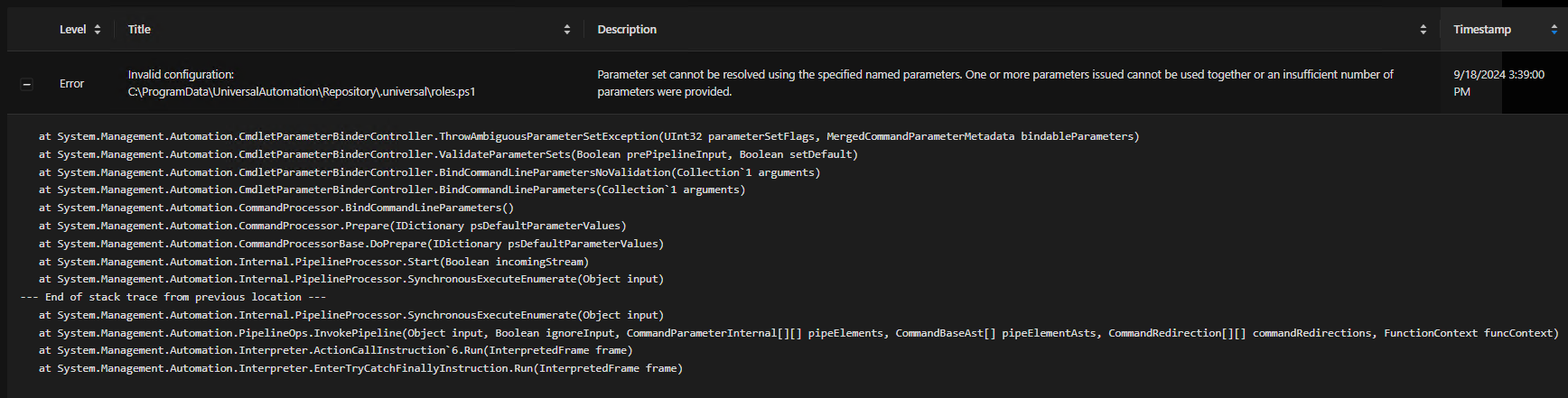
This is what my Roles.ps1 looks like.
For extra fun the Admin role also disappears from the Roles page, presumably due to the error.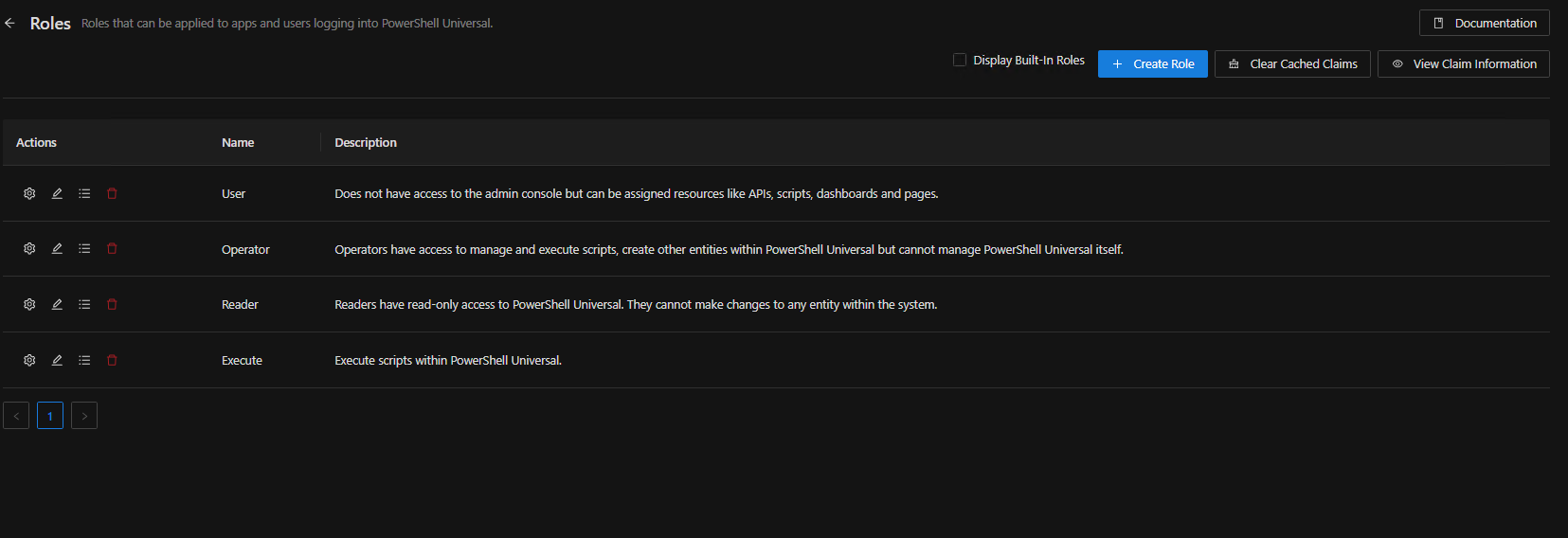
974ded05a1580a46b73246fc8162bc91aa913ad6.png
e74adc97836789c3360b7730d6afa4c85b5b5c4f.png
57dfa626e9a9852e5c03ca2755a60632ceddda67.png
Recommended Answer
Ah - Remove the -Policy script block from any roles that have claims mapping enabled.
@Adam Driscoll I didn’t see anything documented for this - I presume it’s intended behavior as only one should be used at a time, but can you confirm that this isn’t a bug at the least?
Hope this helps!
ZG
All Comments (1)
Ah - Remove the -Policy script block from any roles that have claims mapping enabled.
@Adam Driscoll I didn’t see anything documented for this - I presume it’s intended behavior as only one should be used at a time, but can you confirm that this isn’t a bug at the least?
Hope this helps!
ZG