Filesystem watcher - Editing PSU externally

Product: PowerShell Universal
Version: 3.9.17
A bit of background… our setup is primarily a dev/test server, which we mainly edit via VSCode. We have another server, prod, that we only pull code changes from ‘main.’ We use git externally as we ran into too many issues early on with the git integration.
The problem we are running into is when we initial a ‘git pull’ on the prod server PSU freaks out, and some of the core configuration files get corrupt due to the filesystem watcher. The have gotten around this by stopping the service, doing the git pull, and starting the service back up. The bad part about this is the downtime that it brings (even ~1 minute is bad). I want to pull changes without having to bounce the PSU service.
I was reading the Best practices and it mentions to disable the auto-reload. If we do this, how do we tell PSU that we changed a file externally?
I was poking around with the configuration API but didn’t have much luck.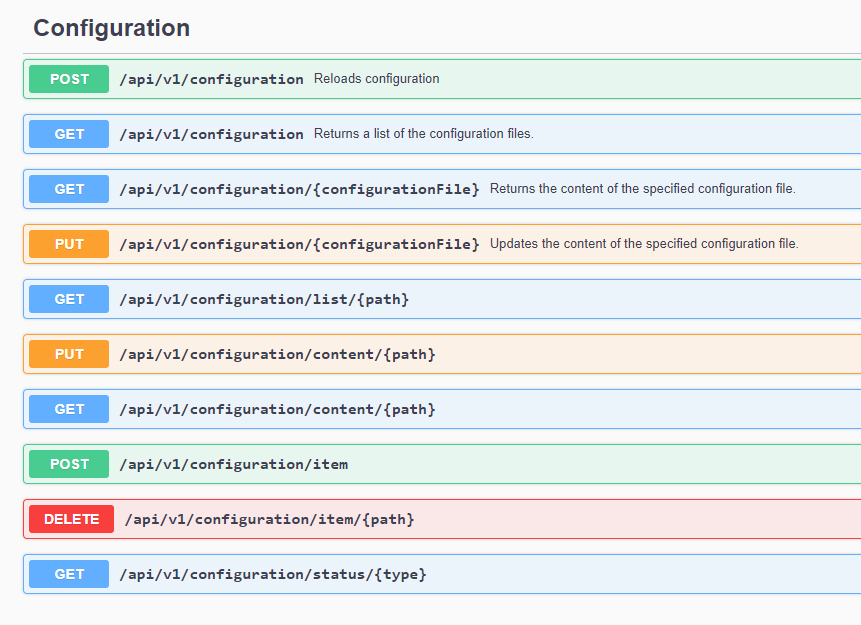
Thanks in advance.
Michael
e1633847a6dd7fdcbacb3ed594c0221c0a3bb132.png
All Comments (3)
Maybe
Sync-PSUConfiguration -Reset
helps?
Good idea but I dont think thats going to work due to how we are using git externally.
Maybe we could " Disable Auto Reload" and then use Sync-PSUConfiguration -Reset
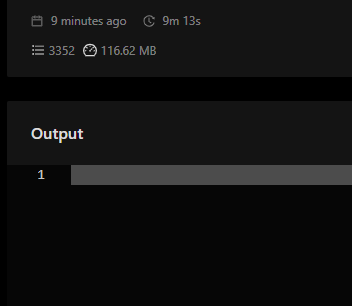
Created a new script to run the command Sync-PSUConfiguration -Reset, and it doesn’t look to be working as expected…
2e90dbfcbffcccabcfeec4e3e2e2969e98571cb4.png