Template Published - Active Directory Dashboard - 2.4.0
Template Published - Active Directory Dashboard - 2.4.0
Template Published - Active Directory Dashboard - 2.4.0
Download
About
PowerShell Universal Active Directory Dashboard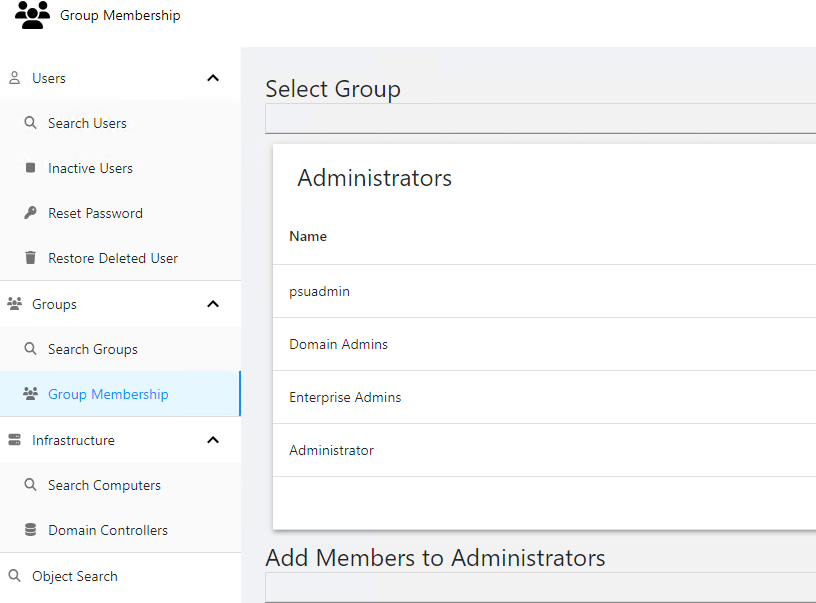
Active Directory tools built with PowerShell Universal. Reset passwords, restore deleted users, manage group membership and search for objects.
General Tools
- Object Search
User Tools
- Search Users
- Reset Password
- Restore Deleted Users
Group Tools
- Search Groups
- Manage Group Membership
Infrastructure Tools
- Search Computers
- View Domain Controllers
Reports
Reports are scripts that can be run to query Active Directory. All reports support exporting as CSV, Excel, PDF and JSON. Reports can be re-run from the dashboard.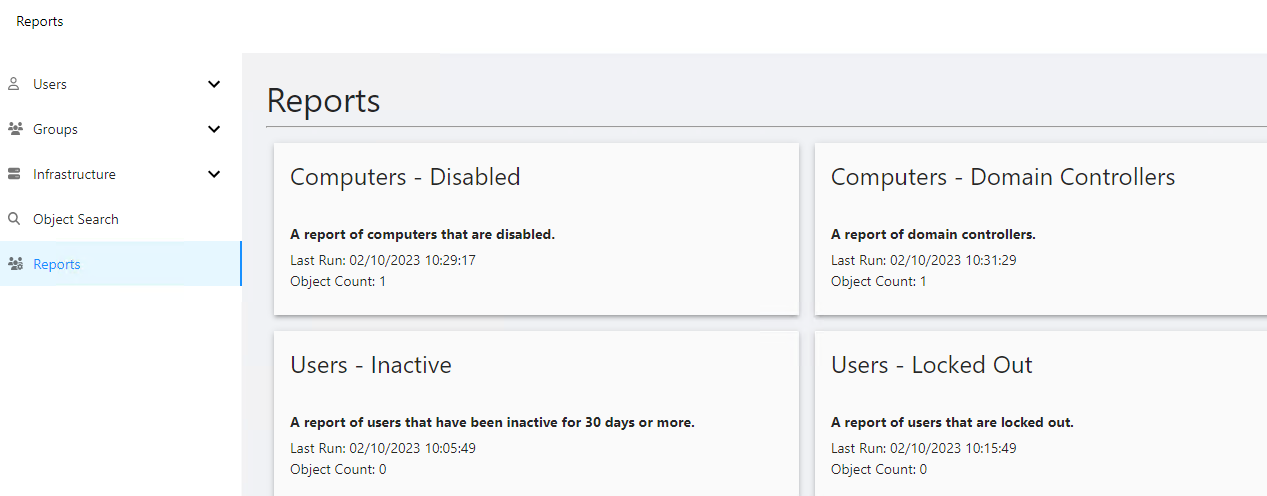
Current Reports Include:
- Inactive Users
- Users that have never logged on
- Users without Managers
- Recently Changed Users
- Recently Created Users
- Recently Deleted Users
- Disabled Computers
- Inactive Computers
- Domain Controllers
Usage
The ActiveDirectory module is required. All Active Directory commands run under the context of the PowerShell Universal service account. You can specify alternate credentials for the dashboard to run as another user.
Role-Based Access
- Administrator - Administrators have access to the entire dashboard.
- AD Admin - UD Admin have access to the entire dashboard but no access to the admin console.
- AD Users - Has access to user functionality.
- AD Groups - Has access to group functionality.
Changelog
2.4.0 - 2-10-2023
- Reports are now run as scripts
- Added new reports
2.3.0 - 2-9-2023
- Added reports
- Added role-based access
Adam Driscoll
PowerShell Expert and Developer at Devolutions
All Comments (3)

Not really sure if it’s a me problem, but I get errors on most pages trying to use this template.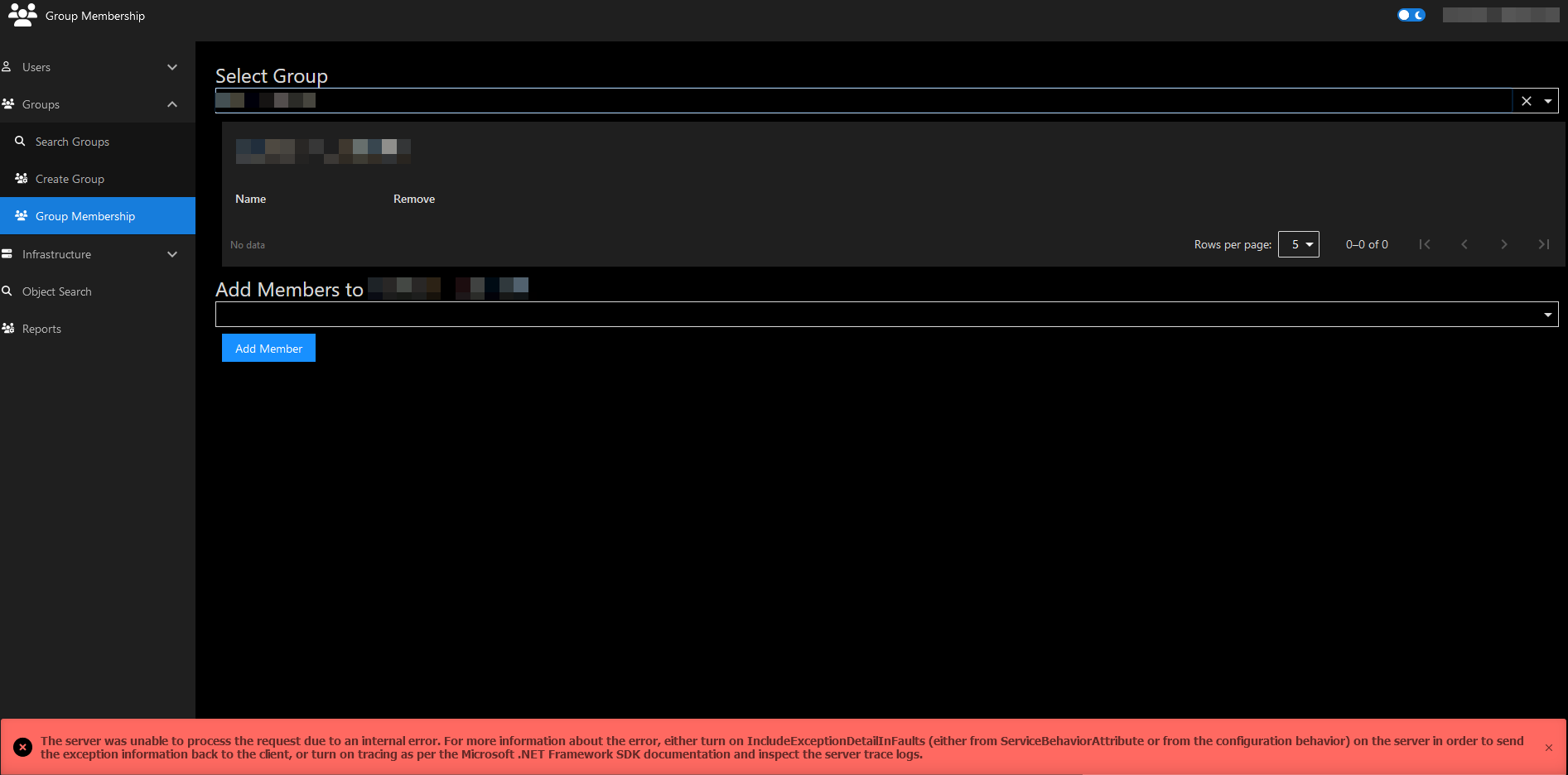
b1ba65ba302e2f59c8bec22086e0e3141bc202c2.png
7b725e0ee3a9a48050bf5b37566af1b778cc0672.png
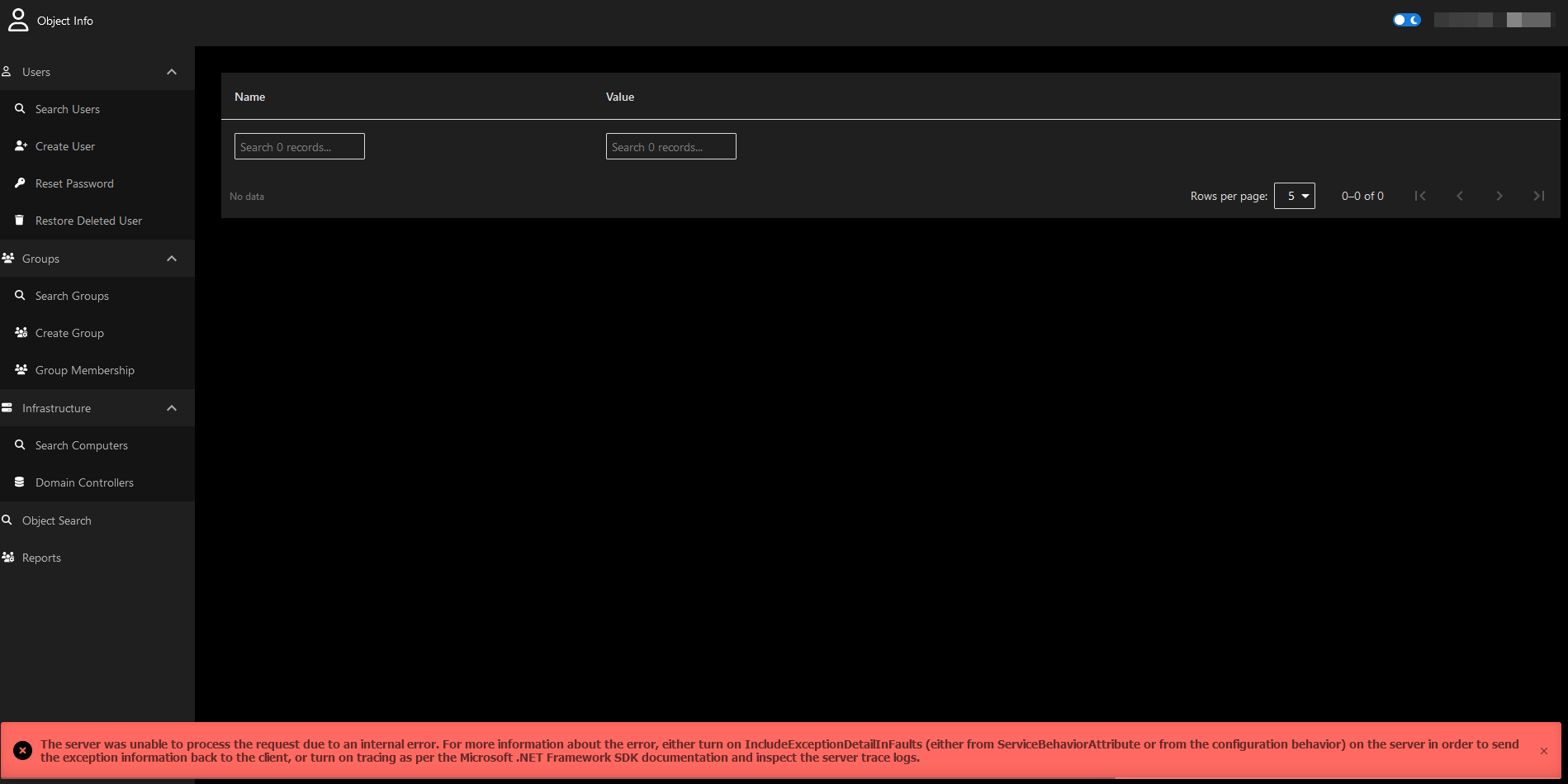
I get errors as well. Tried just a simple search for an existing user in our AD and get these errors. Clicked on LDAP filter to see if it made a difference and get a different error. Just installed the module because I think it can be useful for us but not sure I am using it right or if I need to do anything after install. @Adam Driscoll can you help us out?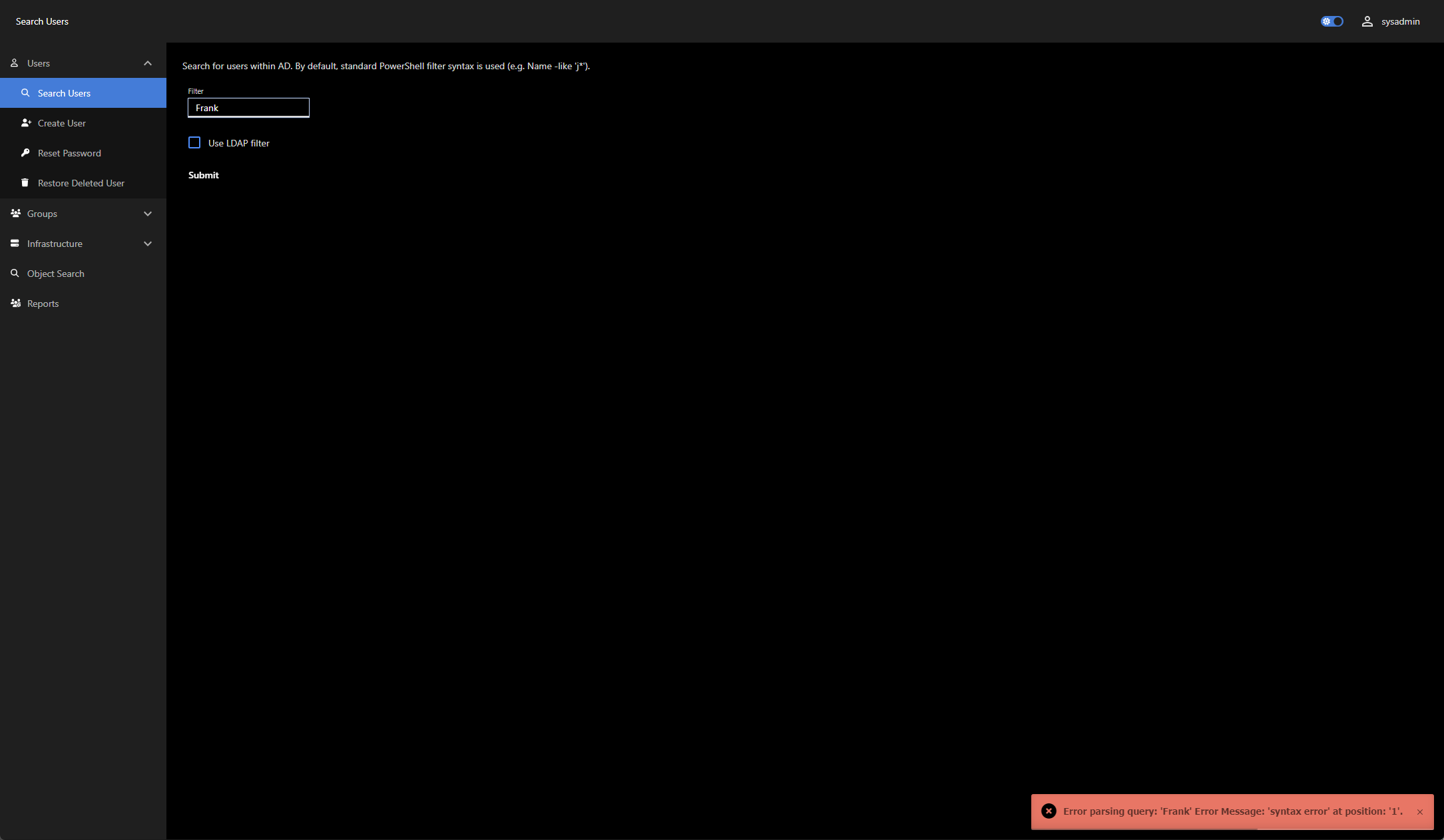
I am brand new to this forum. Company I work for purchased this tool PS Universal and now I need to learn it and build a dashboard for our Service Desk. Any help is appreciated.
e59c4e69cf0182f1643002fc0a640a4cca01d9a3.png
Hello, how can I run this application with a different environment and with a different user? Thanks a lot