No logging and unable to connect to RDP

I’m now having an issue with RDP to servers that were working fine in the last version. I also have no logging anymore no matter what I attempt to do.
All Comments (22)
Hello,
Thank you for bringing this issue to our attention.
Did you already have logging enabled before this issue occurred, or did you enable it after you were unable to connect?
What type of remote server are you attempting to connect to (Windows, Windows Server, Ubuntu, etc.)?
Also, would you mind sending us a screenshot of your update history? You can find it in the hamburger menu under About > Update History.
Best Regards,
Frederick Simard
Hello,
Thank you for bringing this issue to our attention.
Did you already have logging enabled before this issue occurred, or did you enable it after you were unable to connect?
What type of remote server are you attempting to connect to (Windows, Windows Server, Ubuntu, etc.)?
Also, would you mind sending us a screenshot of your update history? You can find it in the hamburger menu under About > Update History.
Best Regards,
Frederick Simard
@Frederick Simard
Hello,
I have same issue - no RDP. SSH connections are working.
I turned logging on to see what happens - but nothing to see.
Did you already fix that somehow?
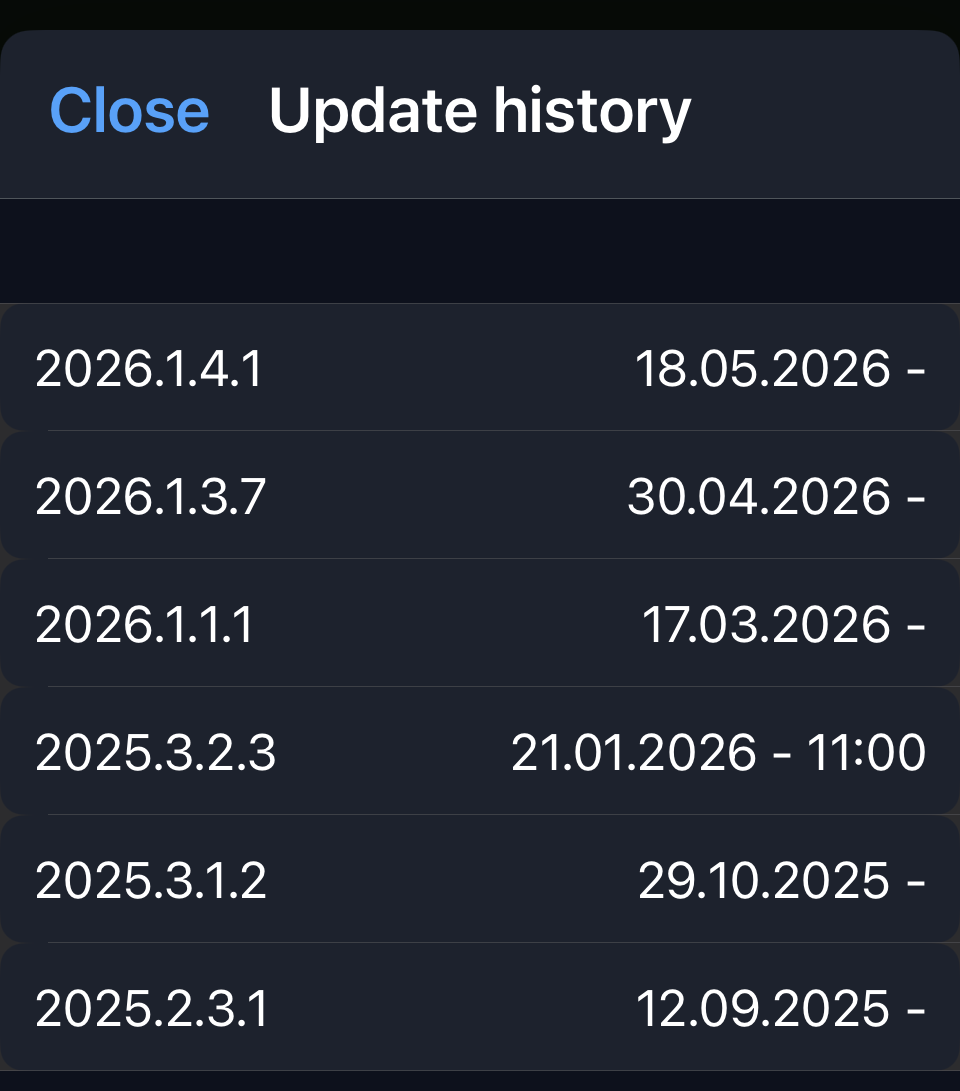
c552cca5-8d6c-42a9-9cf7-d6eac2d4c985.png
@mikedevo
Hello,
Thank you for the screenshot. Do you know which version the problem started occurring on?
Best Regards,
Frederick Simard
@mikedevo
Hello,
Thank you for the screenshot. Do you know which version the problem started occurring on?
Best Regards,
Frederick Simard
@Frederick Simard
I am not sure - but at least last two versions did not work
@mikedevo Thank you! Could you try changing the SSPI Module in the RDP entry settings to System (under Authentication > SSPI Module) and let us know if that helps you connect? Also, could you tell us which iOS version you are using?
Best Regards,
Frederick Simard
Did you receive my EMail and assigned here - or should I post the infos again?
I haven't received your email, you can post the infos here.
Strange behavior:
Yes, new setting helps - a little;)
At least I get connection to a server.
It seems that I cannot login to a server:
- without logged in any user
- with me already logged in on desktop RDM
If I disconnect my desktop session (not log off), I can take over the session with RDM mobile.
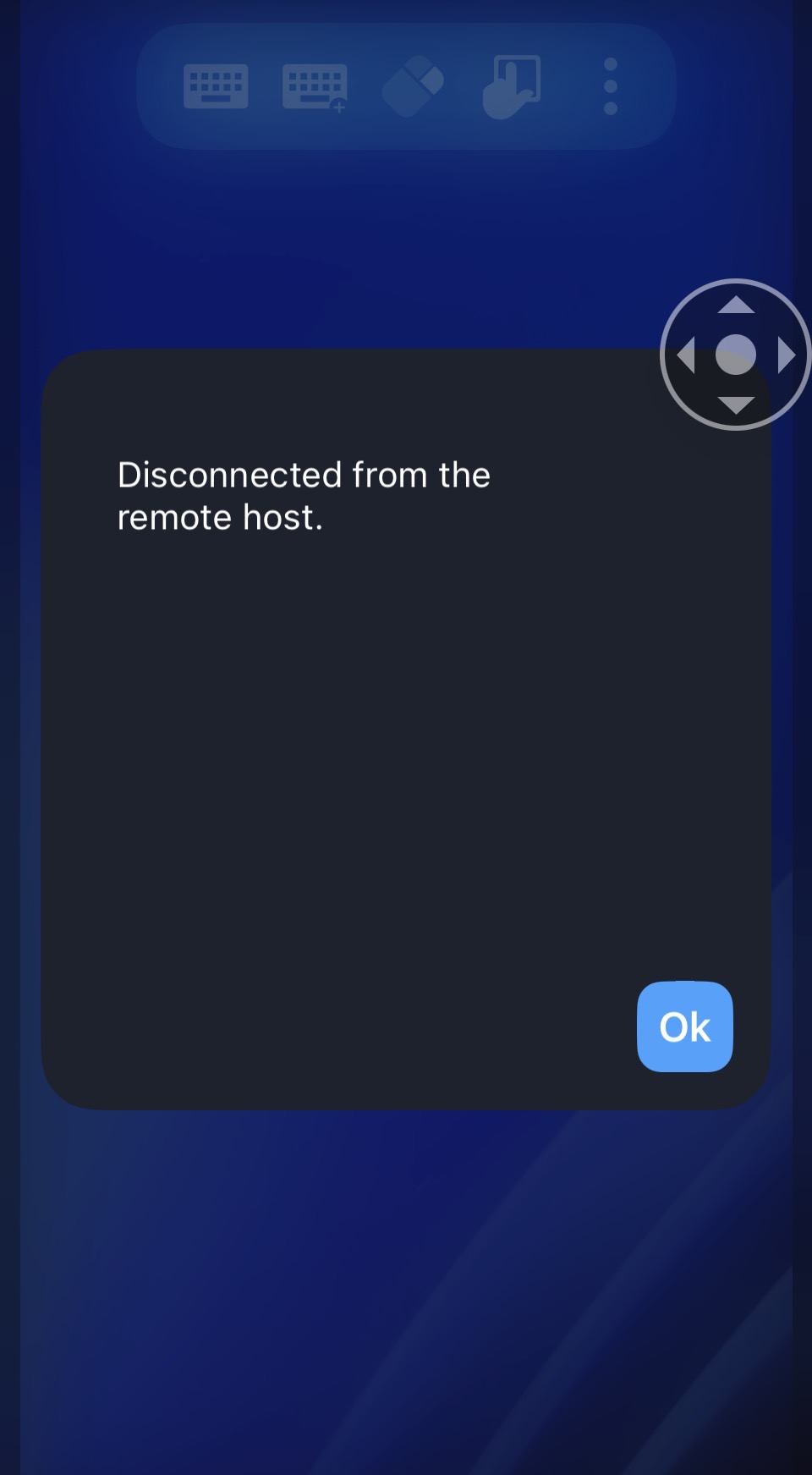
See pictures
No user is logged in – or I have current session on desktop RDM:
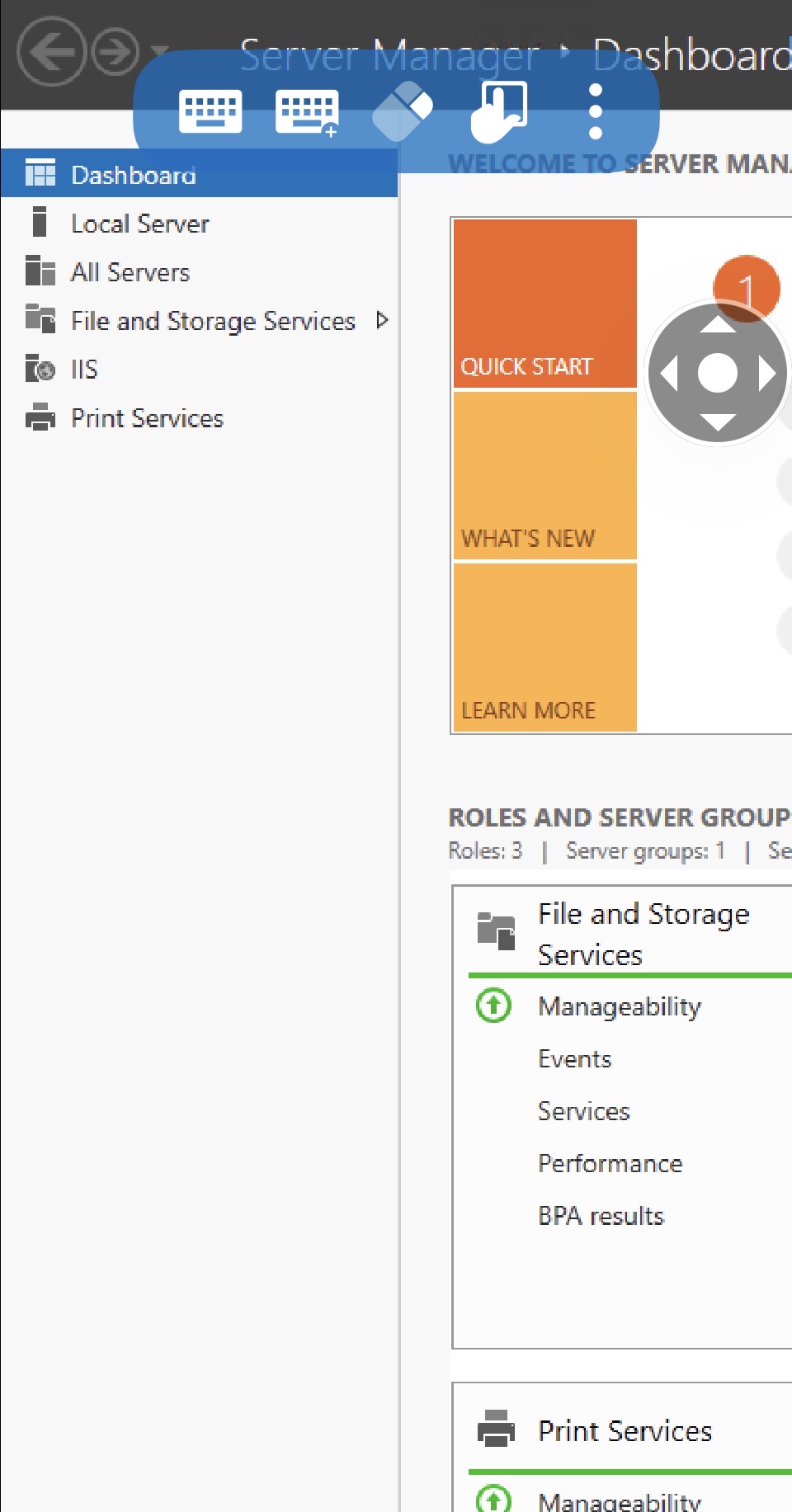
I just disconnected desktop session -> I can take over with mobile RDM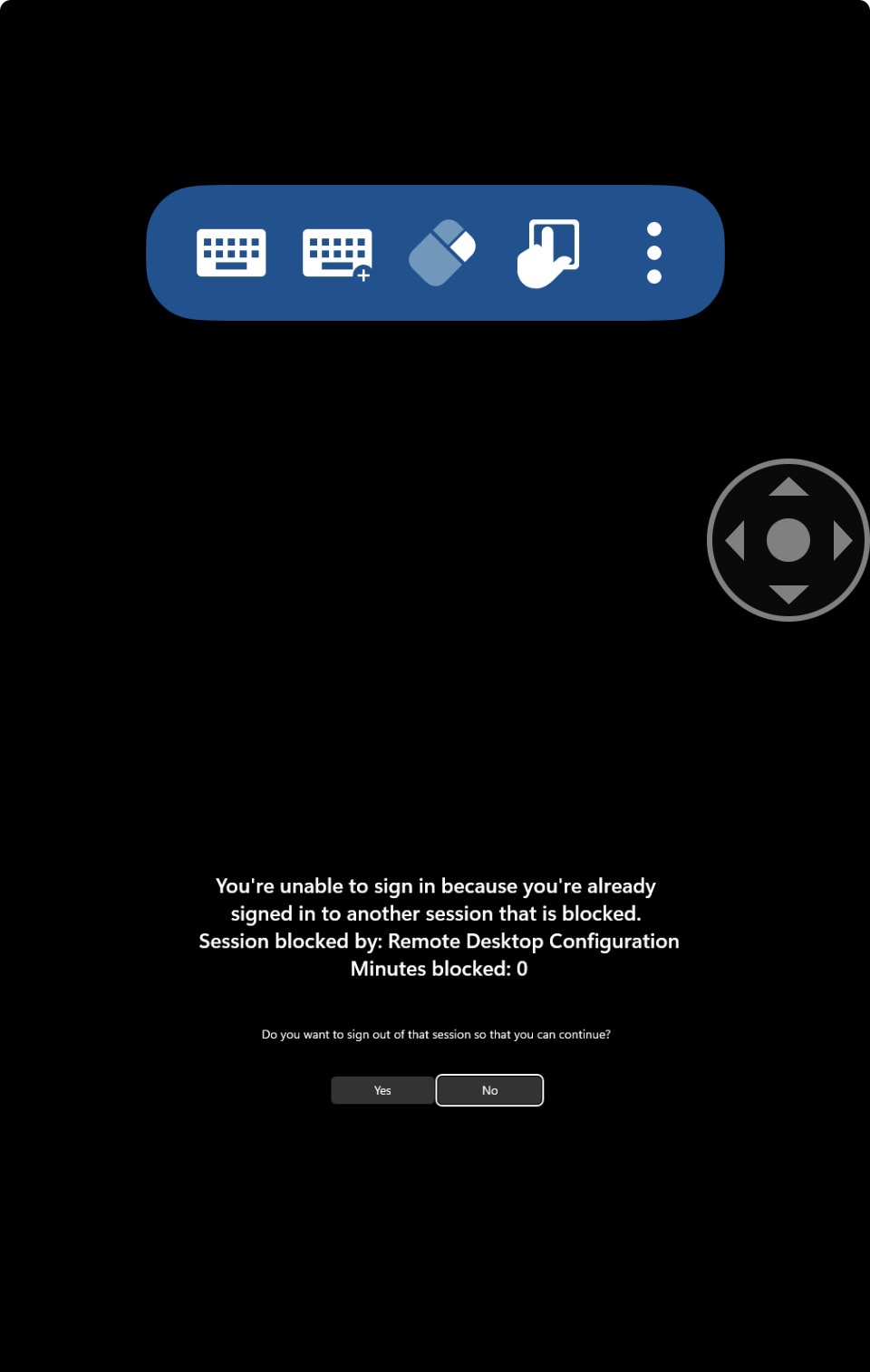
iOS is 26.5 now, but was same versions before.
65cb8fb3-62ac-4a09-bcd9-23ade258a68d.jpg
92dafdc1-c264-4c85-83c7-3bbe43b94680.jpg
d8cb1297-5092-457d-87a2-2694a7b87088.jpg
593ccd06-e02d-4b09-bfe7-6d49ff04d07a.jpg
Thank you!
Could you clarify what you mean by “without any user logged in”? For example, do you mean that if you log off the RDP session in RDM Windows, then try to open the same session from RDM iOS, it does not work? But if, instead of logging off, you simply disconnect the session in RDM Windows and then reconnect from RDM iOS, it works correctly?
Best Regards,
Frederick Simard
In short - yes, your description is correct.
No user is logged on -> picture set one.
If my user ist just diconnected, not logged off, I get get connection from iOS. -> picture set 2
Hello,
We tried reproducing the issue on several remote servers, but we were unable to replicate it.
Could you provide us with a bit more information about your setup, such as:
- The remote server you are connecting to (e.g., Windows Server 2022, etc.)
- The language of the remote server
- The screen resolution
- Any settings you may have changed, in addition to the SSPI module
This will help us recreate an environment similar to yours for further testing.
Best Regards,
Frederick Simard
- tested 2016,2022,2025 -> seems same behavior
- english or german (as language pack on english server)
- resolution? in settings it is default
- nothing I remember at the iOS - App
Are the logs working for you now that you’re able to connect?
no - no logs
ping;-)
Hello,
Sorry for the delay.
Could you update to our latest version and check whether you can now access the logs? You may need to restart the application after enabling logging, then repeat the steps to reproduce the issue.
Best Regards,
Frederick Simard
I upgrade and restarted mobile phone -> no change
Hello,
What data source are you using? If it is not an XML data source, please follow these steps:
- Open the main menu (hamburger button).
- Tap Help at the bottom-right corner of the screen.
- Scroll down and tap Submit a Support Ticket.
- Scroll to the bottom of the page and tap the down arrow next to Include all logs to expand the options. You should see a checkbox labeled Send RDP Logs and a Preview button beside it.
- Tap Preview and let us know if you can see the RDP logs.
If you are using an XML data source, we will create a ticket to restore access to the RDP logs. Previously, they could be viewed through the Private Storage Explorer tools, but that functionality is no longer available.
Best Regards,
Frederick Simard
Hello,
It is a XML source...
Hello,
We have reintroduced XML logging. This feature will be included in our upcoming release, which is expected to be available within the next two weeks.
Once the update is available, open the main menu (hamburger menu), then tap the Help button in the bottom-right corner. Under the Troubleshooting section, you should now see a View RDP Logs option. From there, you can send us the logs so that we can analyze the issue.
Best Regards,
Frederick Simard
Hello,
Thank you for being so patient!
I'm pleased to inform you that a new version of RDM iOS (2026.2.1.6) has been released, featuring the fix for your issue.
Please let us know if this works or if you encounter any issues.
Best regards,
Maxim Robert