Can not login to Devolutions Password Manager anymore

Hi there
I configured a devolutions hub business (free). The desktop app is running fine, but I'm not able to login to workspace on my phone (or any new device). I tried to import the private key on the workspace app, but this does not work either: After scanning the qr-code (or input the cody manually), nothing happens. Entering recovery codes does not help, it says wrong code (tried with different codes)
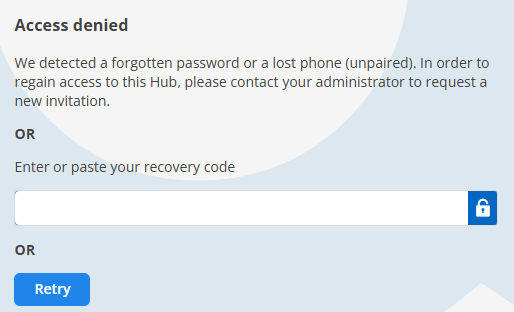
I still have access with my Desktop app, but cannot do anything there. Administration is loading without progress:
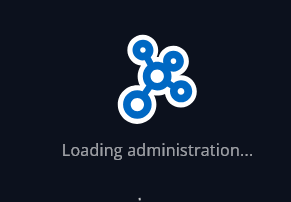
Thank you for your support.
Best regards, John
All Comments (3)
Hello,
Thank you for reaching out to us regarding this,
The Recovery code is a PDF titled "Devolutions Hub recovery key." Is this what you are attempting to enter?
We have the following knowledge base article regarding this:
https://docs.devolutions.net/cloud/kb/how-to-articles/emergency-kit-business/
Best regards,
Samuel Dery
HI Samuel
I still need help regarding this case. Your link does not work anymore. Is there something else I can do?
Hello John,
Thank you for the follow-up.
The article has moved, here is the updated link: https://docs.devolutions.net/cloud/knowledge-base/how-to-articles/use-the-recovery-key-with-devolutions-cloud/
Since you are the only member of this Devolutions Cloud, the recovery key is the only way to restore access. It is a PDF titled “Devolutions Cloud Recovery Key”, sent by email when the Devolutions Cloud was created or downloaded afterward.
As you still have access from the desktop app, I recommend exporting your entries now as a backup, and keeping the export file in a secure location.
Best regards,
Samuel Dery