RDM on Debian Trixie with Backport Kernel 6.16

Hello Everybody,
I am trying to get RDM running on Debian Trixie with the backport kernel 6.16 and am experiencing the following strange behavior:
- When I start RDM and then try to start an RDP session, I am always asked for my username, password, and domain, even though I have already stored the username and domain in the saved entry. When I try to enter the data, the form is locked and I can only click on Cancel. After restarting the RDP session once or twice, I can enter the data, but the process is canceled without a message and the RDP session is not started.
- If I want to adjust the properties of the saved session, I have to cancel the properties several times and call them up again until I can change something in the entries.
Is there a way to enable debugging to get better log files?
The RDM is a team version with 5 users and has its data source on an MS SQL server. The version under Linux is 2025.2.1.5.
Thanks, Christoph
All Comments (17)
Hello,
Thank you for reaching out to Devolutions Support.
I attempted to reproduce the issue on a Ubuntu MATE installation, but the problem did not occur on my end.
Could you please try launching Remote Desktop Manager by running the `remotedesktopmanager` command in the terminal, then recreate the issue and send us the logs?
Best regards,
Carl Marien
Hello Christoph,
Please make sure to update RDM Linux to the latest version (2025.3.0.8) before trying the previous step suggested by my colleague.
Regards,
Gabriel Dubois
Hi Carl, hi Gabriel,
@Gabriel Dubois i did the upgrade but nevertheless the error remains the same.
@Carl Marien Attached is a screenshot that may provide a clue as to the errors that are causing the RDM to not function as intended.
Regards Christoph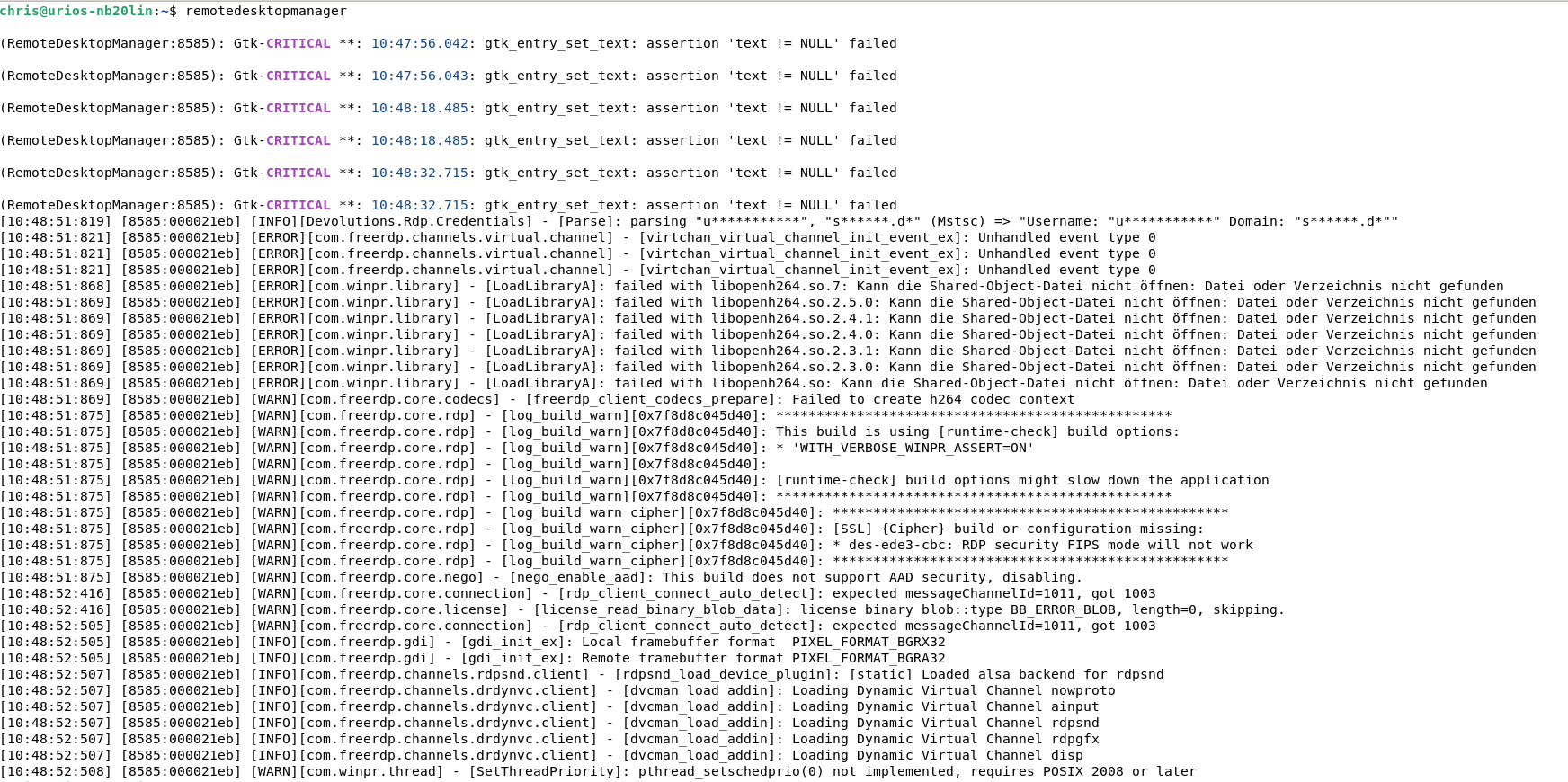
Bildschirmfoto vom 2025-10-10 10-58-01.png
Hello Christoph,
While we investigate, could you please try the solution provided here:
https://forum.devolutions.net/topics/51240/after-20253-update-rdp-connections-to-wallix-pam-result-in-black-scree#219112
(Enable "Optimize for XRDP", in Advanced tab)
Regards,
Gabriel Dubois
Hi Gabriel,
more or less the same behavior.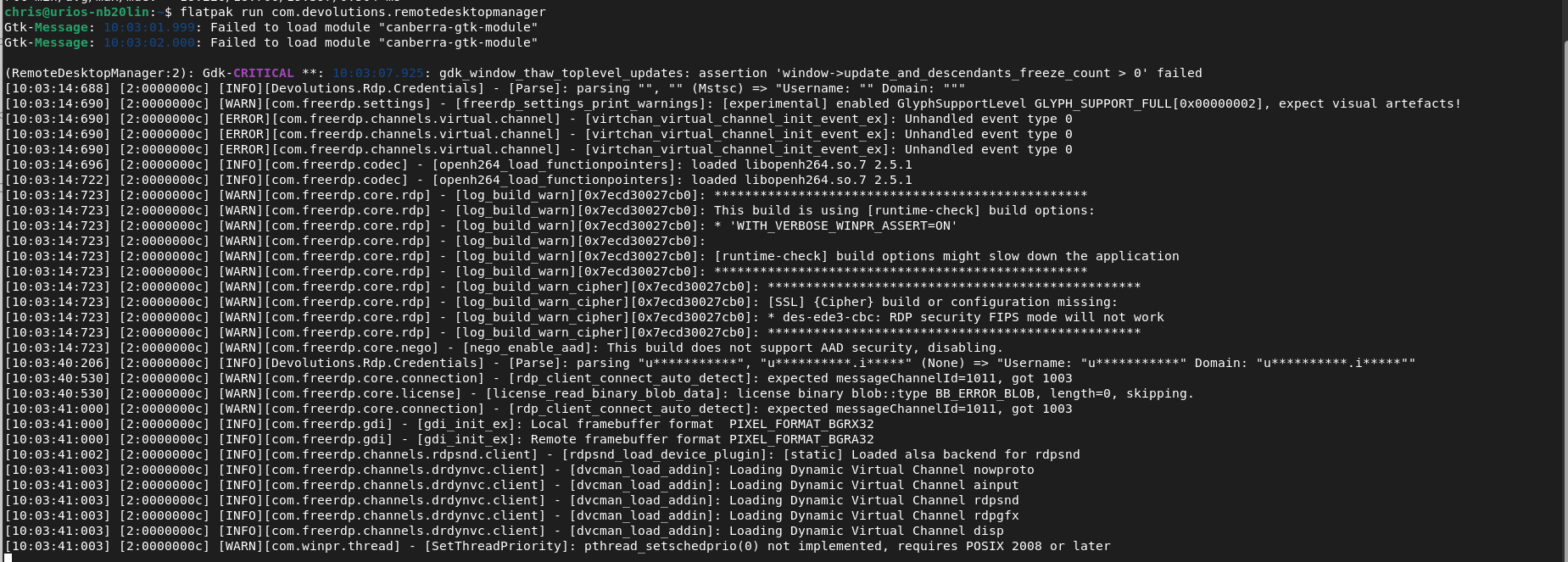
Regards
Christoph
Bildschirmfoto vom 2025-10-11 10-04-46.png
Hello Christoph,
Assuming you’re on Wayland, could you please switch your session to X11 and test it again?
Regards,
Gabriel Dubois
Hello Gabriel,
first yes. Then i tested it with Xorg - same error. Next tests: i did/do was installing ZorinOS 18 (based on Ubuntu 24.04 LTS) - more or less the same.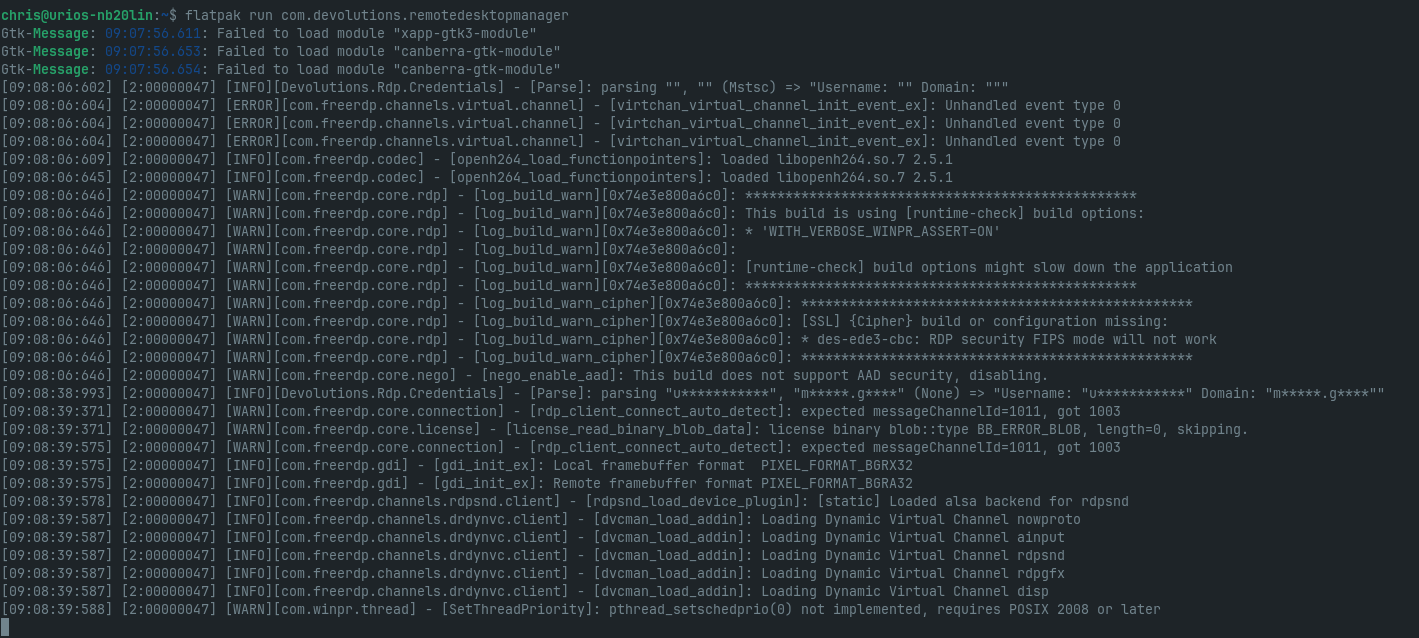
Btw i tested it with kernel 6.14 (default-kernel) and the newest kernel (available from mainline) 6.17. Always the same error (Wayland and X11).
Any guess?
Kind regards
Christoph
Bildschirmfoto vom 2025-11-02 09-09-20.png
Hello @christophjander,
Regarding your freezing issue, it appears to occur primarily when using the GNOME desktop environment, especially under Wayland. The problem seems to have started when we began integrating Avalonia into our app. This is a known issue, but for now, we’re waiting for Avalonia to fully support Wayland (it currently runs through XWayland, which can lead to issues on some distributions, primarily those using GNOME). I recently switched to Kubuntu, which uses the KDE desktop environment, and I haven’t experienced this issue since.
For your RDP issue, you can obtain more detailed RDP logs by running the following command: WLOG_LEVEL=DEBUG flatpak run com.devolutions.remotedesktopmanager
Best regards,
Simon Duguay Létourneau
Has there been any progress with this issue and Avalonia using GNOME with Wayland? I have been using Remote Desktop Manager for years, but this is now a deal breaker.
Has there been any progress with this issue and Avalonia using GNOME with Wayland? I have been using Remote Desktop Manager for years, but this is now a deal breaker.
@lee2
Unfortunately Avalonia does not currently work on Wayland. I understand this might be a deal breaker for you but it is out of our control. However, in this blog post, the team behind Avalonia do explain that they plan on making it work. For now, you can use the Xwayland compatibility layer and still use RDM and its new Avalonia features.
David Ringuet
@lee2 i would also like to know what linux distribution you are using and the method you used to intall RDM (flatpack, Repo, .deb file, etc)
David Ringuet
I have had the freezing issue on Ubuntu 25.04 - Gnome 48, 25.10 - Gnome 49, Debian 13 - Gnome 48 and now on the latest CachyOS - Gnome 49. All running Wayland. .deb install on all the Debian based distros and installed using yay on CachyOS.
Hi Simon, hi David,
nowadays i am using Zorin 18 (based on Ubuntu 24.04 LTS) with Kernel 6.17. RDM works so far, if i am using iit only with local datasources. When i am using it with the MS SQL Datasource i can connect to any RDP-Connection. I have to export the complete entries and import them to a local data source. Then i have to tweak every entry (as described in the post, that Gabriel already mentioned).
I 've installed RDM via Flatpak.
Kind regards
Christoph
Hello,
Thank you for your patience. I’ve sent you a link via direct message to download a test version of RDM that may help resolve your issue.
Please run the following command to make the file executable:
chmod +x RemoteDesktopManager_2025.3.1.1_amd64.AppImage
After that, try running the application and let us know if it resolves the problem.
Looking forward to your feedback.
Best regards,
Carl Marien
Hi Carl,
after starting the app, the window of credendials is empty.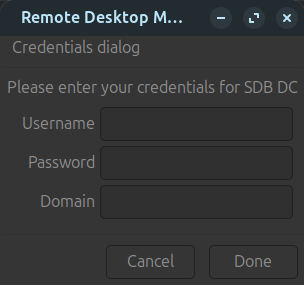
.. and this is the output on the terminal, when i try to start the session
Kind regards
Christoph
Bildschirmfoto vom 2025-12-17 20-03-50.png
Bildschirmfoto vom 2025-12-17 20-02-58.png
Hello,
I have sent the logs to the developer. They will create a VM and attempt to reproduce the issue on their end. I will keep you informed of any progress.
Best regards,
Carl Marien
Hello Christoph,
Just to make sure I understand correctly:
When you are in a Local datasource (SQLite, for example)
- You create a RDP entry with credentials filled in the properties
- If you run it with "Optimize for XRDP" OFF (Advanced tab): it asks you to enter credentials, and even if you re-enter them here, it doesn't start
- If you run it with "Optimize for XRDP" ON (Advanced tab): it doesn't ask you to enter credentials again, and the connection starts
When you are in a Shared datasource (SQL Server)
- Some RDP entries are already created with credentials filled in the properties, and (I assume) you can't edit their properties.
- So if you run them (while "Optimize for XRDP" is OFF): it asks you to enter credentials, and even if you re-enter them here, it doesn't start
- I then assume that if "Optimize for XRDP" were ON, it would start correctly
- So you export these entries from the Shared datasource and import them into your Local datasource to put "Optimize for XRDP" ON for these to work?
Can you please correct me if I'm wrong?
Regards,
Gabriel Dubois