RDP Blackscreen on External Screen after Screen Switching

- Device Model: Samsung Tab S8+
- Operating System: Android 15, OneUI 7.0
- RDM Version: 2025.2.0.17
- Peripherals: External monitor, Bluetooth mouse, Bluetooth keyboard
- Specific Mode: DeX mode on extended screen, Tablet Mode on primary screen
RDP will show blackscreen when you select the external screen in the dialog while the app is displayed in the main screen. You can also reactivate this bug when you first RDP on the primary screen and then run the app and start RDP session in the external.
However RDP will only have this bug when remoting on the external one. I didn't see such bug when remoting on primary after alternating between screens. I think that probably it's because the primary screen runs the tablet mode, while in the external one it runs DeX.
FIX: This can be easily fixed (for now) by force-stop RDM and then start it up again. However I think it's worthwhile to report this to you.
Please evaluate this bug and fix it if you consider it worth-fixing. Thanks!
All Comments (3)
This is what you see after making RDM show on different screens.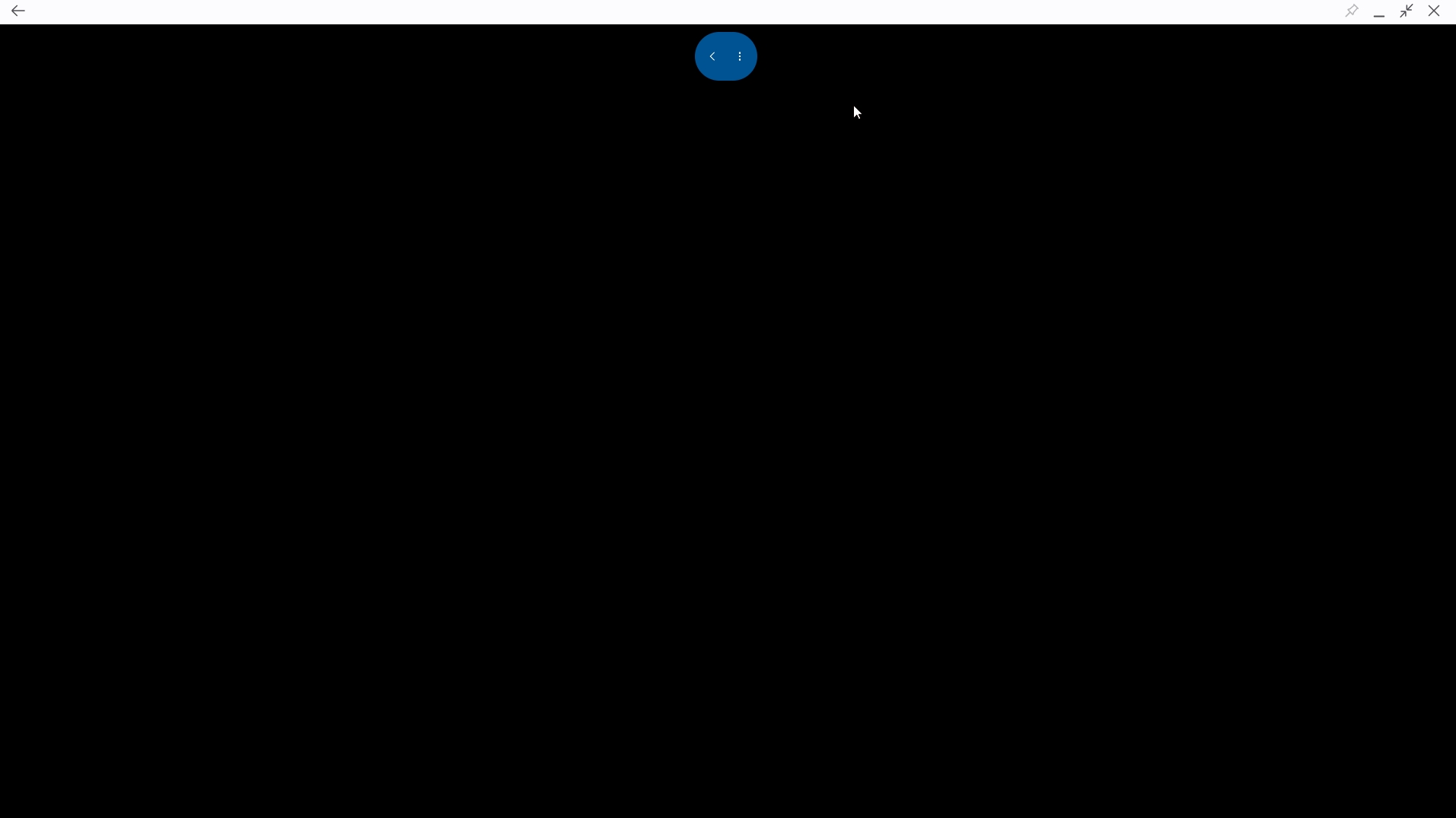
Screenshot_20250707_195503.jpg
Hello,
Thank you for reporting the issue. We’ve created a ticket based on the information you provided. However, we currently do not have a confirmed timeframe for when it will be resolved.
We appreciate your patience and understanding.
Best regards,
Maxime Brousseau
Hi,
Could you please let us know if the issue is still occurring in our latest version, 2025.3.3.4, which was released a few days ago?
Best Regards,
Nicolas Dufour