Devolutions Password Manager browser extension and username format
Devolutions Password Manager browser extension and username format

Hello,
I have an environment with DVLS, RDM and workspace (full app and browser extension).
I have a credential entry which looks like :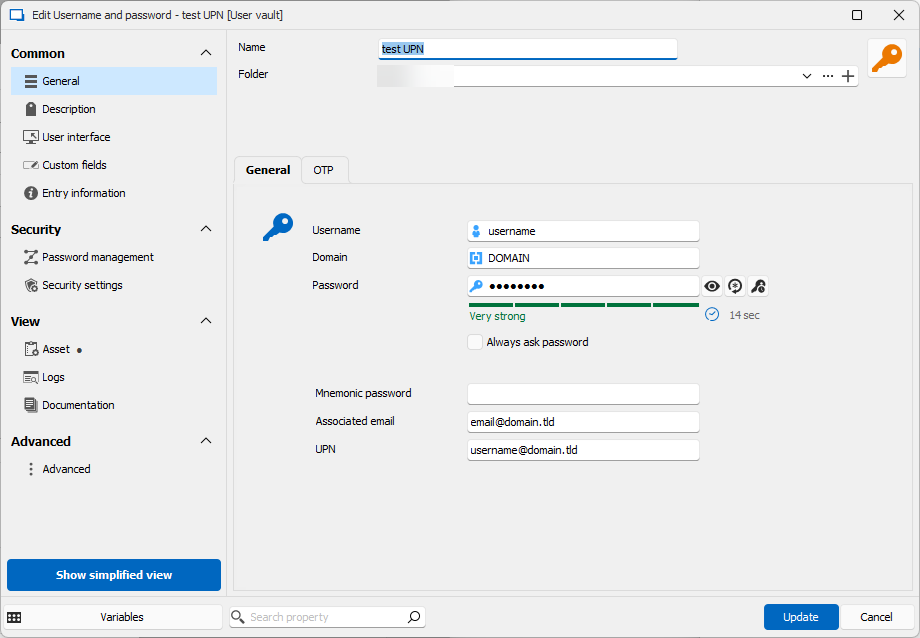
I want to use this entry for different websites, some of them require the upn format (or some other the email if different, ...).
I create a website entry and in the advanced properties, I change the "Username Format".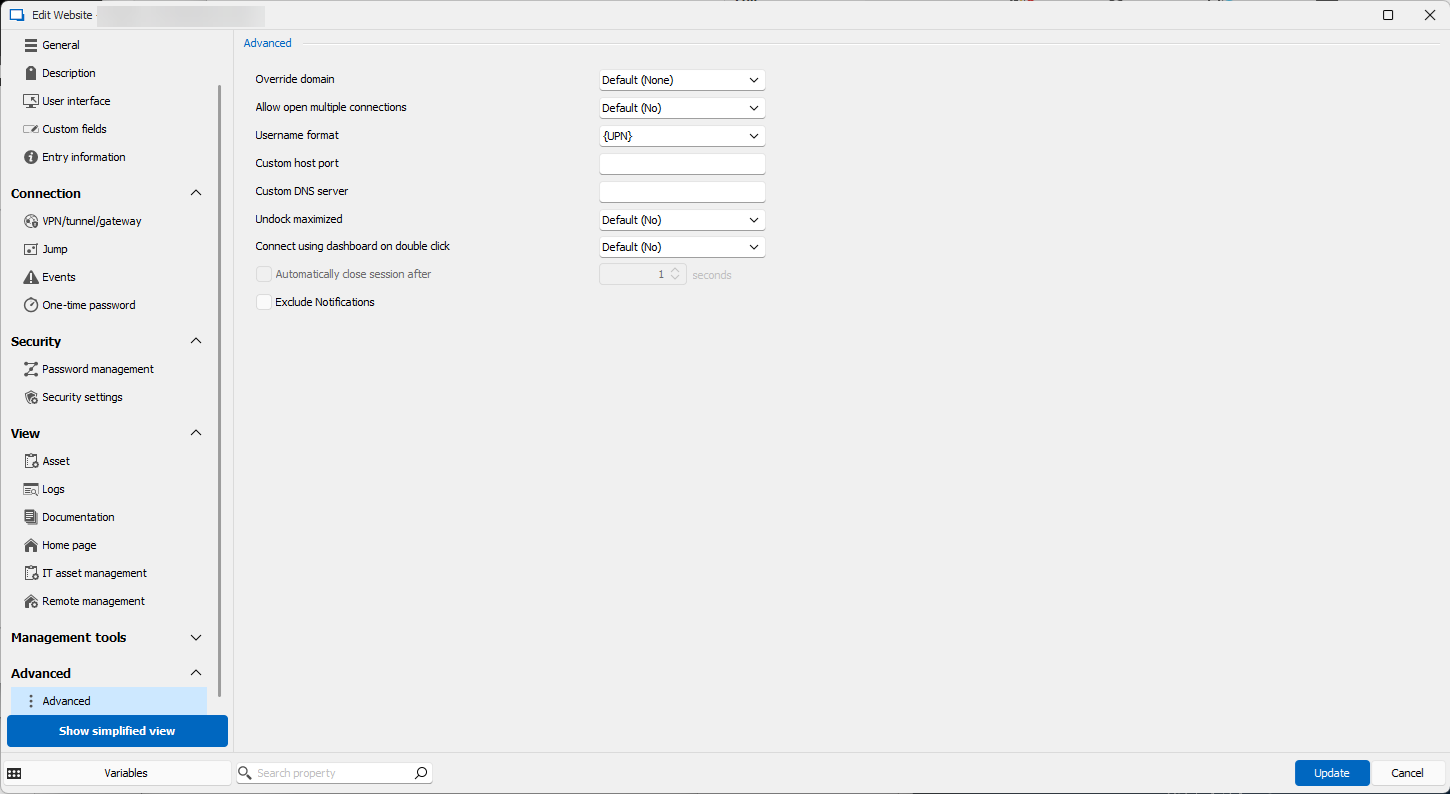
Here are the result from a copy username with the different apps :
- From RDM windows : username@domain.tld
- From RDM mac : "Nothing to copy in the clipboard" error
- From workspace : username
- From workspace extension : username
- From DVLS web : username
It seems that there is some inconsistencies between all apps with this parameter.
If needed, here are the versions :
- DVLS : 2024.2.8.0
- RDM Windows : 2024.2.19.0
- RDM Mac : 2024.2.9.2
- Workspace extension : 2024.2.4.0
Is it possible to fix this inconsistencies or what would be the proper way to have a single entry with different format (login, upn,email ... ) .
Best Regards,
Christophe
username format.png
credential.png
All Comments (2)
Hi,
For Workspace Extension, is it connected to DVLS directly or connected to RDM? When the extension is connected to RDM you shouldn’t have the inconsistency.
We will investigate for the inconsistencies between the apps with the username format.
Best regards,
Olivier Désalliers
Hello,
The extension is indeed connected directly to DVLS.
I'll wait the investigation results.
Best Regards,
Christophe