stopped working - white window

os : win 11 23H2
workspace : 2024.2.1
when I start workspace there is only white windows.
Closing on X don't help, I must kill it in task manager.
I have tried machine restart, app repair, app uninstall and install but no help.
Do you have suggestion what to do?
Where can I download older version?
Regards,
Darko Bazulj
https://triton-grupa.hr
All Comments (10)
Hello Darko,
Thank you for contacting us on that matter!
Unfortunately, I'm unable to reproduce the issue. Does the issue started after upgrading the Workspace Application?
Thank you for letting us know. If you have any other questions, feel free to let us know.
Best regards,
Maxim Robert
yes, it looks like the problem started with the latest update.
I have tried all normal solutions for fixing problem, and this is why I asked where I can download older versions to try that.
I have also noticed that there are no workspace browser extensions for download, or I don't search well.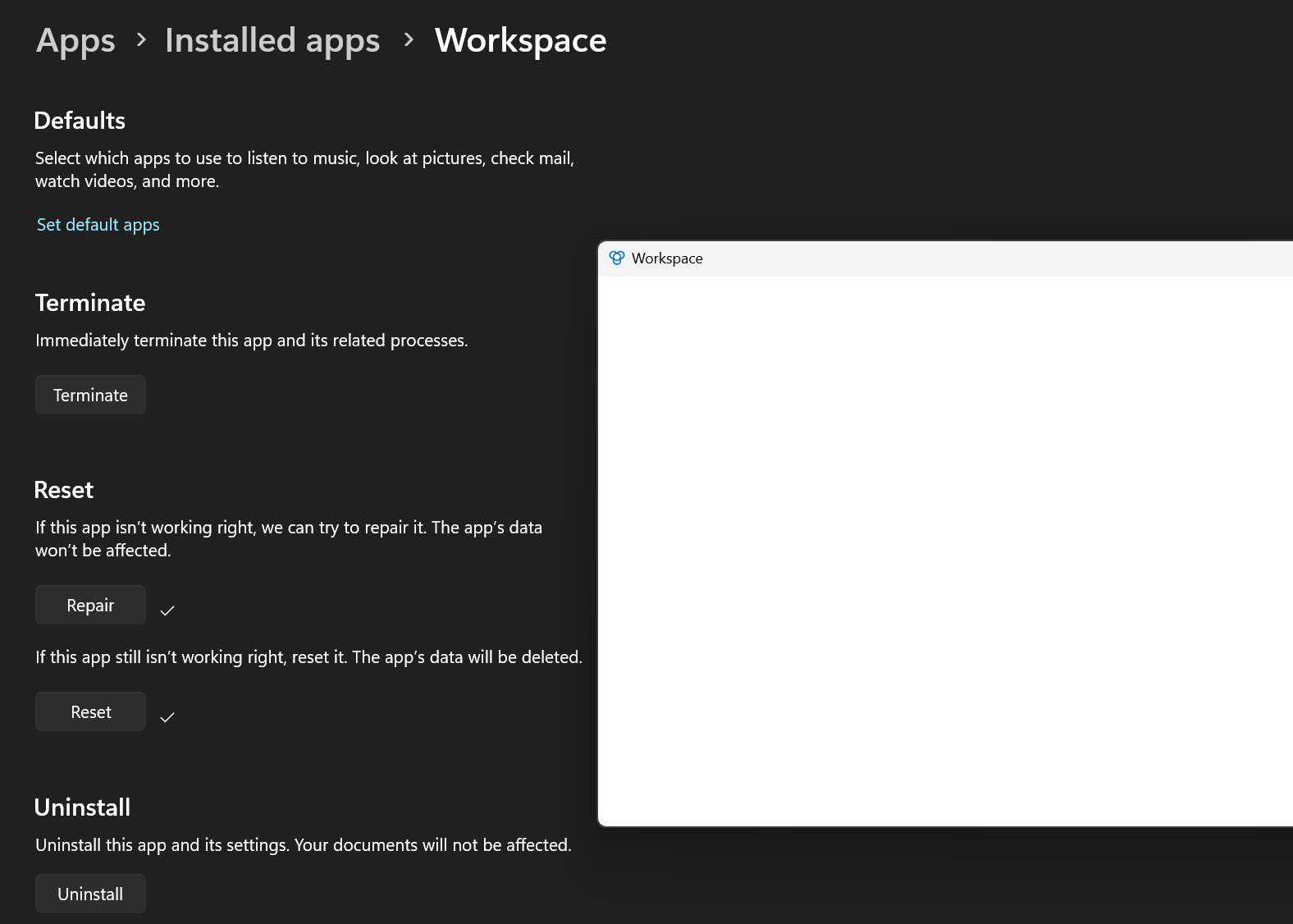
Regards,
Darko Bazulj
https://triton-grupa.hr
a9e2a3d5-b3e1-4980-9579-776ecabdac5b.png
Hi,
It's pretty odd that Workspace reacts like this after a minor update, we will investigate this issue. For the extension part, you won't be able to see it in the Installed Apps but in your Web Browser Extensions page. In the meantime, would you like to install the previous version (2024.2.0)? We can send you a link to download it.
Best regards,
Sébastien Aubin
Product manager - Password Management
please send me link for previous version.
I can't find devolutions workspace extension in firefox.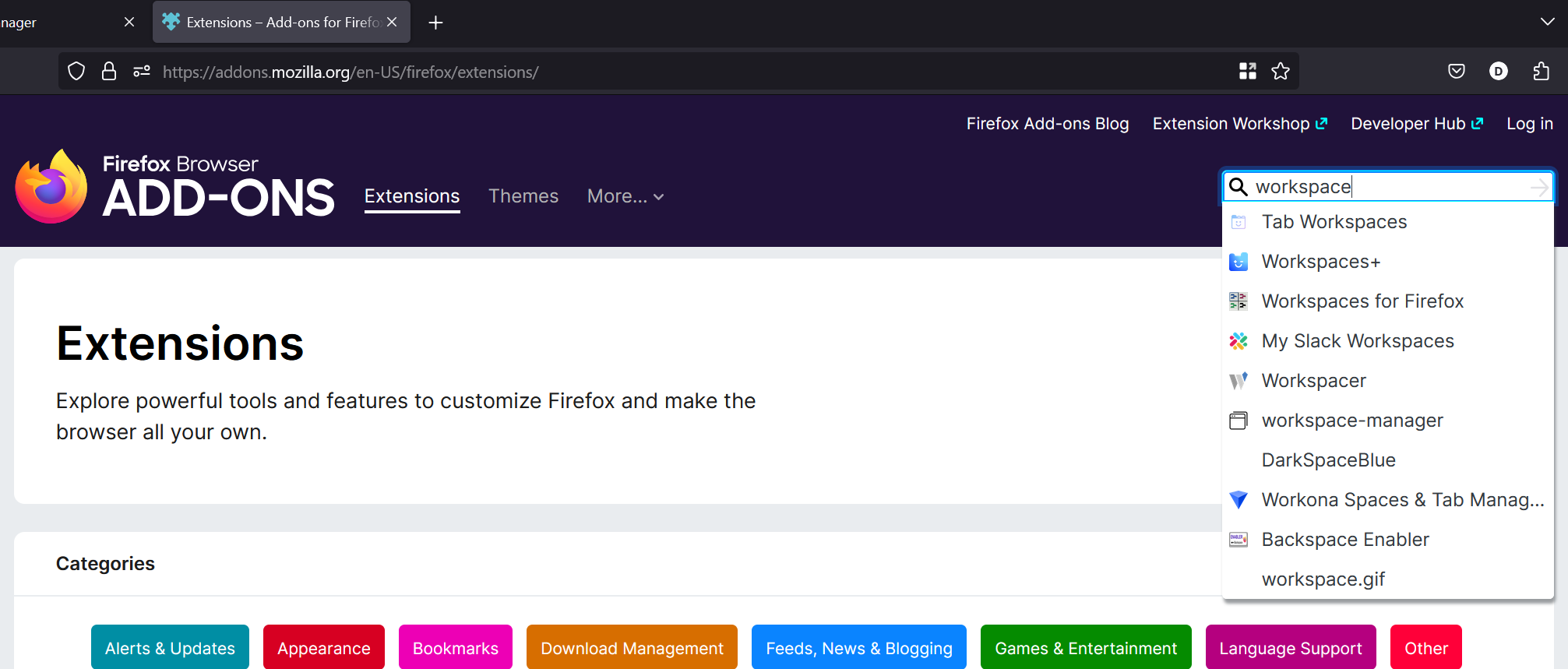
Regards,
Darko Bazulj
https://triton-grupa.hr
ac5038ff-c68f-4607-93ec-e559338fe634.png
Hello Darko,
Thank you for your response!
Just to make sure, do you want the previous version of the Workspace Application or the Workspace Extension Plugin in the Firefox Web Interface?
Thank you for letting us know. If you have any other questions, feel free to let us know.
Best regards,
Maxim Robert
put link for both because current workspace don't work and I can't find firefox extension.
Regards,
Darko Bazulj
https://triton-grupa.hr
Hello Darko,
Thank you for your swift reply!
You can download the plugin extension using the link below.
https://devolutions.net/workspace/
You can select the extension and select Firefox.
Regarding the previous version of the Workspace application, I sent you an email with the .zip file of version 2024.2.0.0 that you can download.
Please don't hesitate to let us know if this isn't working with this version or if you have any other questions.
Best regards,
Maxim Robert
I now see the download button in the upper right corner.
Workspace extension is working in firefox.
I have tried the previous windows workspace but same result, everything is white.
Then I tried to install workspace in windows sandbox but same issue.
Next, I tried to install workspace in Hyper-V VM, and workspace is working.
Do you have suggestion what to try to debug and fix this problem on my laptop?
Should I do memory dump in task manager?
Regards,
Darko Bazulj
https://triton-grupa.hr
Hello Darko,
Thank you for your response!
Could you send us the memory dump? It will help us investigate the issue. I sent you a private message with where to send this information.
If you have any other questions, feel free to let us know.
Best regards,
Maxim Robert
I have uploaded memory dump.
Regards,
Darko Bazulj
https://triton-grupa.hr