PAM Quick Start > Provider and Scan Configuration Hangup

Hi Team,
I'm having issues on the "Quick Start" of PAM with "Browse domain containers" where it hangs on the following screen and doesn't let me select the domain. Selecting X or Cancel doesn't close it, and I have to close and reopen the web interface to get out of it. This is the latest version of DVLS (updated today and no change).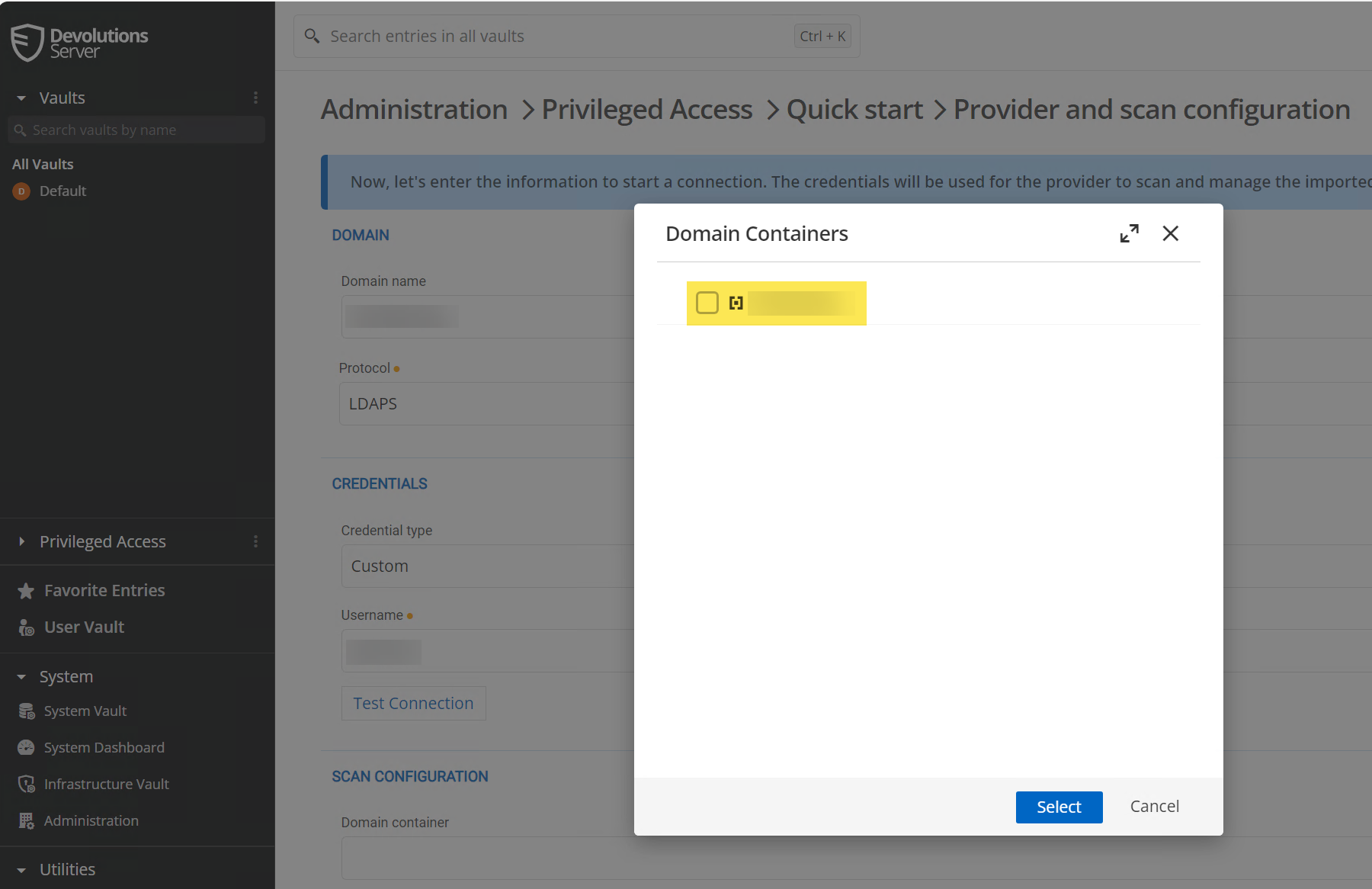
f9cc0668-7ee9-4b22-90f8-c9d3e1d9aa72.png
All Comments (5)
Hello,
Could you confirm your Devolutions Server version?
Best regards,
Etienne Lord
Latest version that was just released: Version 2024.2.3.0
Note, that I can scan if I add normally, but if I go through the Quick Start, it just hangs on that screen.
Hello,
Sorry for the inconvenience and the new issue with the latest build. I will try to help you with that. I can't reproduce it, but did you validate your configuration by pressing the "Test connection" button in that same window? Maybe you made a typo in your username/password, and this is why we can't get domain containers information. Otherwise, I will try to figure out why you are experiencing this issue.
Best regards,
François Dubois
No typo. It happens on the old version and new. It's only in the "Quick Start". I don't have to use that feature. Just letting y'all know.
Hello,
Thank you for the information. Our QA teams reproduced the issue, we will investigate and fix that.
Best regards,
François Dubois