We detected a forgot password operation, Enter your emergency reset code

Hi there, I can log into Devolutions hub online and also from RDM, but when I log into Hub Personal I get a message to enter my Enter your emergency reset code. I don't recall selecting 'forgot password', is there a another method I can get into my account as I don't have a copy of my recovery kit?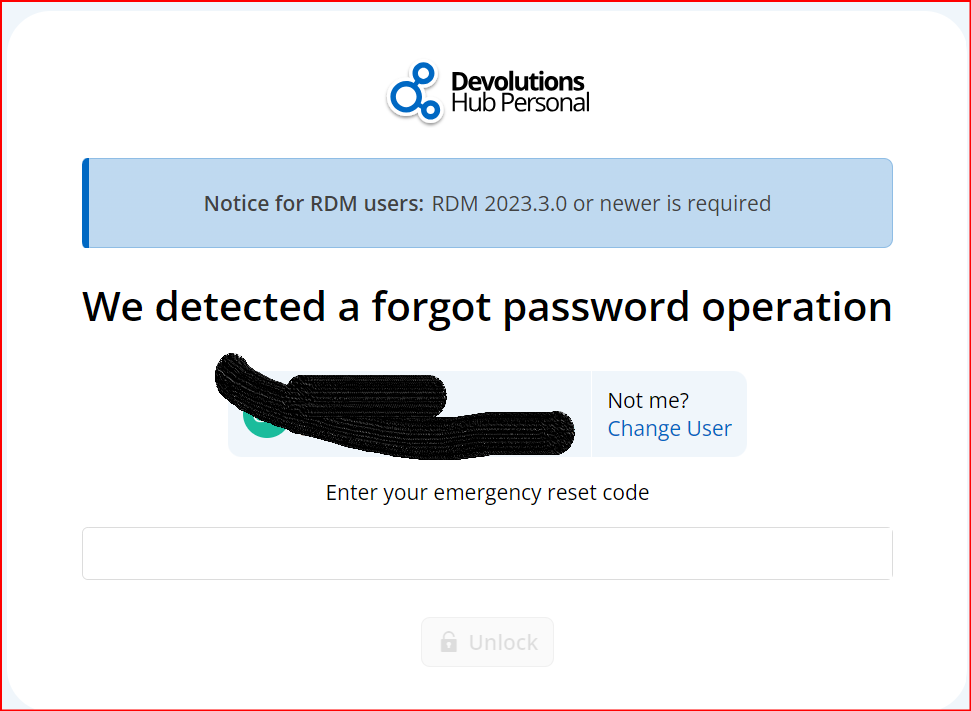
hub personal locked out.png
All Comments (14)
Hi,
Just to clarify:
- when you say "Devolutions hub online", you're talking about Hub Business, or on the portal (https://portal.devolutions.com/)?
- when you log in RDM, which type of data source do you use?
- have you already logged into your Hub Personal account on this browser?
For the recovery kit, you can search for "Devolutions Hub Personal". It should be a .pdf file.
Regards
Aymeric Jala
Version 2024.1.20.0 64-bit .NET 8.0.3 Updated
I have the same issue
I don't really have any problems logging into my application and I can go to https://portal.devolutions.com/profile with my credentials, I can make backups and the application works without any problems. I have updated it to the latest version
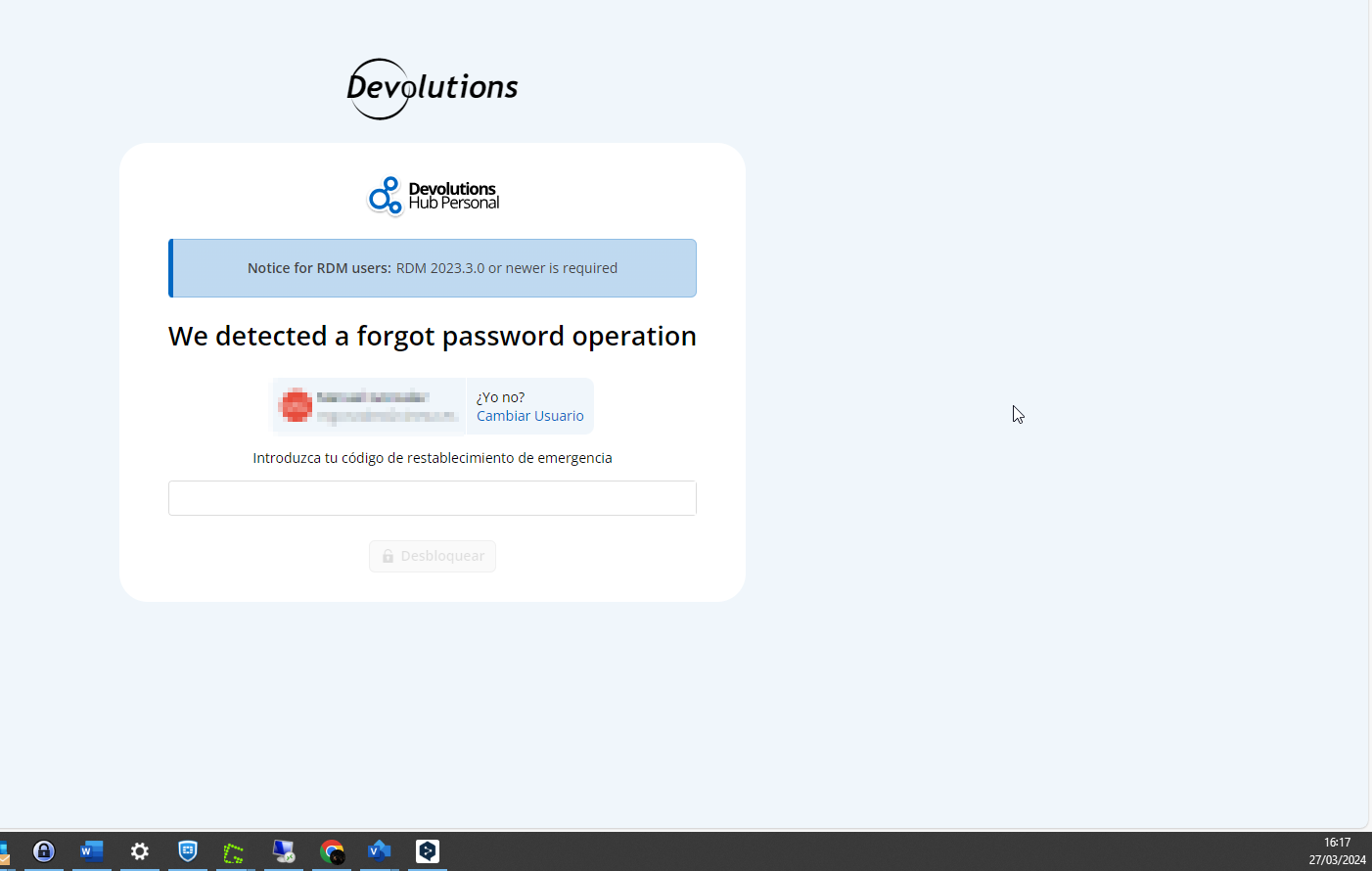
But when i clicjk on My Hub Personal https://hub.devolutions.com i have the same error reported in this forum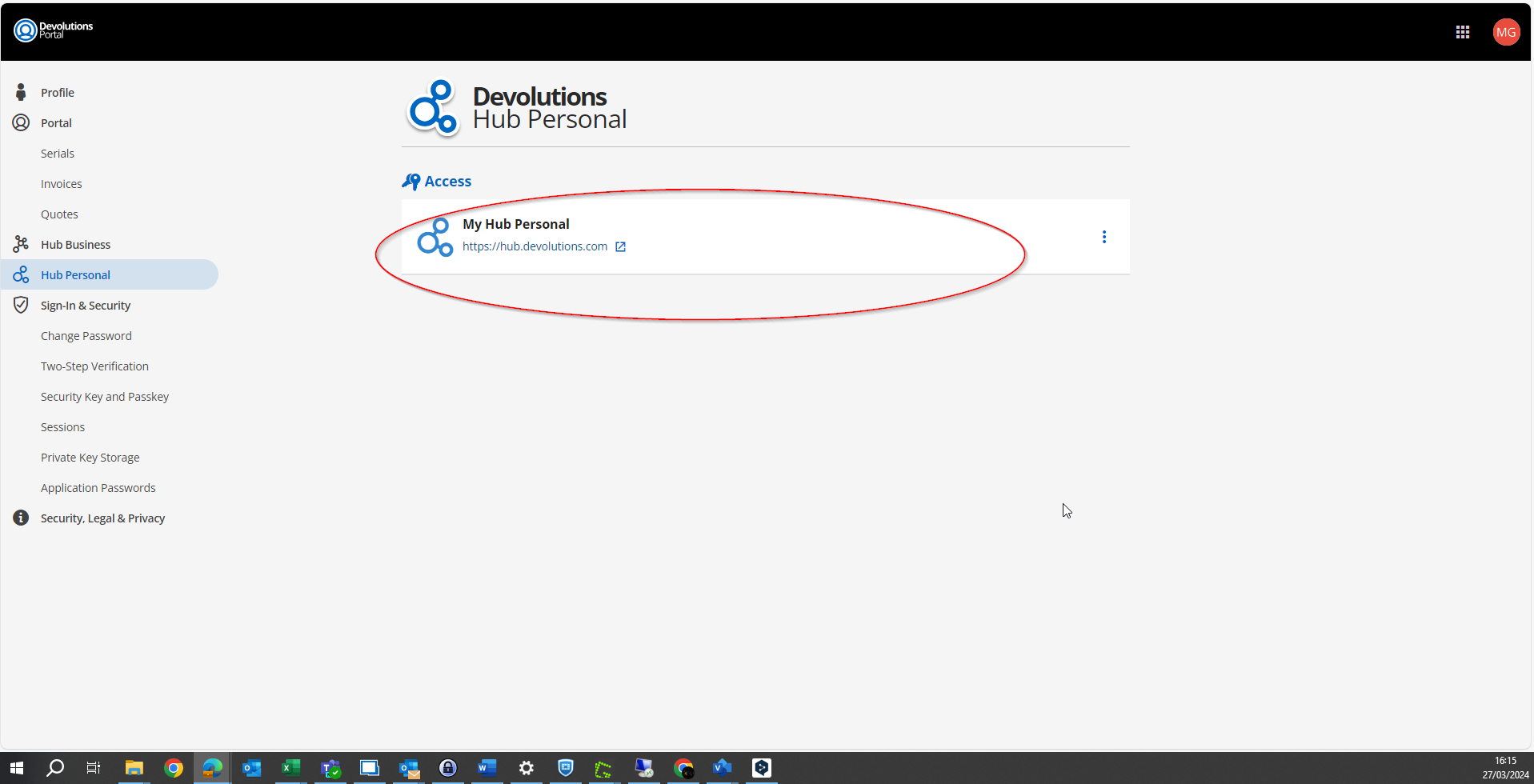
85559b8d-4e59-4bc5-ad3c-a08b07065431.png
ed8bd0b0-25d9-45e7-aefe-996b20854914.png
Hello,
I've been reviewing your cases and would like to provide an update and some guidance on the next steps.
For chrishabipisahs: We believe the issue you encountered has likely been resolved by deleting and recreating your Hub Personal. However, we have not received a confirmation from you, if you're still experiencing difficulties.
For mgonzalez1: It appears you may have inadvertently created a Personal Hub without realizing it. Our records show that this hub was created on 2023-04-21 but wasn't set up with the necessary configurations (e.g., no key set, etc.). Given that there are no entries in this hub, you should be able to delete this instance and recreate your Hub Personal directly via https://portal.devolutions.com/hub-personal.
To both of you, if any further issues arise or if you have questions about this process, please don't hesitate to reach out.
Thank you for your patience and understanding.
Best regards,
Aymeric Jala
Goodmorning, I have the same issue. We detected a forgot password operation but I did not click on forgot password or something. Can you please check how to get by this error?
Thank you!
@okkemab,
Are you seeing a field asking you for your emergency kit?
https://docs.devolutions.net/rdm/kb/general-knowledge/emergency-kit/
Maybe you could post a screenshot of what you are seeing.
Best regards,
Jeff Dagenais
This is what I see, see image
capture_240923_150956.png
Hello,
When this screen appear, you need to enter your emergency reset code (emergency kit) - https://docs.devolutions.net/rdm/kb/general-knowledge/emergency-kit
When you have created your HUB Personal, a file containing this key should have been downloaded on your workstation. You need this key to unlock and decrypt your HUB.
Best regards,
Jeff Dagenais
Hello,
There was also a fix released about an hour ago with the new version 2024.3.1, could you recheck on your side if it's better?
Thank you, have a good day!
Maxime Morin
Hi,
i have nearly the same issue…
I tried to login on a new Windows Machine today and now i‘m getting this message. Sorry for German Screenshot. It means - Access Denied. We have detected a forgotten password or a lost (not linked Phone). Please Ask your Admin for a new Invite.
i‘m using a personal hub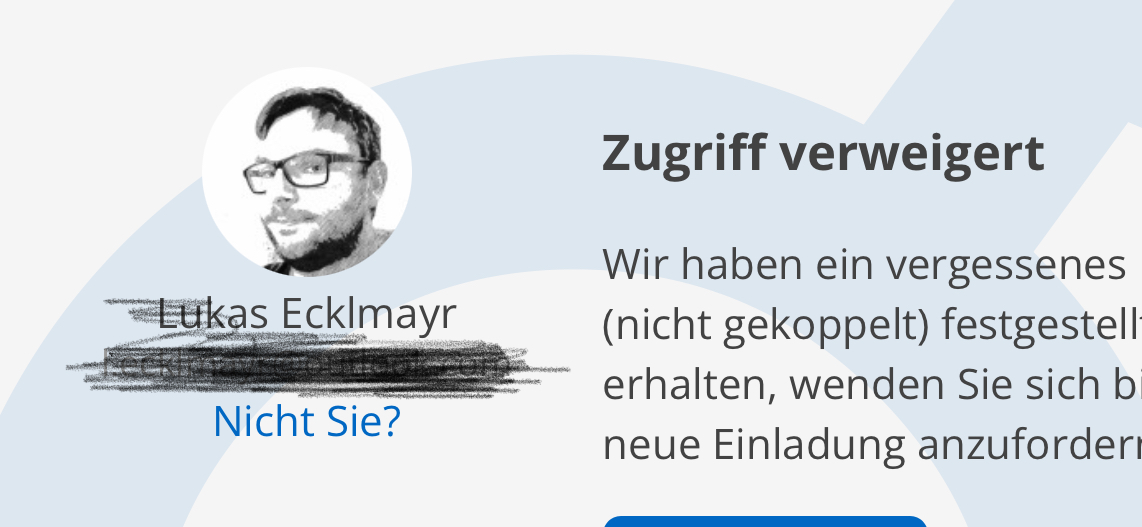
IMG_3474.jpeg
Hi Lukas,
Is it possible that you did a forgot password on your Devolutions Account? If that's the case, you need to find your emergency key to restore access to your Hub Personal. With that being said, it's strange that you have this specific error message with Hub Personal, it should prompt for emergency key. We will investigate that part.
Have a good day!
Maxime Morin
Hi Maxime,
No this is not possible :-)
I'm still working on my "old" Machine with the Personal Hub and it works just fine. Also did reauthenticate today on my existing machine - no issues.
But on my Phone and the new Computer i get the Message posted above. I know this sounds weird, but this is whats happening...
Just in case - i created a Full Export on my "old" Machine and stored the JSON on a safe place for now...
BR
Lukas
Hi Lukas,
Could you check your browser console with F12? From what we are seeing here, you should have some errors in the console.
Thank you, have a good day!
Maxime Morin
Hi Maxime,
what do you want to see?
Following Error are displayed:
InvalidLength: The provided data has an invalid length.
er
fromBytes
decryptHubKey
g
E
invoke
run
W
invokeTask
runTask
At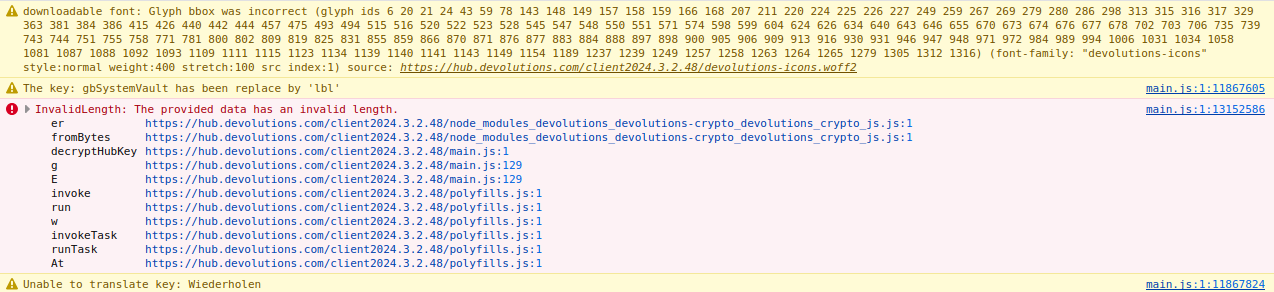
ddace807-489a-4a77-b505-762896dbcfd6.png
Hi Lukas,
Thank you for sharing the error message, I've answered via our support system to better investigate your issue. Please continue our discussion over there.
Have a good day!
Maxime Morin