Devolutions Password Manager for Android - offline mode

Hi,
one question if this is the way it is supposed to work : when I restart the phone the offline mode in the app is disabled after the restart.
When I open the app after restart a error is displayed, I have to cancel this message, go to settings and enable offline mode again.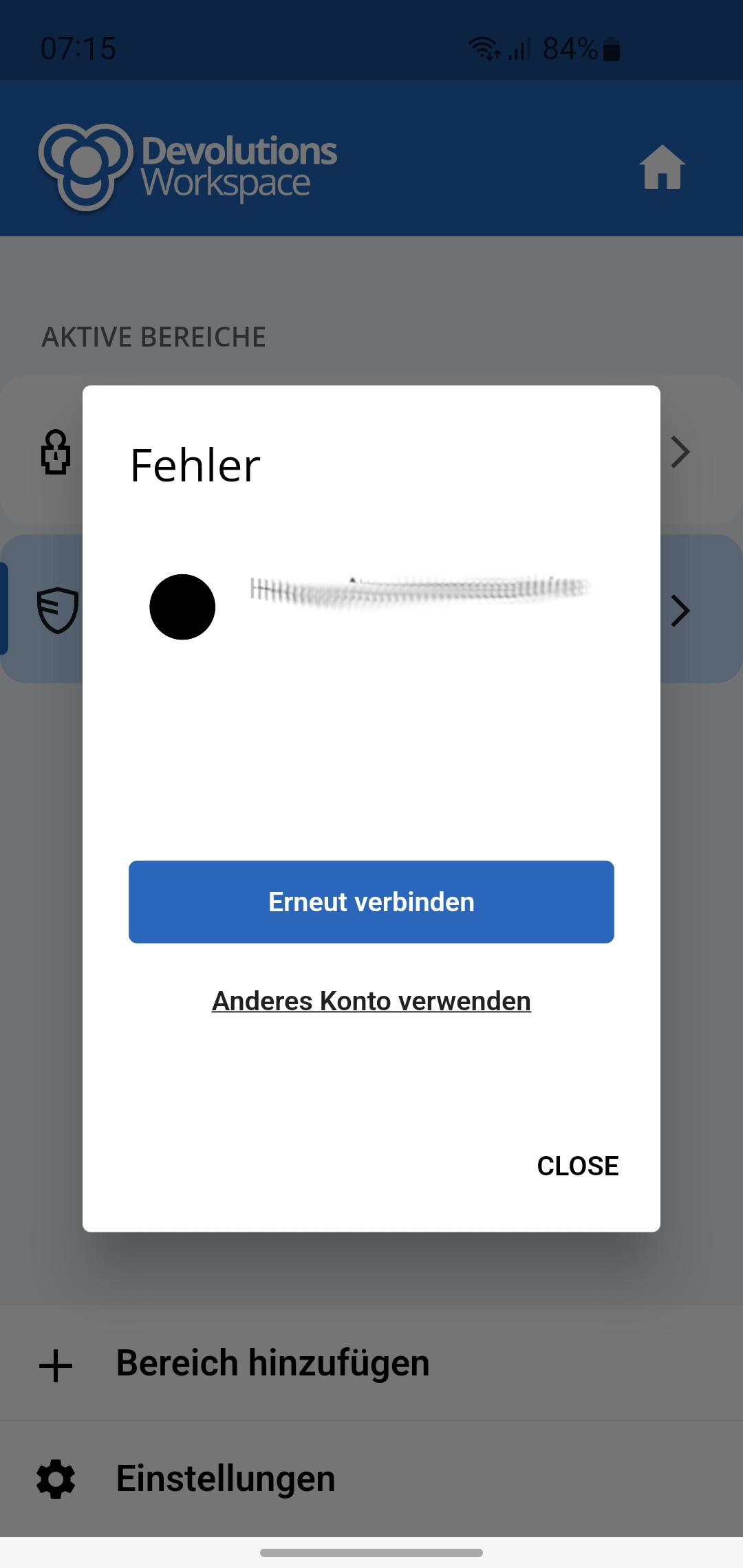
I would expect the app to stay in offline mode after restart.
Screenshot_20240212_071554.jpg
All Comments (3)
Hi,
Yes, this will be fixed in the next major release (2024.1), which will be available before the end of the month.
Best regards,
Dany Galarneau
Hi Dany,
thank you, I will test it when the new version is available.
One other question : what is the lifetime for the offline cache ?
Can this be changed in Devolutions Server ? Per vault ?
Hi,
for the duration of the offline cache, it's a global setting that you can change in your Devolutions Server by going to:
Administration -> System Settings -> RDM AND COMPANION TOOLS.
You can also disable offline mode by vault by going to
Administration -> Vaults -> your vault -> Set Security level to High.
Best regards,
Dany Galarneau