DVLS Scheduled Activity Log Report filter syntax

Hello,
When configuring a scheduled Activity Log Report in DVLS, there is an option/field to specify a filter. What is the syntax for the filter expression/s this field? What we would like to do is create a scheduled activity log report for only connections within a specific folder in a DVLS vault.
Please let me know if you would like any additional information.
Thanks
Joe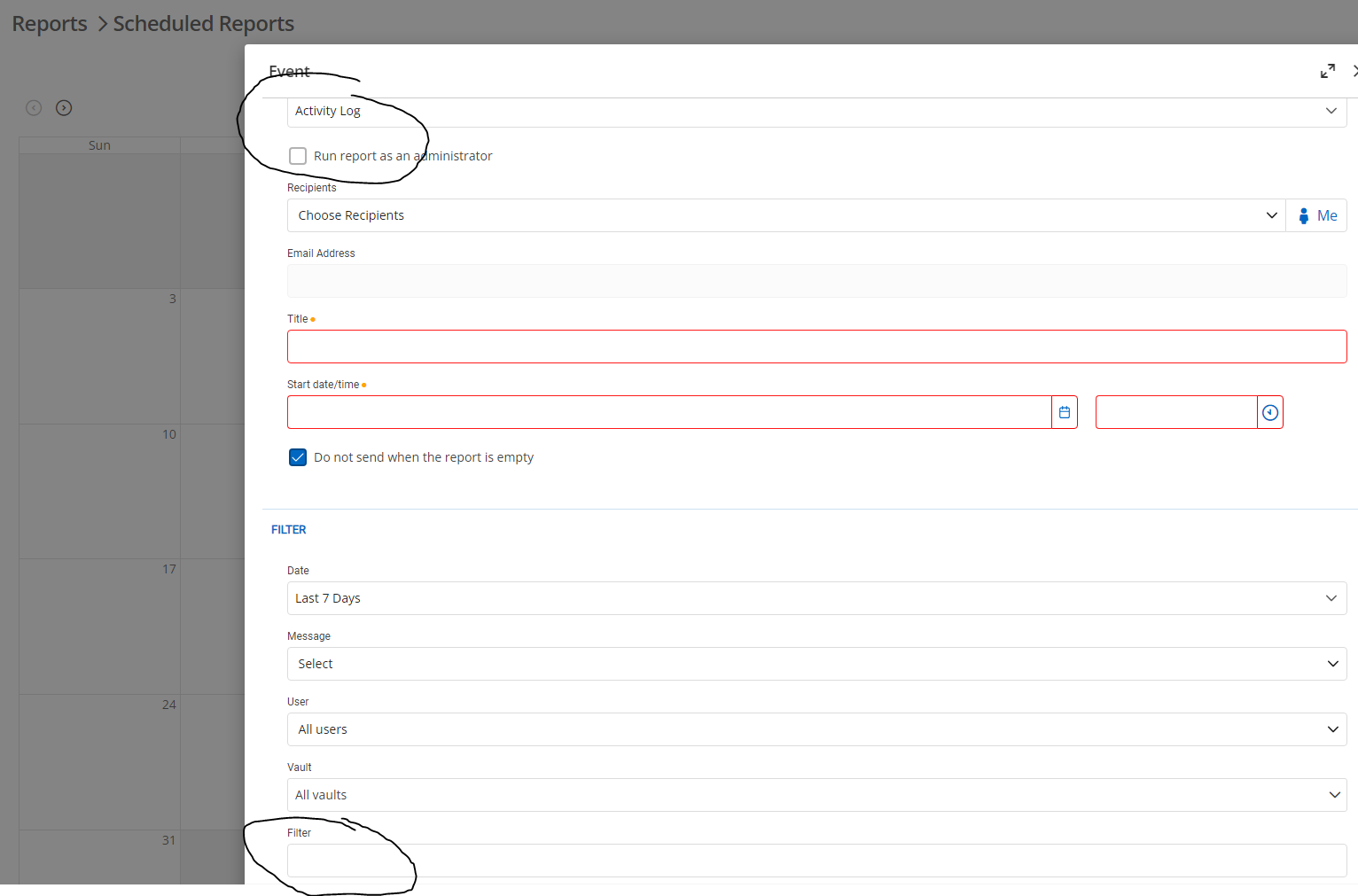
e5a62ee3-8625-4a18-ab35-6b02d9d8a676.png
All Comments (4)
Hi Joe,
Unfortunately, this filter is not exactly what you are looking for. This filter is simply a text filter that will be searched in: entry name, entry's vault name, entry's folder name, log message or name/username of the user who created the log.
It is not a field where you can create a custom filter, but for what you want to do, putting the name of your folder in this field could do the trick, unless you have any entries or users with name that are close to that folder's name, which I think is unlikely.
So, to sum it up, you could choose you vault in the 'Vault dropdown', and write your folder name in the filter field, and you should have what you are looking for, or at least be very close!
Don't hesitate if you have any other questions!
Bets regards,
Vincent Forest
Best regards,
Vincent Forest
Thanks Vincent. Does the field support multiple search strings (i.e. Folder1, Folder2)?
At the moment, it does not. It takes the input you provide and try to match that with any of the fields. What you wrote in the field needs to be contained within one of these parameters for the entry log to be returned.
At the moment, your best bet would be to create one scheduled report for each folder that you would like to have.
Best regards,
Vincent Forest
Best regards,
Vincent Forest
Thanks Vincent, that will work for the timebeing.