Touch ID on macOS to login
0 vote

Would be nice if you could use Touch ID to login and unlock RDM. The idea being the username password for say Devolutions Server could be stored in keychain presumably to streamline the unlocking process and also it would work for offline mode.
All Comments (4)
Hi,
This can already be configured in Preferences -> Security -> Application Security (Local):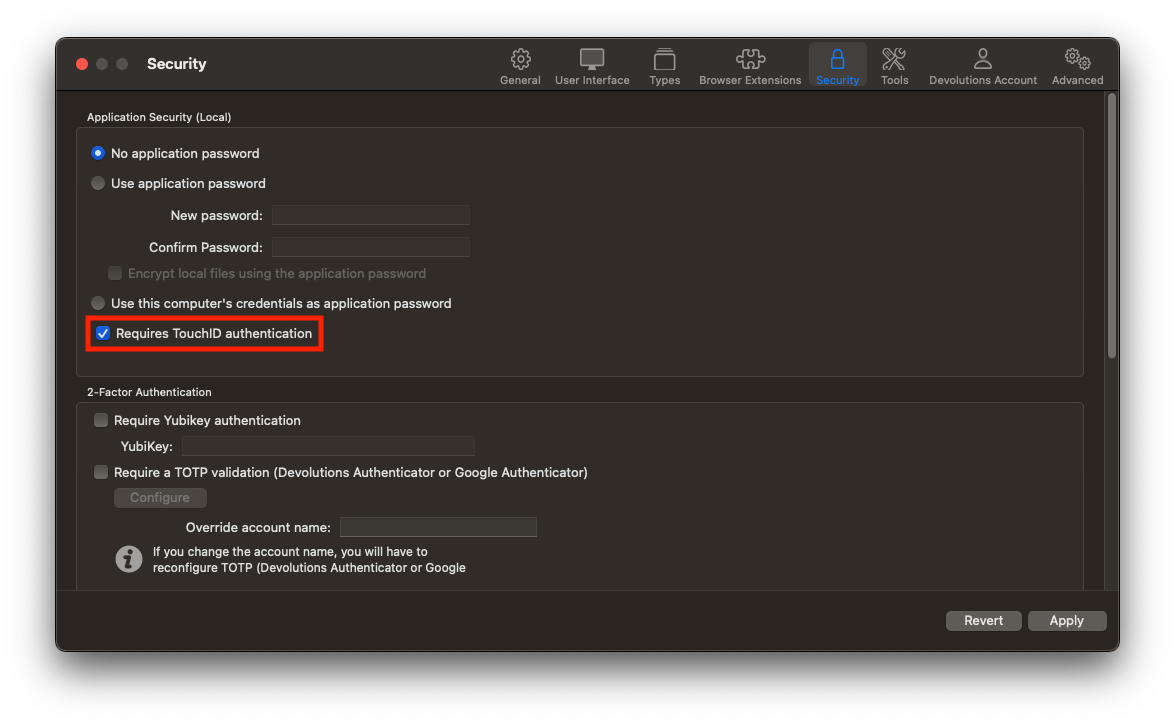
It's important to note that this is a very basic client security feature. It can prevent a third party that somehow get access to your machine to immediately get access to the contents of your vaults. But would not be of much help in an actual targeted attack. For that, I'd recommend locking your computer at the very least if you are to leave your application unattended.
Best regards,
Xavier Fortin
Fingerprint.png
sorry, i should clarify. I meant for authenticating to the Devolutions Server in my case. So instead of punching out to a browser window. That process could be handle in the background and auth'd by touch id. Using macOS keychain (either keypair store or the login keychain) would store the credentials for that.
does that clarify it better?
Hi,
Unfortunately, this is not possible at the moment. And it wouldn't be quite simple to implement. At the moment, RDM delegating the authentication to the web browser is very intentional and a core mechanic of how RDM / DVLS authentication works at the moment.
We'll keep this in mind and see if something can be done when we get a chance.
Best regards,
Xavier Fortin
oh gotcha. I mentioned it because coming from 1Password and KeePassXC where you can unlock various vaults or databases via Touch ID it just a convenience thing I guess I grew accustom to.
https://support.1password.com/touch-id-mac/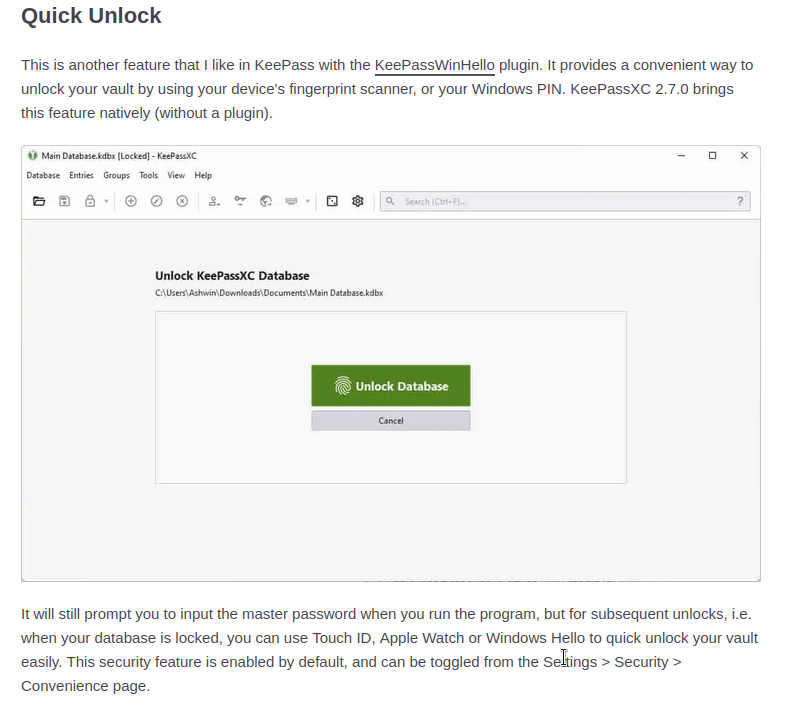
Screenshot_20221103_150050.png