How to exit full screen session

Hi,
is there a way to exit a full screen rdp session?
I don’t want the bottom bar because i have an ipad pro with keyboard so i prefer to use a full size screen (like the microsoft remote desktop does) but now i cant exit the session.
Is there a way (shortcut?) to exit a full scree rdp session?
Thanks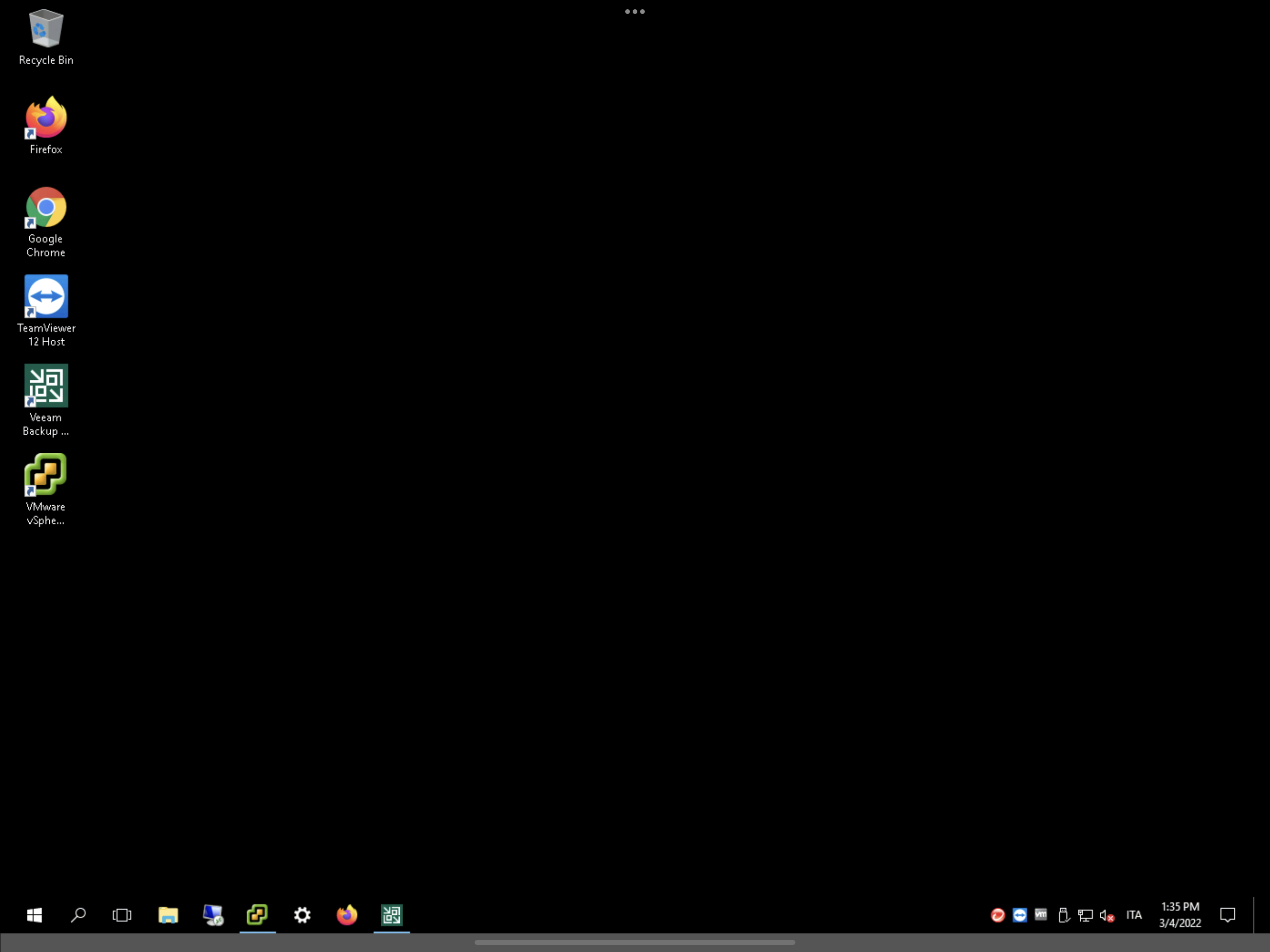
654FD1F4-C4B4-42B6-B06B-0916D68CFFAA.png
All Comments (5)
Hi,
You can exit the full screen mode in RDP by tapping on the screen with 3 fingers.
Let me know if it does not fix your problem.
Best regards,
Maxime Brousseau
ok it works even if is very uncomfortable.
Is there any other way? Any keyboard shortcut? Or any way to show/hide the bottom bar with a shortcut?
Thankls
Hi,
for the moment it is the only way. We created a task to add a keyboard shortcut.
We will inform you when it is available.
Best regards,
Maxime Brousseau
There is a keyboard shortcut to go full screen, but none to go back. Perhaps that shortcut could be made to toggle to full screen and back?
I'm on a Windows workstation BTW, so display tapping isn't an option for me. Not that I would want fingerprints on my display anyways :).
Hello.
Which keyboard shortcut are you using to go full screen?
Thank you
Maxime Brousseau