iOS iPad Magic Keyboard Shortcut

Hi, is there any keyboard shortcut to toggle Full screen / Minimize on RDM for iPadOS?
I need to switch from Full Scneer to Minimize to show the left Navigation Bar to select other server to connect.
Thanks
Martino
All Comments (8)
Hi,
No, there is no keyboard shortcut. Currently, keyboard keys are sent to the session that is open. If we intercept certain keyboard keys to minimize a session, these keys will not be sent to the session itself although it is possible that the user wants to send these keys to the session. Do you know of any applications on IOS that support keyboard shortcuts to minimize open sessions?
Best Regards,
Nicolas Dufour
Thank you for the answer.
So, yes, Screens do it.
While i’m on a session, if i old the CMD key on Screen, it help me to show how shortcut i can use.
So i try the
^ SHIFT CMD T
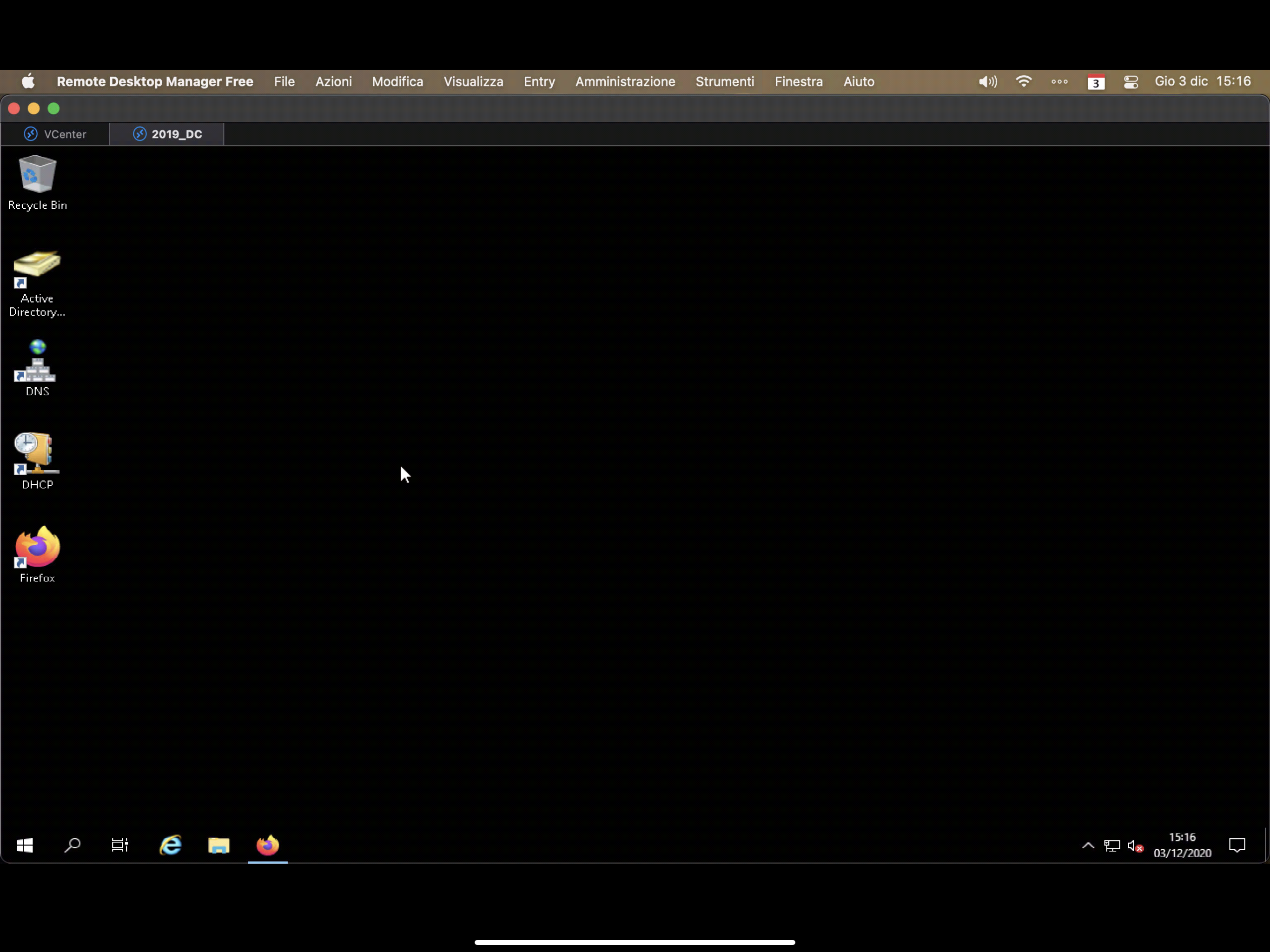
and i can toggle the tool bar on off. (the toolbar of the Screen app not on the Windows Desktop or Mac Desktop)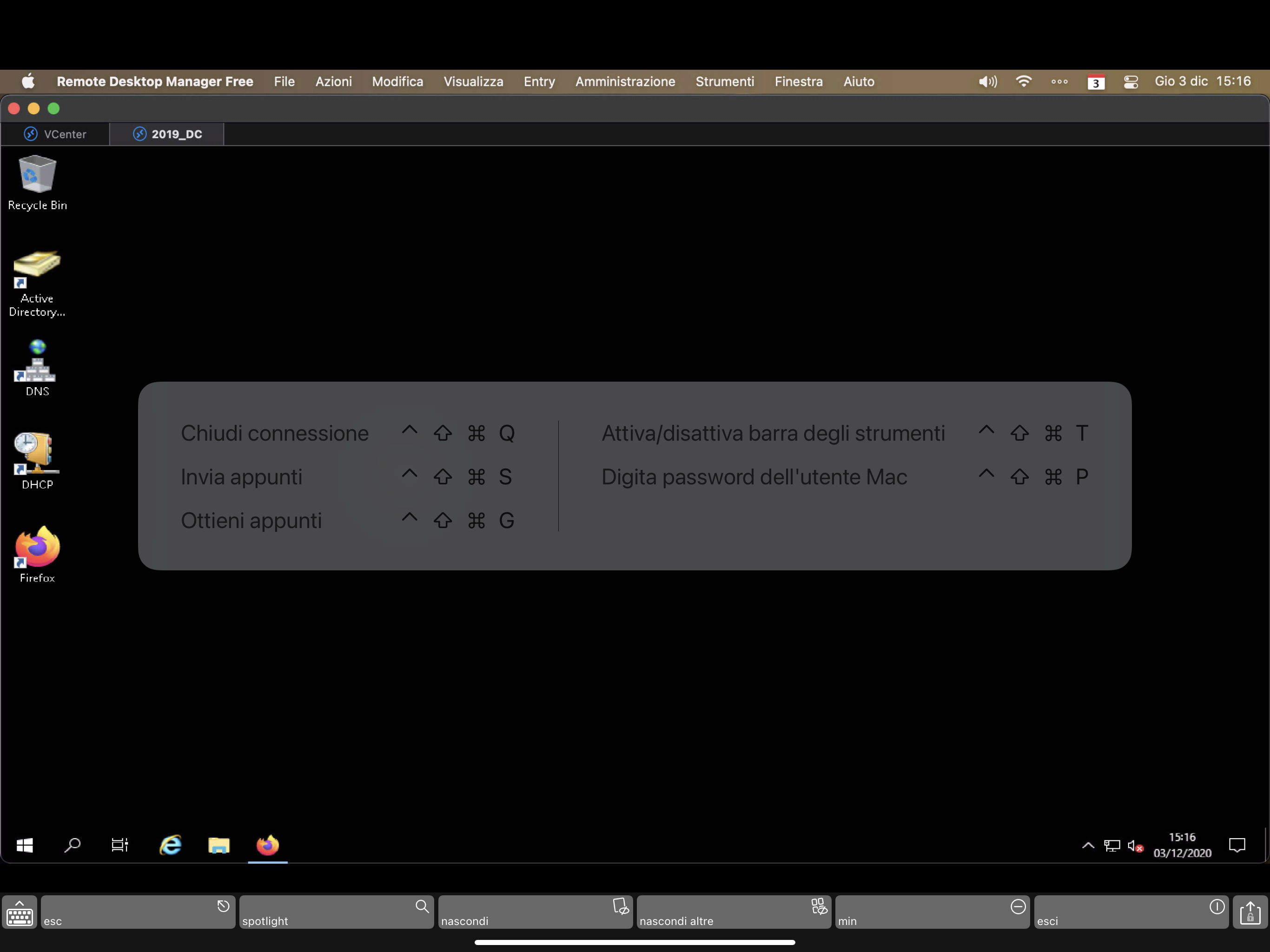
31A453CD-DB2C-47FA-9395-FBF665BB7D1B.png
7F6D8918-31E4-42E2-AAFC-0DD99CF9E1A6.png
Hi,
It seems like it manages screens and cannot open sessions. Can you open RDP sessions with Screens?
Best Regards,
Nicolas Dufour
Screens manage VNC connection and not RPD Session.
The fact is that the ^ SHIFT CMD T shortcut is handled by iPad Os and not the VNC session.
May you reproduce the same behaviour on RDM?
This would be fantastic to manage multimedia RDP sessions at the same time!! 😊
Thanks
What happens if you hold the CMD key and you want that specific key to be sent to the session (not handled by Screens)?
Nicolas Dufour
Nothing. This combination aren’t handled on the VNC session.
i think that ^+SHIFT+CMD+SOME LETTER may be used to be handled by RDM and not by the RDP session.
A03D3587-6D3F-4B27-9982-E33810923F88.jpeg
Typically, all keys should be sent to the remote host. The user may want the remote host to handle special keys. In addition, an application running on the remote host may need to handle some special keys. Nevertheless, we will add this request to our Backlog and analyze if something can be done.
Please note that we do not know when we will investigate this request and cannot give you a timeline for its implementation(if we find a suitable solution).
Many thanks for your feedback.
Best Regards,
Nicolas Dufour
The best will be have an option to enable or disable the (for example) CMD+N (for the navigation panel) or the CMD+F (for the full screen)