Error launching 11.1.4.0 BETA from the command line

When I try to run RDM (for Windows 7 x64) from the command line (Run as Administrator), I am receiving a popup error message. I sent the error report (so you may have received it already)., but I wanted to post about it also just in case you don't receive the error report.
So I launch RDM daily in the morning and it worked fine up until today. Yesterday morning I was using 11.1.3.0 BETA but I upgraded to 11.1.4.0 BETA yesterday also (this morning is my first attempt at running 11.1.4.0 from the command line). The issue seems to occur with both the 32-bit and 64-bit versions of RDM 11.1.4.0. I can run the following command successfully ("C:\Program Files (x86)\Devolutions\Remote Desktop Manager\RemoteDesktopManager.exe") - and the 64-bit command works also, but if I give it a data source and/or session to launch (via the command line), I get the error (I'm using a SQL data source on the network). If I already have RDM open and running and try the same command line that fails, RDM works and opens the session successfully with no error. The command line that I am using is:
"C:\Program Files (x86)\Devolutions\Remote Desktop Manager\RemoteDesktopManager.exe" /DataSource:xxx /Session:xxx
(I've replaced the data source and session information with "xxx" for security purposes)
I've tried different sessions, etc., and get the same result. I've attached a screen capture of the error that I receive and a text of the same error (so that you can copy/paste the error text).
BTW - Normally I use the EXE to install updates to RDM but for 11.1.3.0, I had to use the ZIP file for the install. For 11.1.4.0 yesterday, I used the EXE for the install (not sure if this caused the issue or not).
Thanks
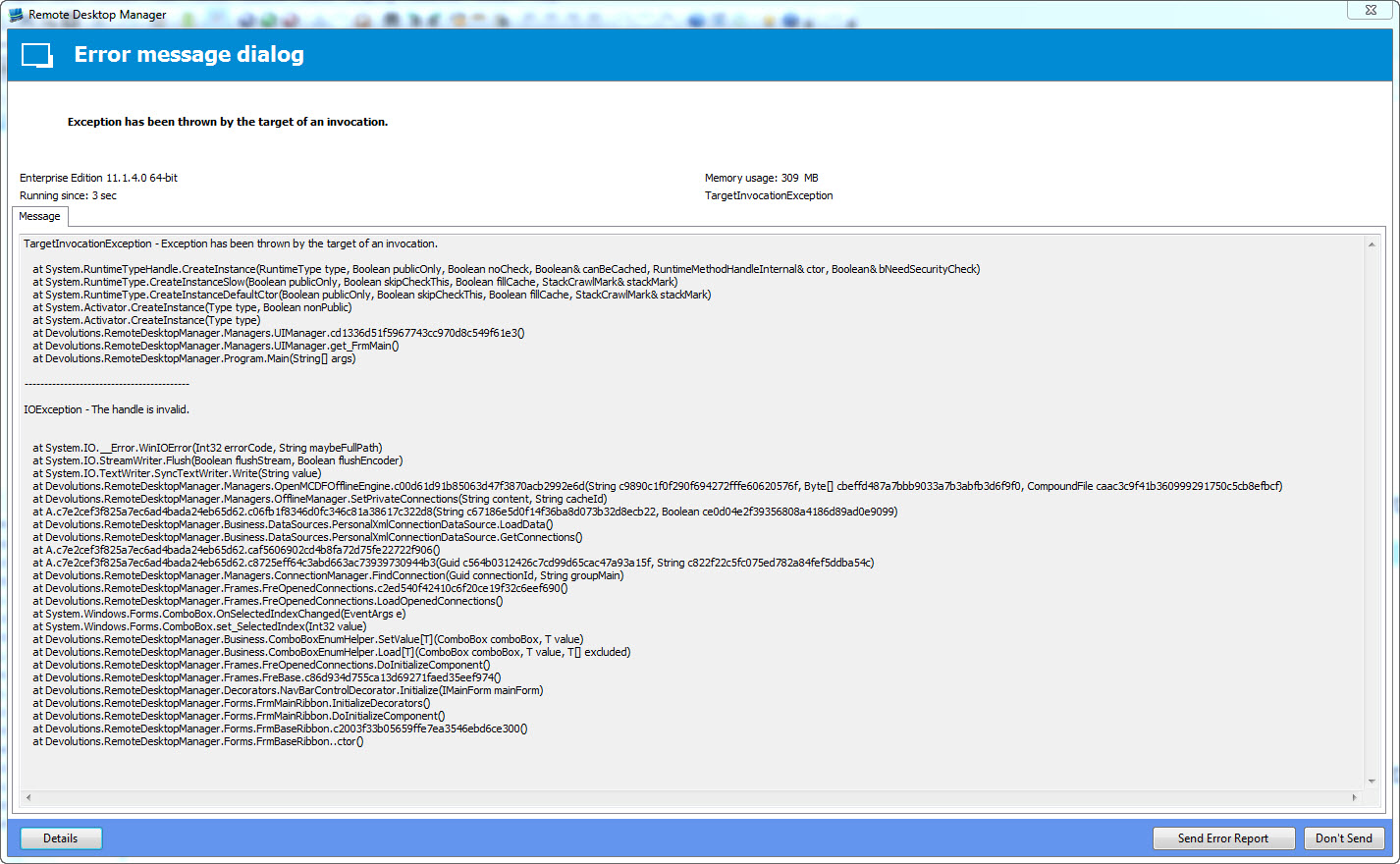
RDM error launching session - text.txt
RDM error launching session.jpg
All Comments (4)
FYI got your error log. We are looking into it.
Regards,
Stéfane Lavergne
Wow, the issue has been resolved. It was a very strange one to solve but we found it. The next beta will have the fix.
Thank you for reporting the issue.
Best regards,
Stéfane Lavergne
Just wanted to follow up - updated to 11.1.6.0 and the issue is resolved for me. Thanks for resolving it so quickly - good work!!
Good morning. I wanted to follow up on an issue that I've been having (since the update to RDM mentioned in this thread).
Basically, in the mornings, my system launches RDM (command line) via a PowerShell script at login time. The PS script runs (via the Windows startup group) so I don’t have to launch a bunch of programs every morning (and I can launch the script manually, if needed). Prior to the RDM update from this thread, the script would run and at the end of it, the script window would close and the programs it launched would remain open (up and running). Since the RDM update (which resolved a RDM command-line issue), RDM launches (as expected), connects to the SQL data source and establishes the desired RDP session. However, the PS script window remains open and shows the following:
If I CTRL-C to exit the PS window, RDM closes (no matter what state RDM is in, RDP session established, sitting idle, etc.). If I leave the PS window open and exit RDM, the PS script window closes. If I launch RDM (within a data source or command line) via the startup PS script, this behavior doesn’t occur (the PS window closes and RDM remaining up and running). I’ve found that launching the PS script manually, the issue doesn’t occur.
If I manually run the following (from an admin PS window), I get the same results (but have to press ENTER to clear the PS window (but it doesn’t force RDM to close):
If (-Not (Get-Process RemoteDesktopManager* -ErrorAction SilentlyContinue))
{
"RDM (64-bit) not running"
$argList = " /DataSource: (removed) /Session: (removed)"
Start-Process "C:\Program Files (x86)\Devolutions\Remote Desktop Manager\RemoteDesktopManager64.exe" -argumentlist $argList -WindowStyle maximized
}
I’m guessing something changed to resolve the command-line issue that was originally mentioned in this thread. Might any of those changes have caused this behavior to occur? Is this something that can be easily resolved, it is possibly a PS issue and not an RDM issue or is it something that is just going to happen because of the changes made?
BTW – I’ll forward the entire script to you (if you want), just send me a private message for me to respond to.
Thanks
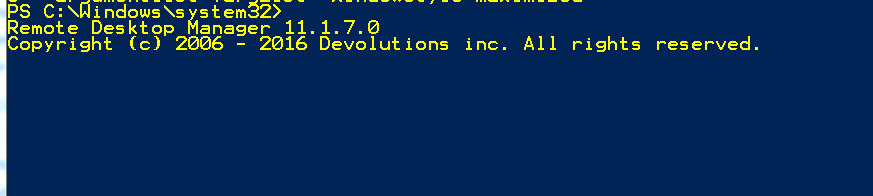
RDM command line launching issue.jpg