Error on User-Specific-Settings

Hello,
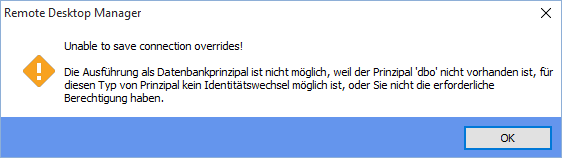
when I try to save User-Specific-Settings, I got an error back.
Greetings
Martin
2015-10-01 09_07_01-Remote Desktop Manager.png
2015-10-01 09_00_34-Remote Desktop Manager.png
All Comments (2)
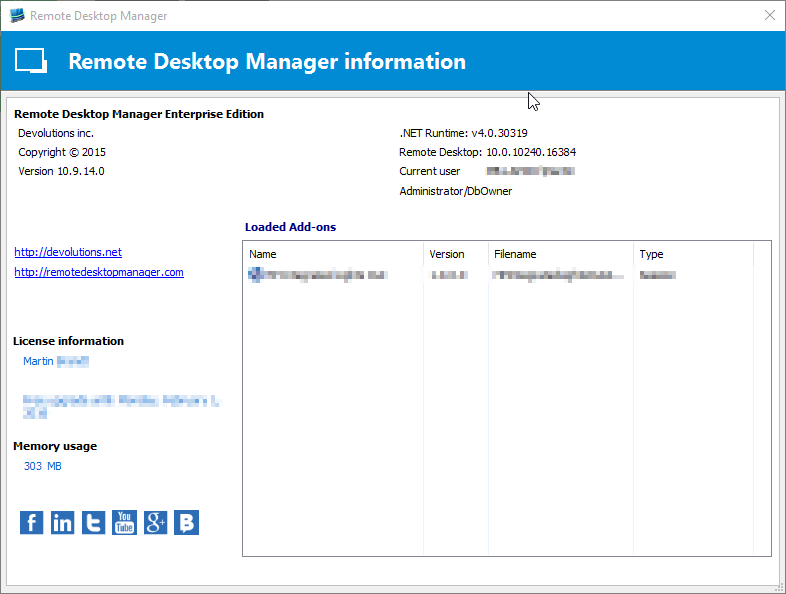
@Martin - Could you please send us your DB schema for analysis. File -> Data Sources -> Upgrade (tab) -> "Email Schema to Support"
Please add: "Attn: Stefane" in the subject.
Best regards,
Stéfane Lavergne
Could it be that this database has been move/restored from a different/same server?
Please run the following:select name as [DB Name], suser_sname(owner_sid) as [Owner] from sys.databaseswhere Name = DB_NAME();GOYou should see something like:DB Name Owner-------------------- --------------------RDM null or sa(1 row(s) affected)
In the case where you see <null> then the issue is due to the database no longer has an "owner" and since we run a few triggers using the "with execute as owner" it is causing the issue.
The solution, run the following:ALTER AUTHORIZATION ON DATABASE::RDM TO sa;GO(Make sure to replace RDM with your database name and sa with a user you want to own the database. sa is a good option
Let me know if that resolves it for you.
Best regards,
Stéfane Lavergne