Unable to create RDMS database on a new server

I installing RDMS for the first time on a Windows Server 2012 R2 and SQL Server 2012. I have "Tester Server" connection and it works fine. When I click on "Create Database" I get the following error message:
Unable to create database!
An object column name is missing or empty. For SELECT INTO statements, verify each column has a name. For other statements, look for empty alias names. Aliases defined as "" or [] are not allowed. Change the alias to a valid name.
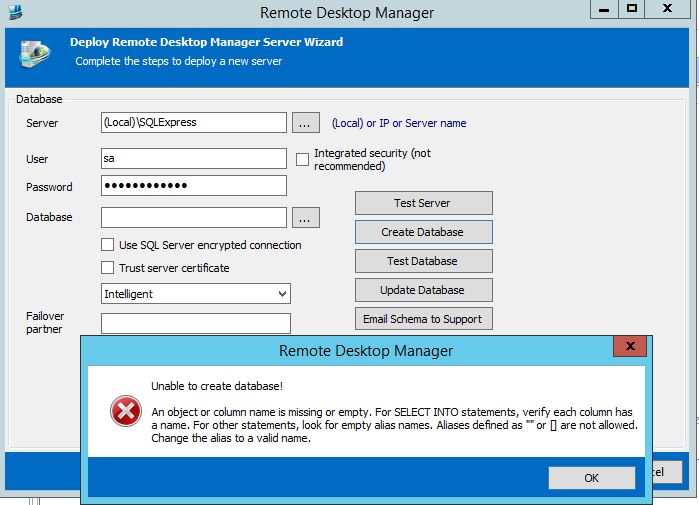
RDMSError.JPG
All Comments (2)
Hi,
I have entered a bug to show a validation message but you need to enter a database name before creating it.
David Hervieux
Now I feel dumb. Yes, it worked fine. Thanks.