App Crash Version 2026.3.5.0

Hello guys,
today i upgraded from 2026.1.3.0 to Version 2026.3.5.0. Since then i noticed a few Appcrashes.
But it seams they already exist in the old Version too.
What can i do?
THX
Michael
All Comments (1)
Hello Michael,
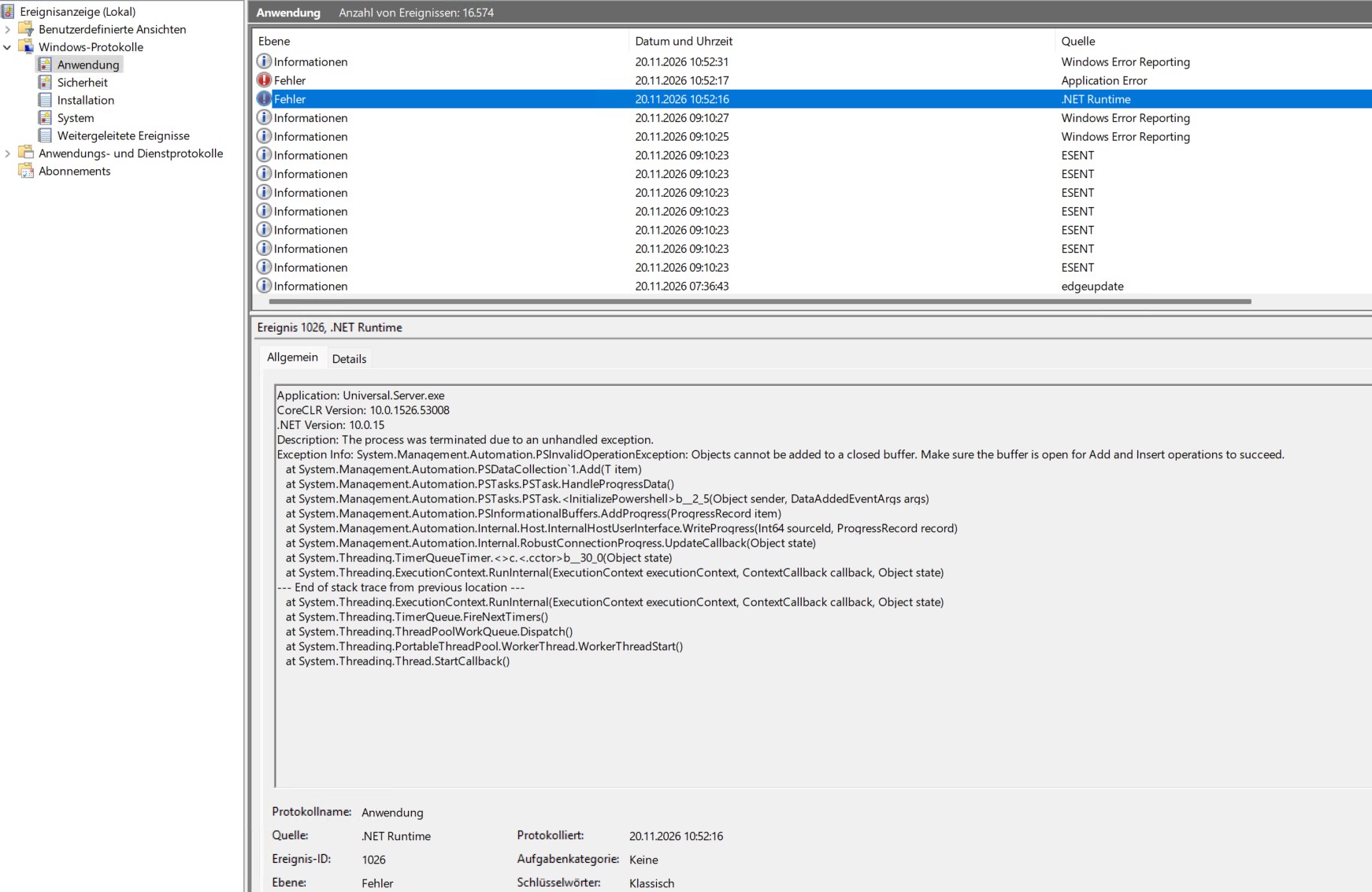
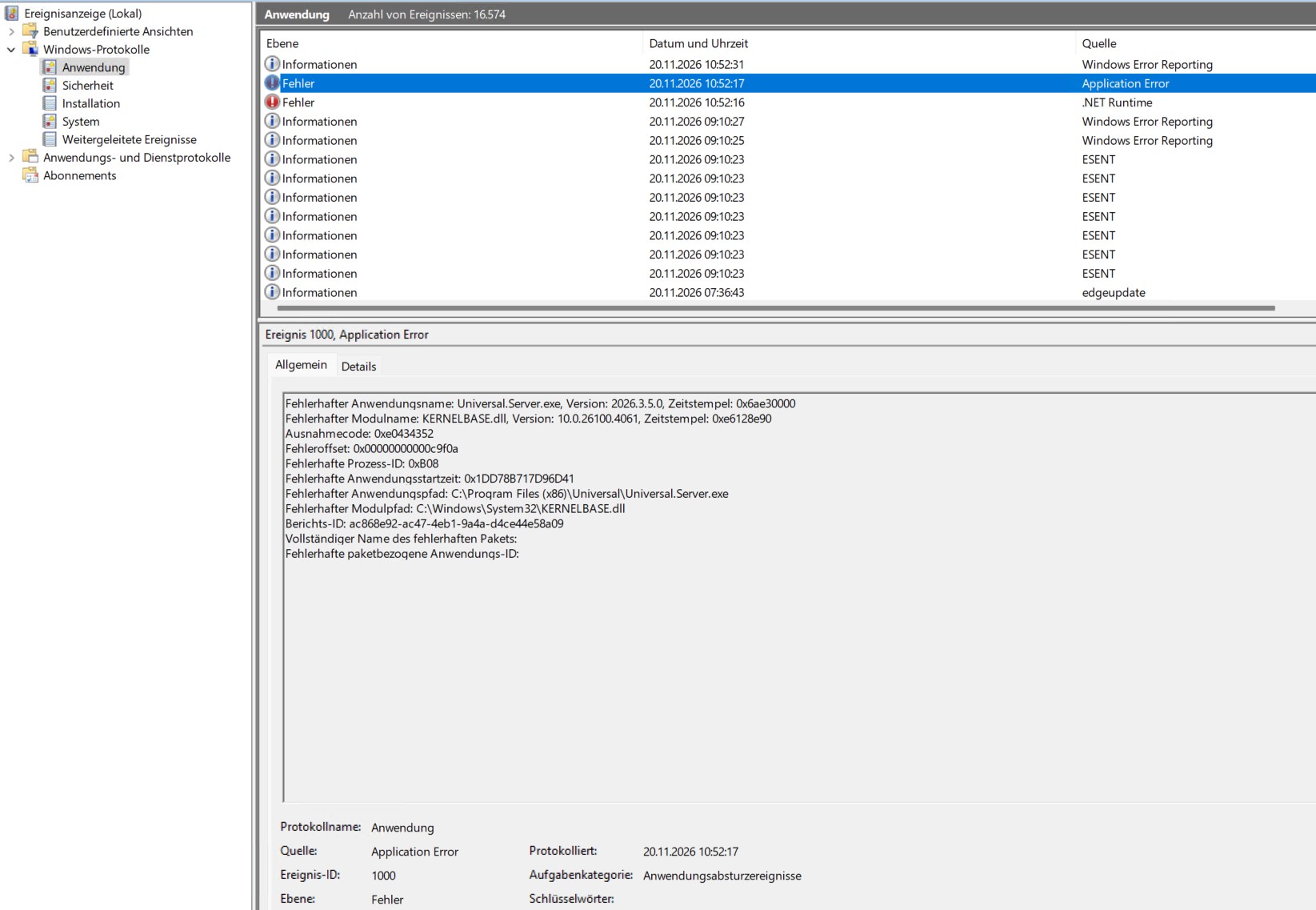
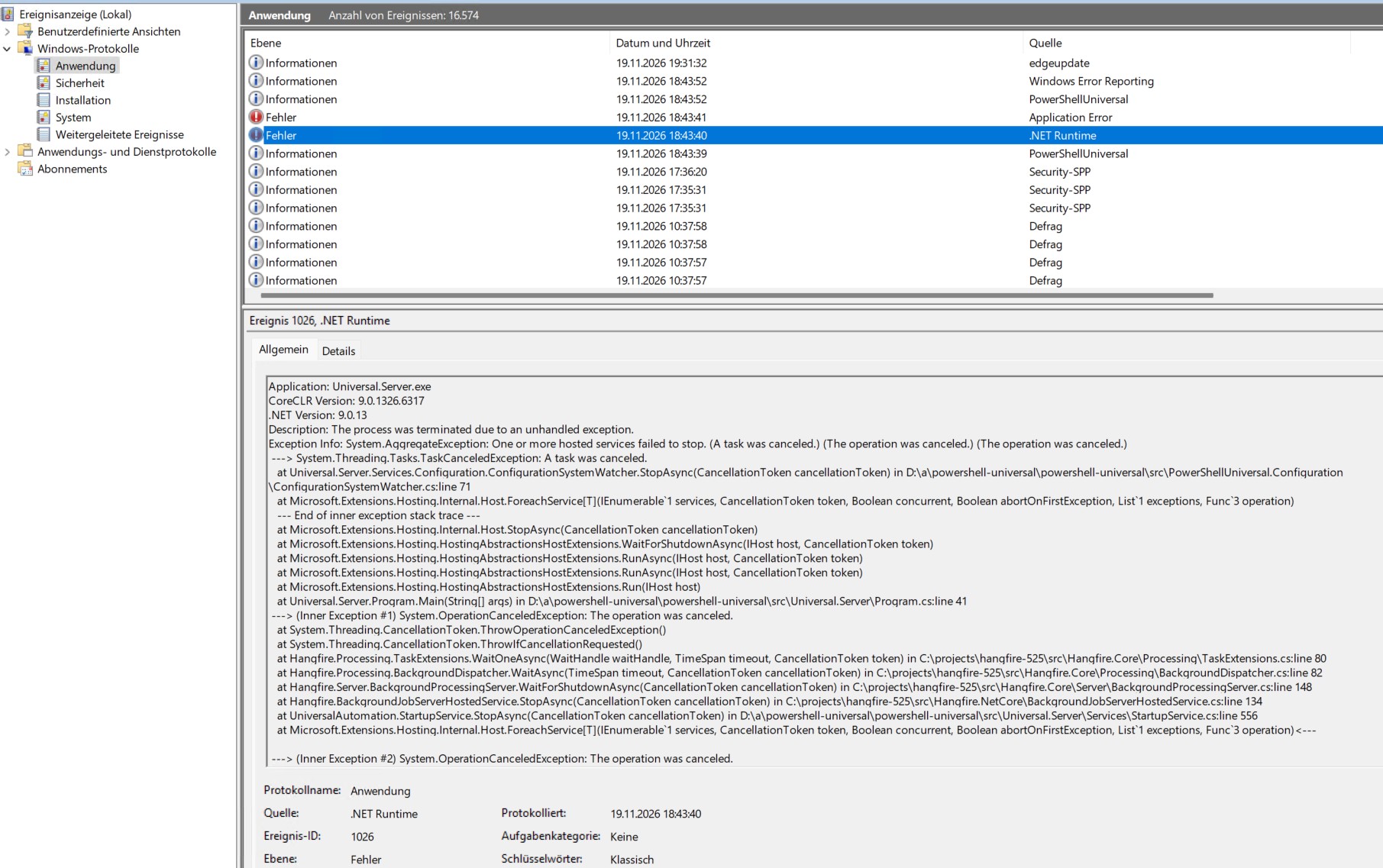
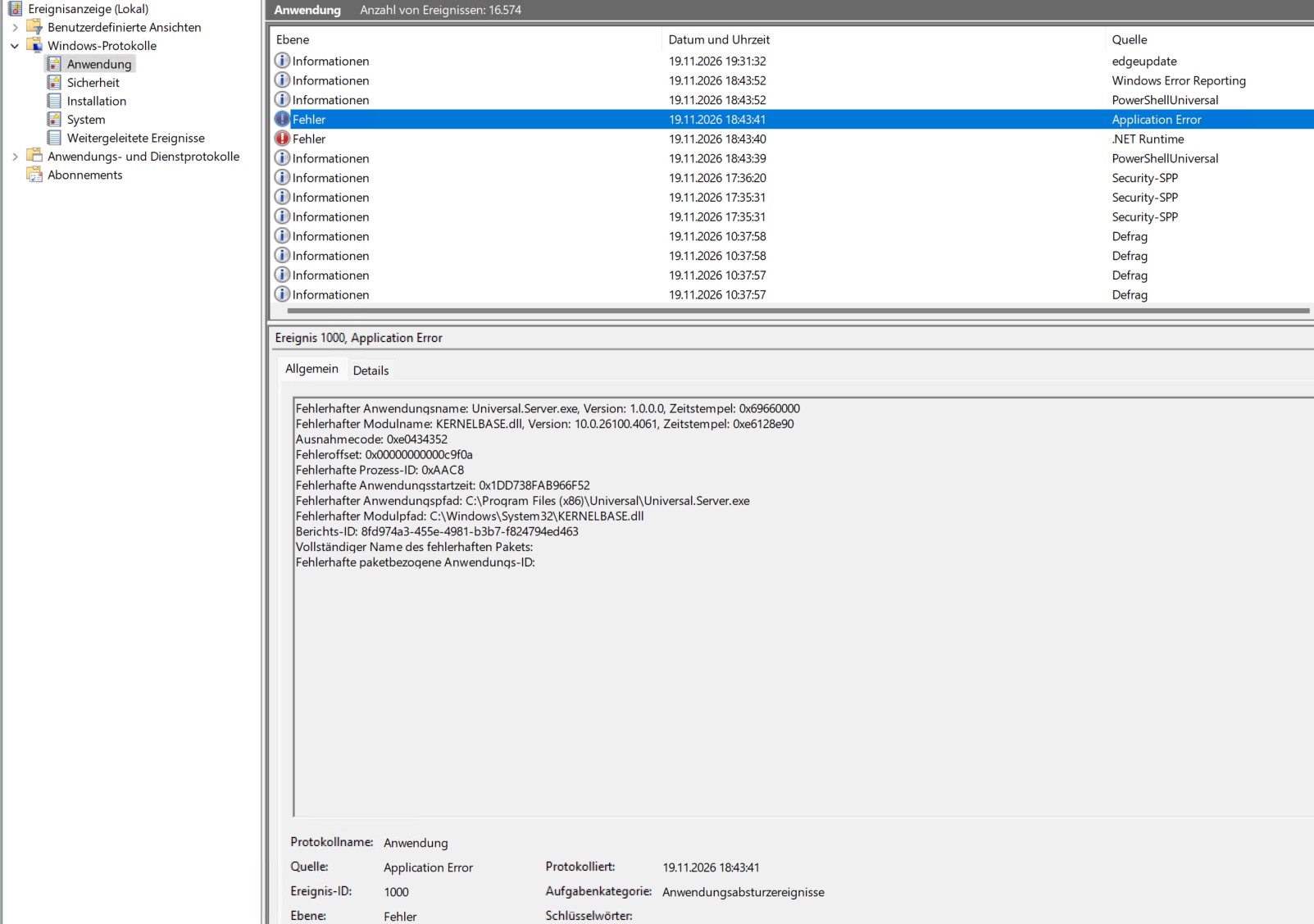
Thank you for the screenshots. They show two different errors.
The event on 19 November at 18:43 came from the old version 2026.1.3 while the PowerShell Universal service was stopping. Some internal services did not finish stopping in time, and the error that reported it ended the process. Version 2026.3.5 includes a fix for this kind of shutdown failure, so it should no longer end the service. If you see "One or more hosted services failed to stop" again on 2026.3.5, please send me the full details of that event.
The crash on 20 November at 10:52 on 2026.3.5 comes from PowerShell's own code, not from a PowerShell Universal component. The error shows that a script used ForEach-Object -Parallel together with PowerShell remoting, for example Invoke-Command. When a remote connection dropped, PowerShell's "Network connection interrupted" progress bar tried to write into a parallel block that had already ended. The error was raised inside Universal.Server.exe, so that code was running in the server process itself. This most likely means the script runs in the Integrated environment, where scripts share the server process, but I would like you to confirm it.
Please look in the system log in %ProgramData%\PowerShellUniversal\Logs\System for what ran in the minutes before 10:52 on 20 November, and check which environment that script, schedule, API or app is set to. If it shows Integrated, or Default and you have not changed the default environment, run it in a PowerShell 7 environment instead. It then runs in a separate process, so if the same error happens again it ends that process and not the server. The environments are under Manage > Environments > Environments, and the documentation explains the difference here.
https://docs.devolutions.net/powershell-universal/config/environments/#integrated
If you cannot tell which script it is, or it uses another environment, please send me the system log file for 20 November and tell me which environment it is set to, and I will look at it.
Best regards,
Carl Marien