Chrome Browser Plug in Freeze

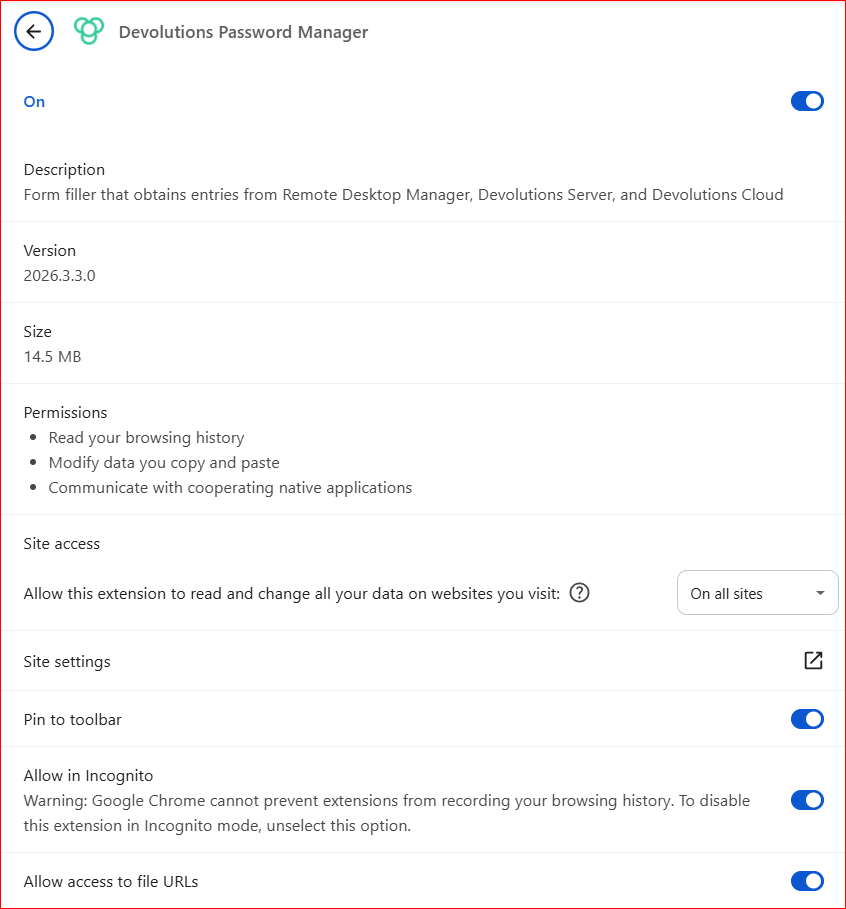
I don't know if this has been reported or not, but within Chrome, the plug in is useless.
When you click on the Password Generator, it hangs and does not work.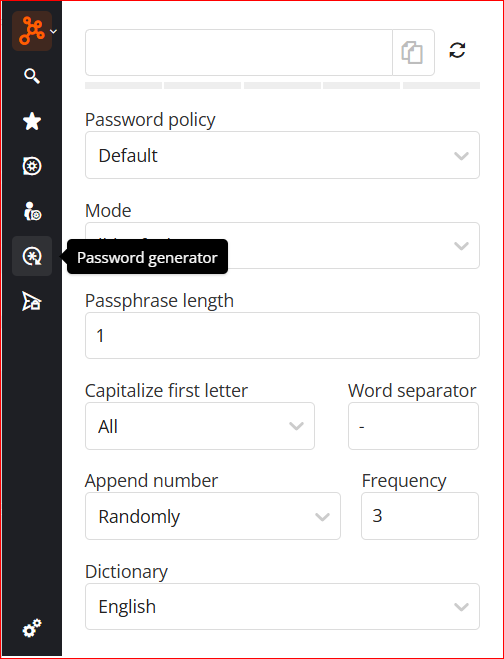
--- Chuck
Overgaard, AZ (-7 MST / Zulu Year-Round)
RDM Version: 2026.3.16.0 64-Bit - Free
f9201ff9-325b-48b7-bbfc-fe3c8f99aa37.png
5a08696a-12db-4cbf-bfcb-7f9ca6da9b94.png
All Comments (3)
Hi,
We're investing into your password generator freeze.
To help us confirm the cause, could you tell us:
1. Does it only happen when you generating a passphrase?
2. If so, is Append number set to Randomly, with a Frequency always higher than the Passphrase length?
In the meantime, you can try importing the attached file. It resets the password generator to its default settings:
1. Open the extension's settings. Don't open the password generator first.
2. Select Import settings, then choose the attached file.
3. Confirm the import.
The import only replaces your password generator settings. Your other settings stay the same.
Does the password generator still freeze after the import?
Best regards,
Olivier Désalliers
dpm-password-generator-defaults.json
Hi,
We're investing into your password generator freeze.
To help us confirm the cause, could you tell us:
1. Does it only happen when you generating a passphrase?
2. If so, is Append number set to Randomly, with a Frequency always higher than the Passphrase length?
In the meantime, you can try importing the attached file. It resets the password generator to its default settings:
1. Open the extension's settings. Don't open the password generator first.
2. Select Import settings, then choose the attached file.
3. Confirm the import.
The import only replaces your password generator settings. Your other settings stay the same.
Does the password generator still freeze after the import?
Best regards,
@Olivier Desalliers
That json import got it to (somewhat) work correctly now. It no longer freezes as soon as I click the password generator.
Answers to your original questions:
1) The browser plugin works fine until I simply click the password generator icon. As soon as I click it, it freezes and the plugin no longer responds to anything. After a little while, it starts responding again, and as long as I don't click the password generator icon, it continues to function appropriately.
2) The screenshot below are the settings I have setup.
3) Now, as you can see in the screenshot, passphrase no longer generates what it should: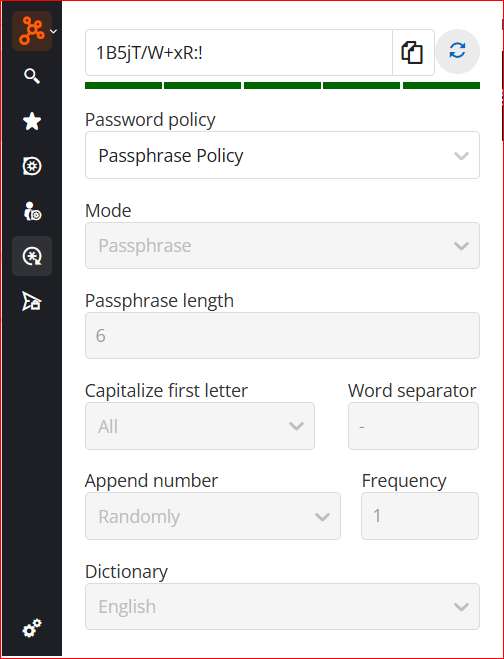
--- Chuck
Overgaard, AZ (-7 MST / Zulu Year-Round)
RDM Version: 2026.3.16.0 64-Bit - Free
9eab9b36-b4c6-4fe5-8c68-34775f633cad.png
Hi,
The freeze you experienced was likely caused by the Passphrase settings in your Password Policy, where the Frequency value was set higher than the password length.
Could you try switching between the Default Password Policy and your Passphrase Policy to verify that passwords are generated correctly according to the selected policy?
Best regards,
Olivier Désalliers