Devolutions Gateway ongoing bug

I *THOUGHT* I reported this bug before, but it still seems to be lingering in the Devolutions Gateway > Tools > Password Generator.
It never keeps the settings used prior. Whenever I load it, and I change to Passphrase, it starts with these settings: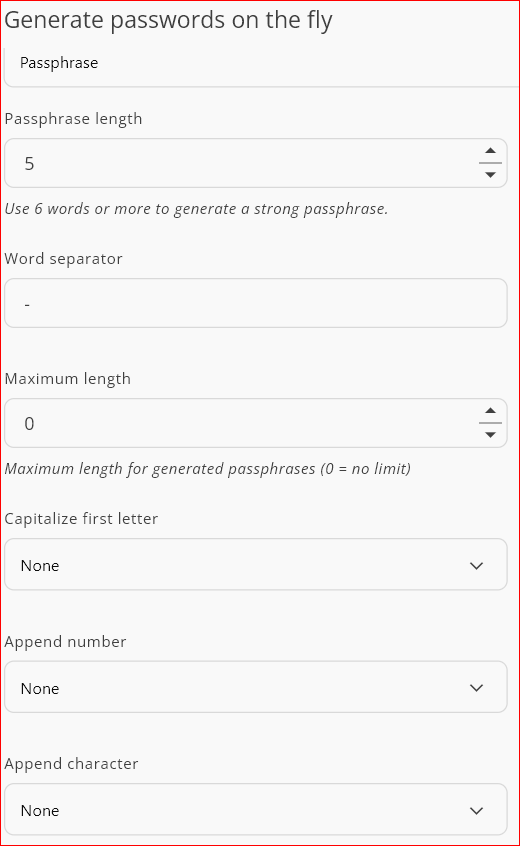
I then change them to the appropriate settings I want/need to use as follows: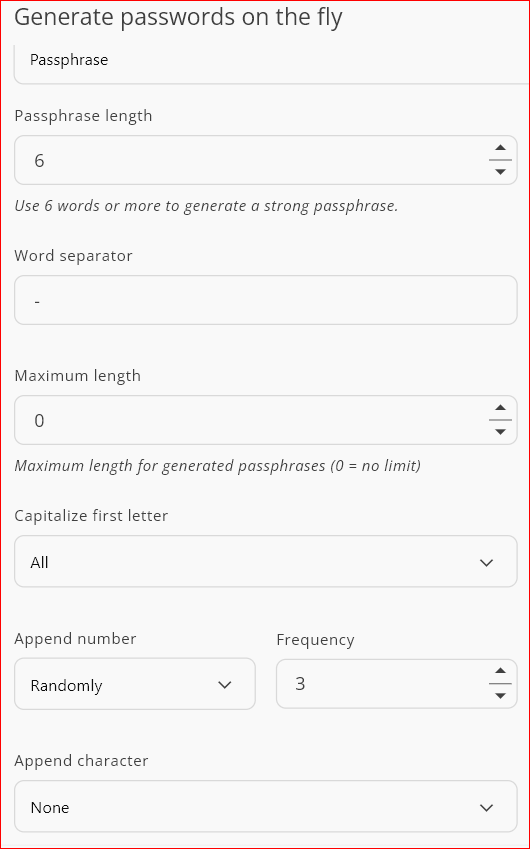
If I exit Gateway, and restart, then it is back to the program defaults that are not what were last used.
Can that please be looked at?
--- Chuck
Overgaard, AZ (-7 MST / Zulu Year-Round)
RDM Version: 2026.3.16.0 64-Bit - Free
8dcf8dff-b436-4835-8912-ad3315f52cde.png
266ad08b-20c9-4ca3-9114-90359faf3283.png
All Comments (3)
Hi Chuck,
Thanks for the report. To confirm, do you mean Devolutions Password Manager rather than Devolutions Gateway?
If so, could you tell us which version you’re using?
Best regards,
Dany Galarneau
Hi Chuck,
Thanks for the report. To confirm, do you mean Devolutions Password Manager rather than Devolutions Gateway?
If so, could you tell us which version you’re using?
Best regards,
@Dany Galarneau
My apologies. I know better than to not include that information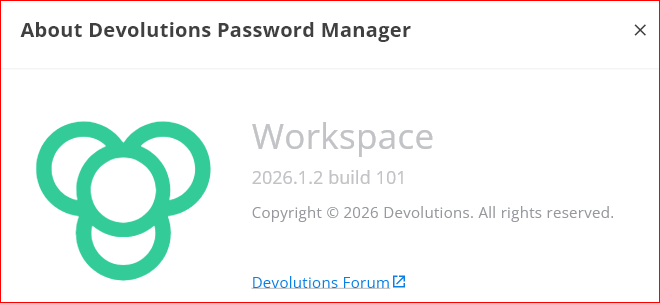
--- Chuck
Overgaard, AZ (-7 MST / Zulu Year-Round)
RDM Version: 2026.3.16.0 64-Bit - Free
6e4993d1-e8cc-4d9f-86f6-8057d9fc5a07.png
Hi Chuck,
Thanks for the details. Version 2026.1.2 predates the redesign of the password generator. Since version 2026.2.2, the generator remembers your last-used mode and settings, including your passphrase options, after you restart the application.
Updating to the latest version of Devolutions Password Manager should resolve this. If your settings still reset after updating, please let us know.
Best regards,
Dany Galarneau