Incorrect Pester Scripts

Get-PSUInformation

Version  BuildVersion
-------  ------------
2026.2.2 28618653519
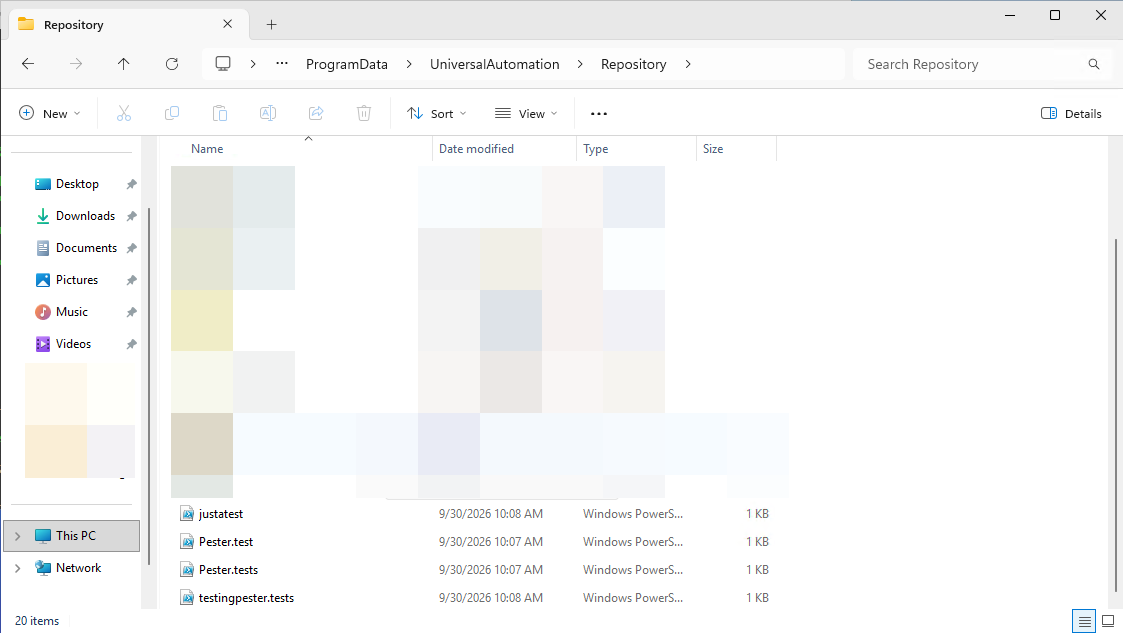
Incorrect scripts are showing in the Pester table. Based on documentation , only scripts with the name '*.tests.ps1' should be showing up. A little further down it also mentions '*.test.ps1'. I have a script called 'PCTest.ps1' that is showing in the Pester table. This would make me think that it's not '*.test.ps1' but rather '*test.ps1'.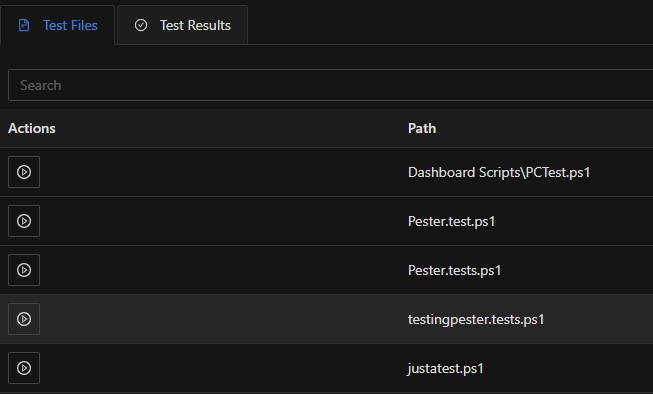 Furthermore, adding an 's' at the end of 'test' causes them not to appear in 'Automation > Scripts'.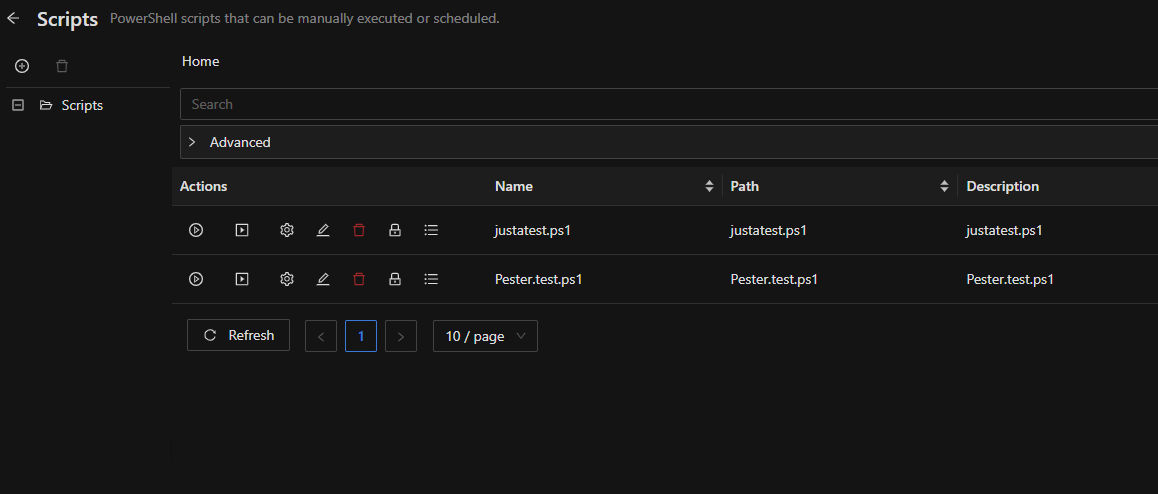
8b95b8f1-5df0-486e-b237-e34ec9ce1575.png
3ab050bd-9b14-404f-aec2-6b69e9230a24.png
0b6e1283-98a3-4740-99e3-f0cbeb764a30.png
All Comments (1)
Hello btull,
Thank you for the detailed report. You are right that PCTest.ps1 should not be listed, and the behaviour you are seeing does not match the documentation.
The documentation describes test files as names ending in ".tests.ps1", and ".test.ps1" when a folder is run, both with a dot before "test":
https://docs.devolutions.net/powershell-universal/automation/tests/
In 2026.2.2, when a script is created in PowerShell Universal, it is added to the Test Files list if its name ends in "test.ps1" or "tests.ps1". The dot is not checked, so PCTest.ps1 is picked up. I am passing this to our development team.
What you saw in Automation > Scripts comes from a similar check: that page hides scripts whose name ends in "tests.ps1", again whether or not there is a dot, so PCTests.ps1 is hidden there, not removed. To list them, expand "Advanced" under the search box on the Scripts page and tick "Show Tests". A name ending in ".test.ps1" (singular) is not hidden there.
Best regards,
Michel
Michel Audi