Create Endpoint LINQ Expression Error & Duplicate Secret Variables
Create Endpoint LINQ Expression Error & Duplicate Secret Variables

V2026.2.2
IIS Hosting w/ MS SQL Persistence
Two rather large issues I've been seeing, the first one more recent, far more pressing.
I updated our beta environment to 2026.2.2 in hopes this would be resolved, but still seeing this error whenever trying to create new endpoints, anybody else seeing this? I've noticed it in the last few versions, and hoped it would have cleared itself up by now. After this error, the page usually temporarily returns a 503 error from IIS, as the app pool tends to recycle itself after this error presents, so thinking something's crashing.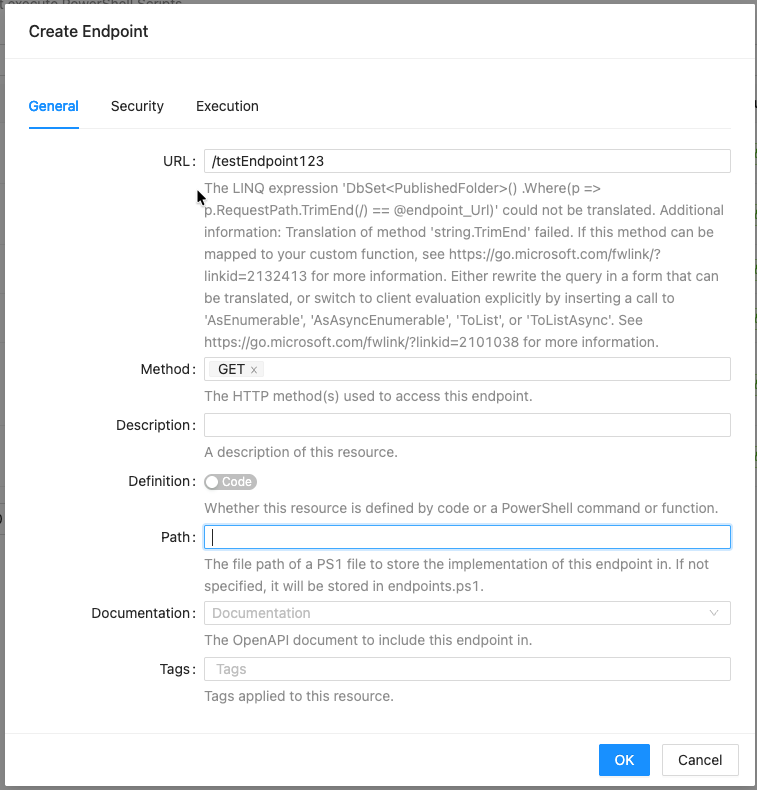
Another I've noticed is when it comes to variables, we've been seeing this for a while, just never really gotten around to bringing it up, since we have found a workaround... When we create a variable of type "secret" and store it in the Database vault, the resulting entries in the Database show a duplicated, blank entry in "Variable" table for the new variable that was just created. This results in the variables page just spinning, never loading. The only fix has been to manually remove the "blank" row in the DB, and then it starts working again, and the secret works.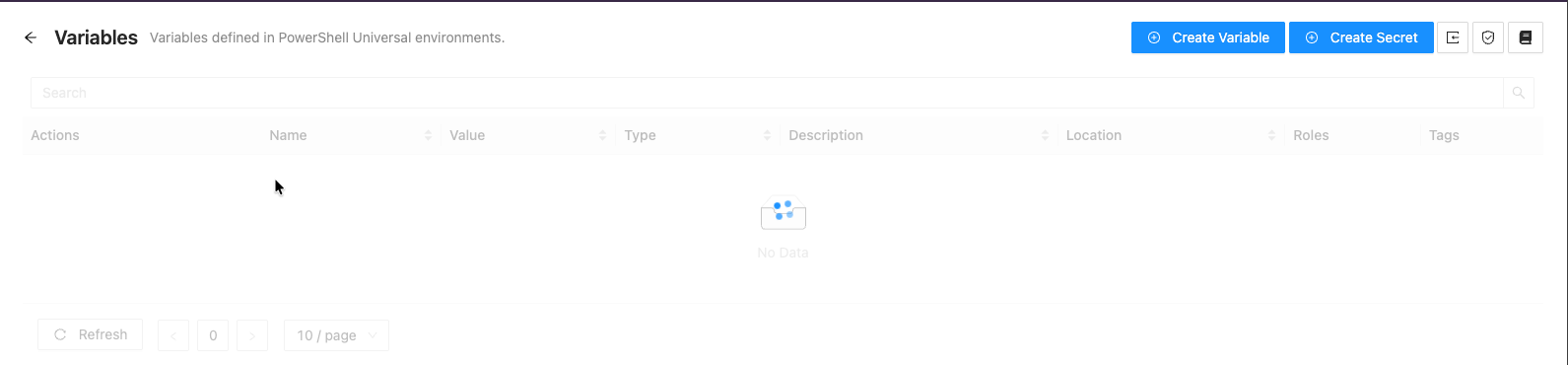

9d7896c5-de7d-4629-a5be-2fed49463a4c.png
81510729-9e28-4a77-aefe-6fb57c9676b8.png
0a5c217d-bef2-4478-a1f1-d211e7e391b2.png
All Comments (3)
Hey @timjacobs,
I've tried to reproduce both of this issues without success on my 2026.2.2 lab. Do you have any special configuration in appsettings.json (database persistence for resources, static resources etc)? Can you share your endpoints.ps1 or publishedFolders.ps1? If you don't want to share publicly, feel free to email support.
Adam Driscoll
PowerShell Expert and Developer at Devolutions
Yeah, we've moved most resources to database persistence, where supported, this is in our appsettings (per here https://docs.devolutions.net/powershell-universal/config/repository#database-resources). When I introduced these persistence changes (a while back for us), I did them one-at-a-time, and watched the respective database tables populate at startup with the correct values, and was able to subsequently stop relying on their corresponding .ps1 files, so I assumed it had been working for the most part...
"Persistence": {
"AuthenticationMethod": "Database",
"Branding": "Database",
"Role": "Database",
"Settings": "Database",
"Schedule": "Database",
"ScheduleParameter": "Database",
"Variable": "Database",
"VariableValue": "Database",
"PowerShellMiddleware": "Database",
"License": "Database"
}
Our publishedFolders.ps1 only contains one entry to pull in logos for branding:
New-PSUPublishedFolder -RequestPath "/images" -Path "C:\images" -Name "images"
I sent you a PM with a sanitized copy of our endpoints.ps1 file.
@timjacobs Thanks. I will set this up in my lab and test.
Adam Driscoll
PowerShell Expert and Developer at Devolutions