Using the "Edit Endpoint Properties" in code editor can cause the endpoint to be overwritten with a blank file!
Using the "Edit Endpoint Properties" in code editor can cause the endpoint to be overwritten with a blank file!

I m on Version 2026.2.0:
I use the API Base folder setting. Not sure if this is relevant for the issue: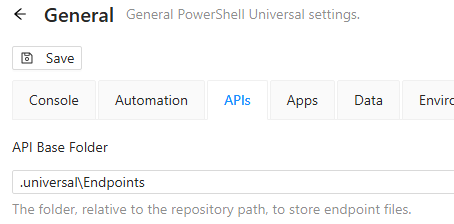
Reproduce:
1. Create an endpoint to a file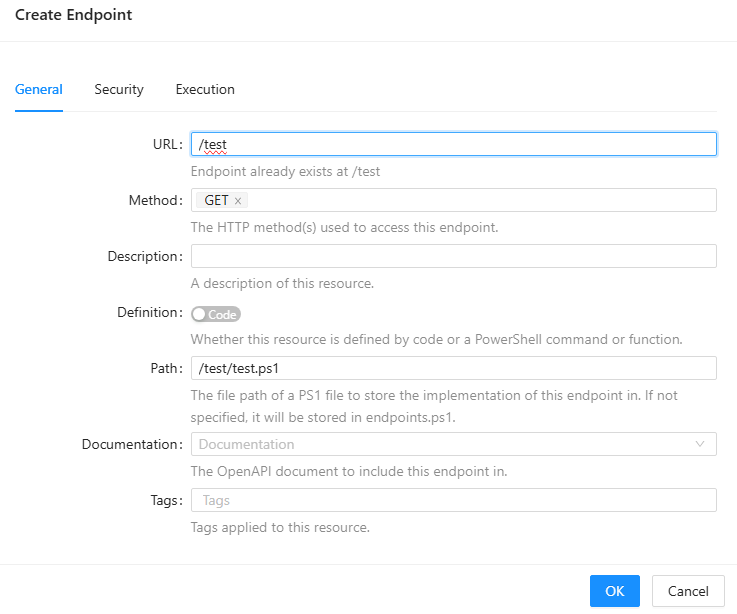
2. edit code in editor, save any change, then click "Edit Endpoint Properties" 3. edit the Execution role and hit "OK"
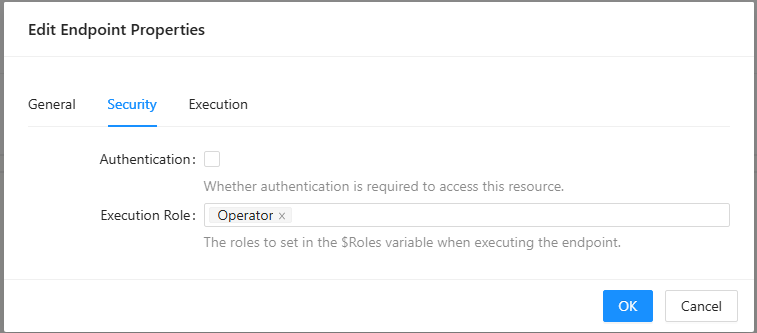 4. reload the page or enter the code editor again and the code is cleared.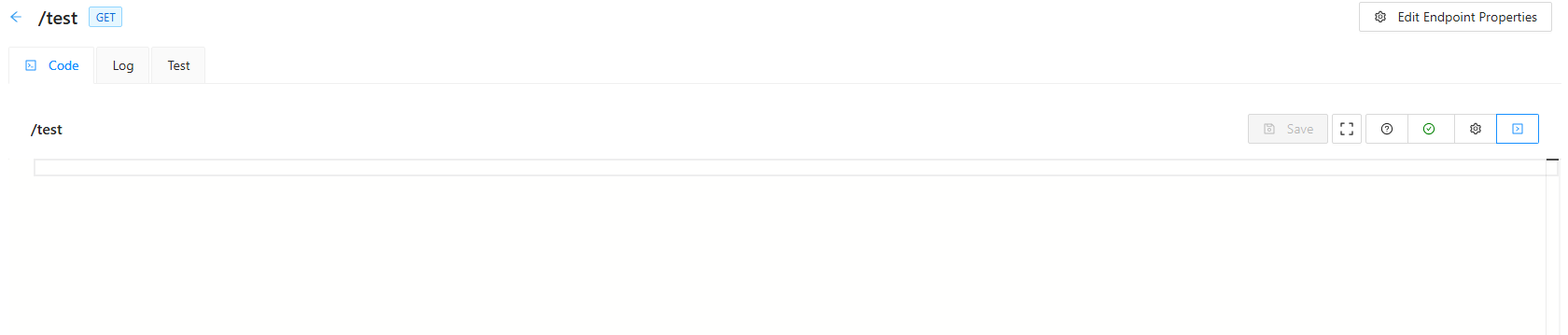
Something apparently overwrites the codebase/file when editing properties in the editor after making changes to the code and saving them.
This does only happen, when you made changes in the editor and saved them before editing the properties.
Hence if you did not made any changes to the code, before changing properties, or if you change and save something after editing the properties the file will stay populated.
48bc70a3-dead-4b56-a3c3-0c56bbc13bb3.png
4dc1c8a2-3a11-4631-9123-cfda5938fbec.png
3c0d7e8b-cc70-4b57-89b0-0938b2c213f0.png
55347d8e-bcc2-412a-b8a3-bcddd8f3fed7.png
fbc3e42a-1532-41d6-aebf-a5c9cee59ae7.png
All Comments (1)
@tools-sebi I've opened an issue for this. I'll make sure we get it into the next release milestone because it's pretty impactful.
Adam Driscoll
PowerShell Expert and Developer at Devolutions