Pester Tests

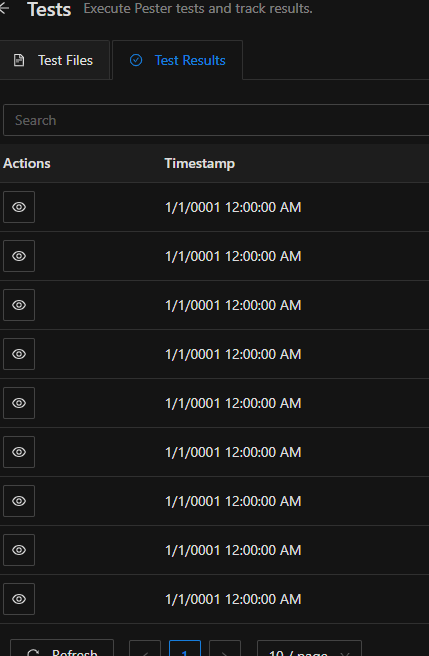
I have installed the latest version of pester
I cant seem to find anything in the logs around this. 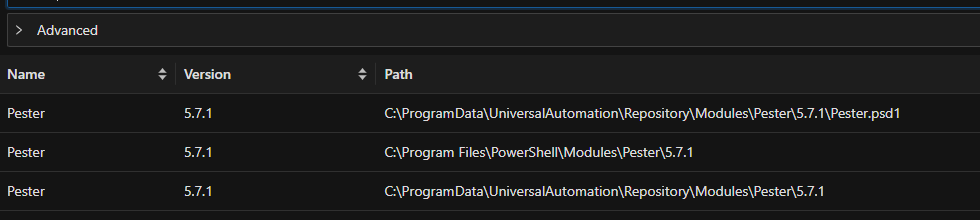
7f259c47-8ddc-4764-a36c-f33b6fcfaab9.png
e82ee179-8dbc-42bb-9851-49d7efa1be18.png
All Comments (10)
@michaelhanson1458 Were these test executions you ran and now they have the DateTime.MinValue or these are just popping up for no reason?
Adam Driscoll
PowerShell Expert and Developer at Devolutions
Good question. That is what happens when i just click on run "run test" next to the tests that show up in psu under PowerShell Universal | Tests
@michaelhanson1458 - I moved this topic to Devolutions PowerShell Universal. There is also a Devolutions PowerShell, which is different.
I tried this myself and I don't see that behavior. I am also using Pester 5.7.1. 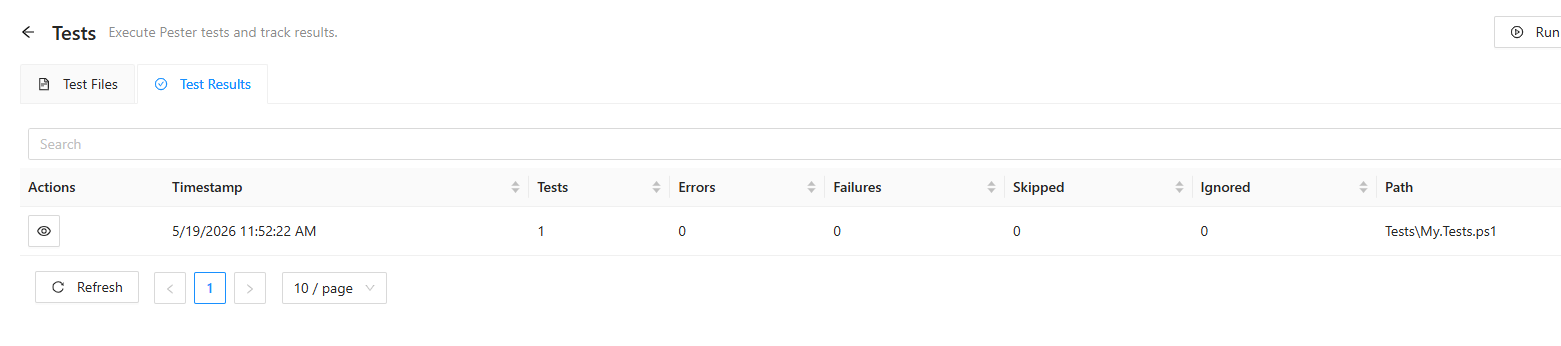
What I do see is, is the test page not reload after I run it. 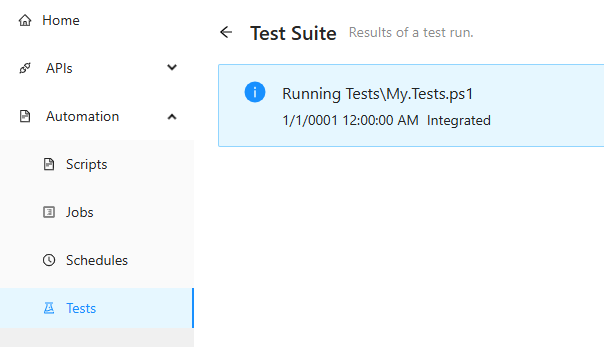
I had to press F5 to get that to happen. 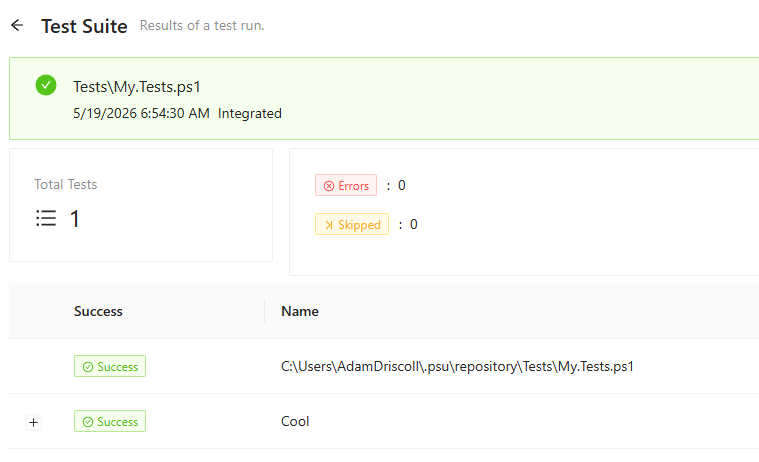
If you view an individual test run, does it look like my first one? I wonder if there is some error happening and it's not reporting properly.
Adam Driscoll
PowerShell Expert and Developer at Devolutions
d4a2ede5-0004-456f-ac8a-e428379ef5b8.png
e3e84356-cf95-491e-8f69-8dc84eb4c1f7.png
895c6e14-ee8e-4c75-9909-ea7bedac98e8.png
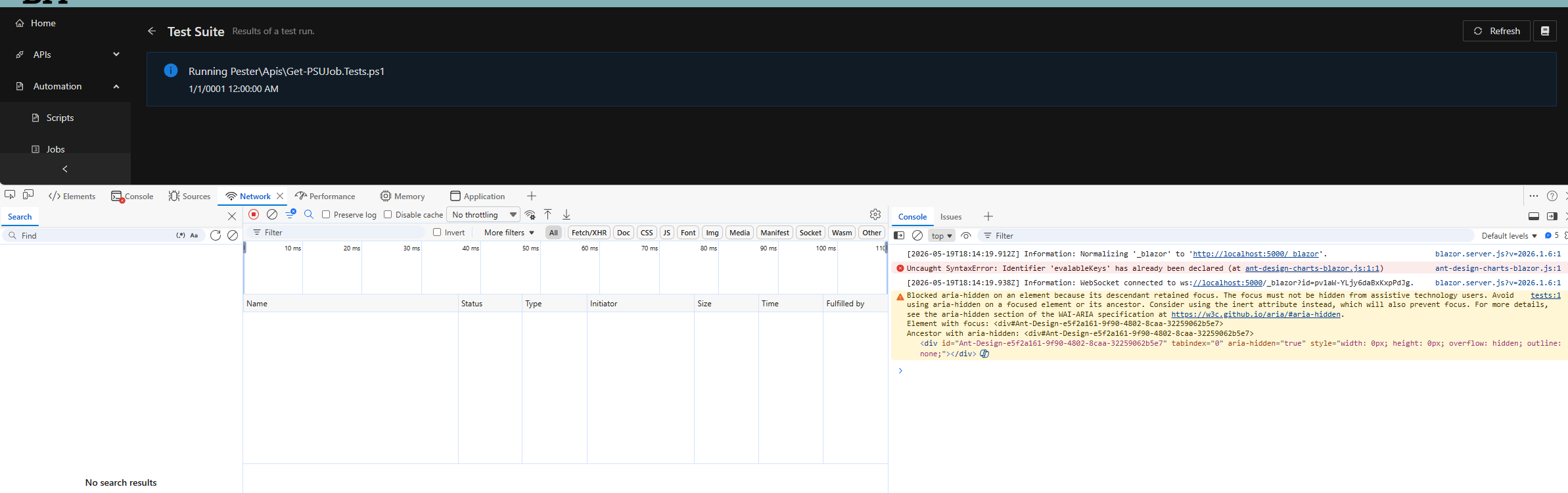
I am not seeing anything when looking at the individual test results. Not seeing in the console either.
After refreshing the page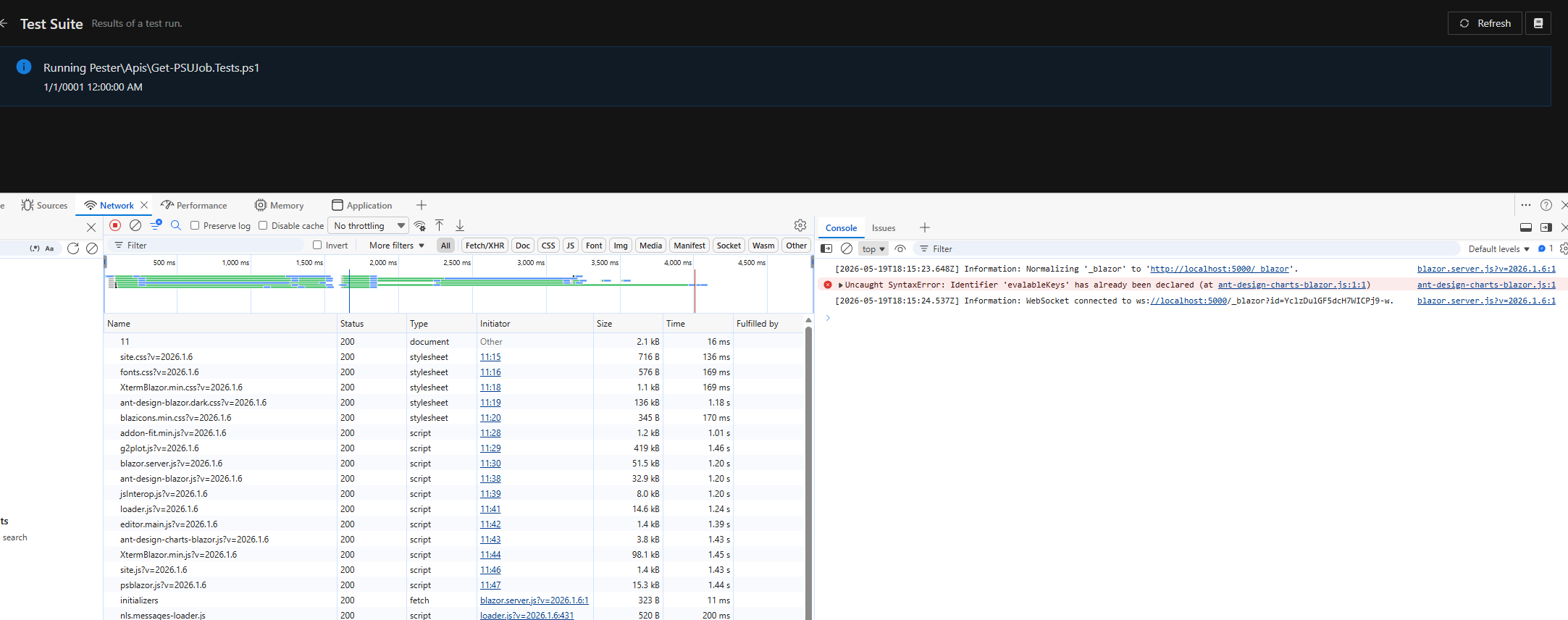
b6541b45-4fdf-49ef-8451-9df82b372e83.png
4221dfc6-4a93-4a60-9315-382c020c2567.png
@michaelhanson1458 Interesting. Do you have a pretty robust set of tests or are these just place holders? Is it something you could share? I'm was running a simple placeholder test suite. Something like this.
Describe "Cool" {
   It "works" {
       $true | Should -be $true
   }
}
Adam Driscoll
PowerShell Expert and Developer at Devolutions
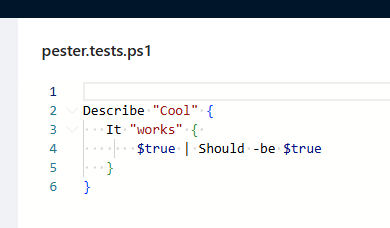
so i just created a new script "pester.tests.ps1" with the following
Describe "Cool" {
   It "works" {
       $true | Should -be $true
   }
}
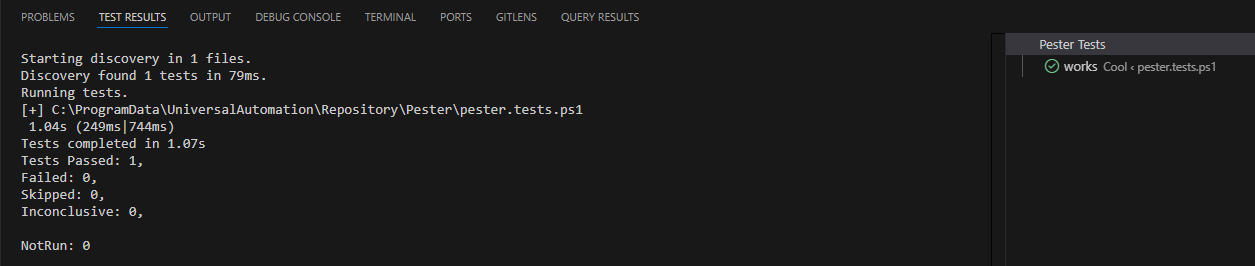
then navigated back to the tests area and found my file and ran it and getting the same results 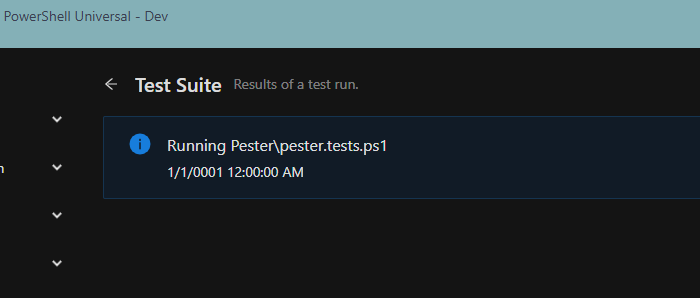
fa9d04aa-3703-465c-af78-399abb49dda8.png
14de7fe2-778a-41f9-a4af-9c5be1263f75.png
1f6897e6-1ad7-4256-9a72-645cc7b6ef23.png
@michaelhanson1458 Are you using SQL? I think we may have just had a PR go in for this, but looks like it wasn't affecting SQLite and that's what I was trying with.
Adam Driscoll
PowerShell Expert and Developer at Devolutions
This is my dev environment and i am using sqlite.
{
"Authentication": {
	"SessionTimeout": 480
    },
  "Api": {
    "SecurityModel": "Integrated",
    "TrustCertificate": true
  },
  "UniversalAutomation": {
    "Queues": [],
    "JobHandshakeTimeout": 30,
    "JobDebugging": false,
    "ContinueJobOnServerStop": false,
    "HangfireWorkerCount": 100
  },
  "Kestrel": {
    "Endpoints": {
      "HTTP": {
        "Url": "http://*:5000"
      }
    }
  },
  "Plugins": [
    "SQLite"
  ],
  "Data": {
    "RepositoryPath": "%ProgramData%\\UniversalAutomation\\Repository",
    "ConnectionString": "Data Source=%ProgramData%\\UniversalAutomation\\database.db"
  },
  "Mode": "Server",
  "PSUTelemetry": false
}
Bummer. Ok. We will continue to investigate.
Adam Driscoll
PowerShell Expert and Developer at Devolutions