Error 404 not found

Hi,
We have been running PSU via docker and we have an issue with editing pages in ‘apps’. We get a 404. We had played a lot with our instance and thought maybe we broke something along the way.
Decided to spin up a brand new one (docker still)
Latest version of PSU: 5.6.9
Create new app → Create new page → 404 not found when clicking edit page code.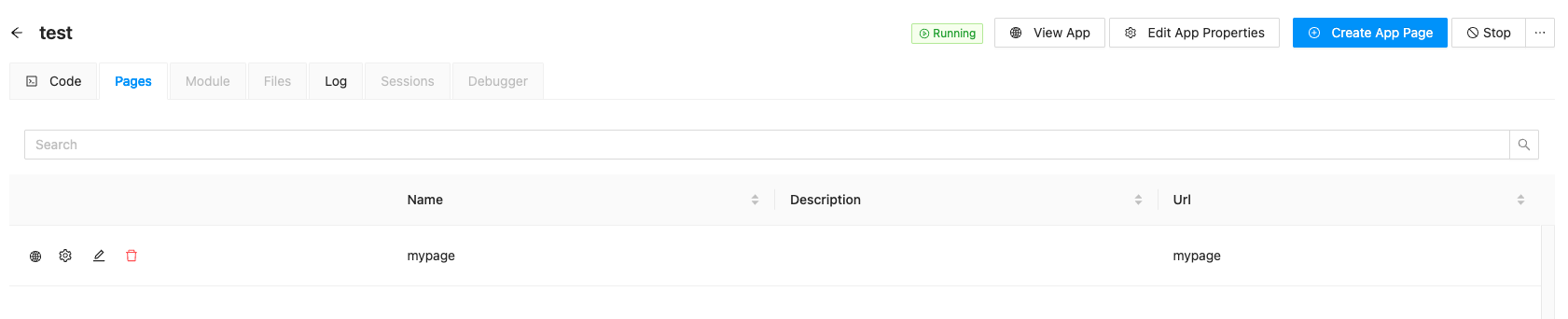
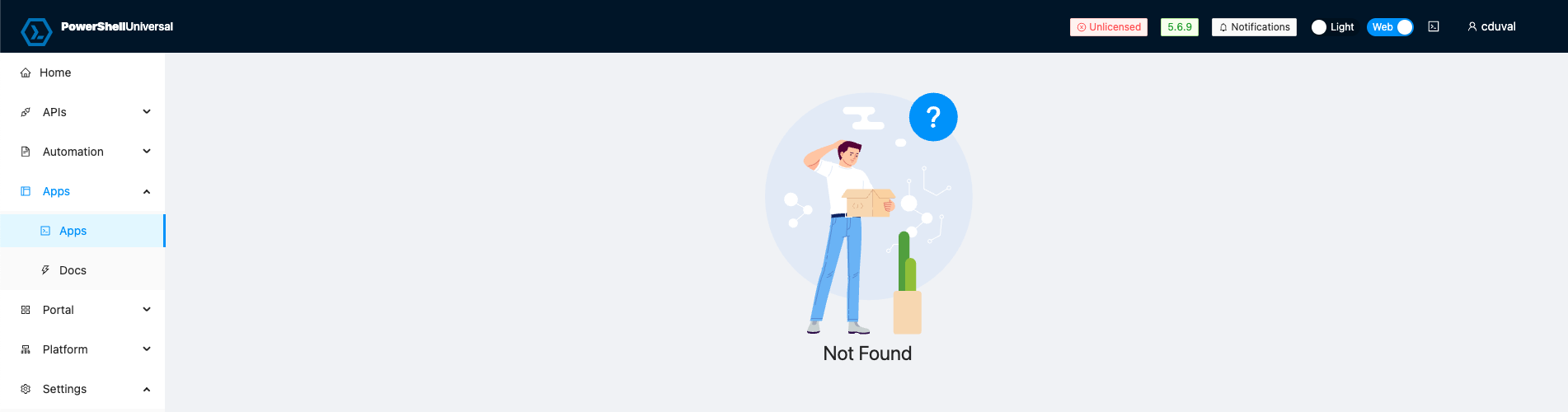
Please help us troubleshooting this.
Thank you
530055b28bc37d9d03a4443416fc4aacc374bb91.png
afe74ebac23625666177e50d1f2b61d1f31503d2.png
All Comments (1)
old bug still not fixed:
Product: PowerShell Universal Version: 5.6.7 Anyone using the docker container on a Linux host? I am not able to edit an app page from the web interface. I can see the page but see this when I choose edit. 
I can create the page from the web but not edit. I have to edit the files directly or with the VScode extension.
1aafad31769b1d7df16146552005bf89ff03f317.png