Properly update AZ modules

Product: PowerShell Universal
Version: 5.6.8
How would I properly update AZ modules ?
From the cmd line I get:
WARNING: Version ‘11.5.0’ of module ‘Az’ is already installed at ‘C:\Program Files\WindowsPowerShell\Modules\Az\11.5.0’. To install version ‘14.5.0’, run Install-Module and add the -Force parameter, this command will install version ‘14.5.0’ side-by-side with version ‘11.5.0’.
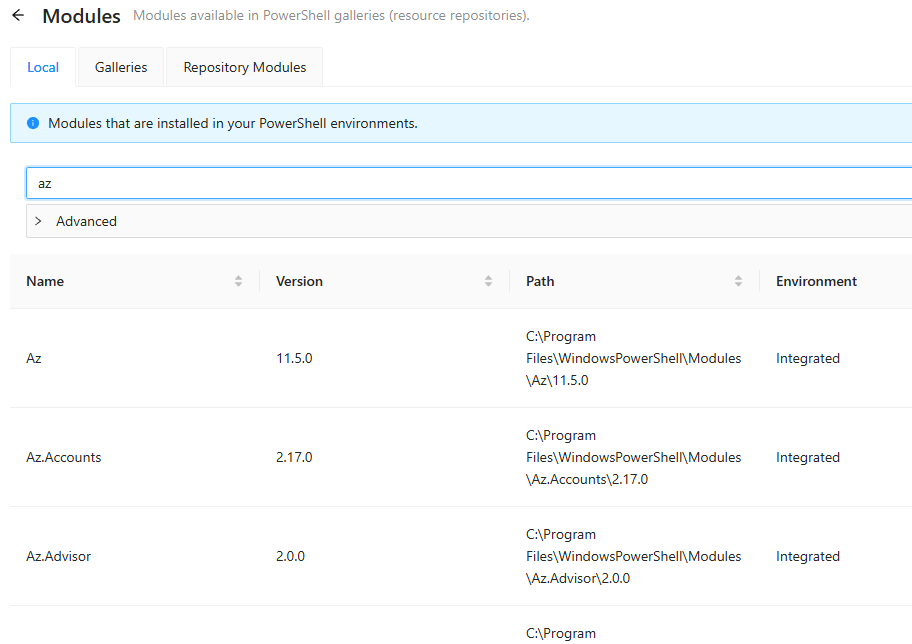
In PSU I see:
Does “integrated” mean that those came with PSU?